Nail salon menu design is one of the quietest sales tools in your salon. A clear menu answers "how much is a gel fill?" before anyone asks, helps first-time clients choose without feeling rushed, and reminds regulars that nail art, paraffin dips and cuticle care exist. A cluttered menu with tiny type, vague names and outdated prices does the opposite: clients hesitate, the front desk answers the same questions all day, and add-ons rarely sell.
This guide covers how to design a nail salon menu that works on the wall, on the table and online: organizing services into categories, naming and describing them, showing prices, durations and add-ons, designing layouts that read from across the room, choosing materials, writing bilingual menus and keeping prices consistent with your POS, website and Google profile.
In this article
- What a good salon menu does
- Organize services into clear categories
- Name services so clients understand them
- Show prices clearly
- Show durations
- Highlight add-ons without pressure
- Design for distance and phones
- Choose the right format and material
- Write descriptions in the client's language
- Bilingual menus
- Keep prices consistent everywhere
- Design details that look professional
- A menu layout that works
- Menus for different salon styles
- Seasonal and promotional inserts
- QR codes on printed menus
- Psychology of choices, used honestly
- Photos: when they help and when they clutter
- Accessibility and comfort
- Kids, men's and special services
- Payment notes and policies
- Working with a designer and printer
- Prices at every station
- Updating prices without reprinting everything
- Measure whether the new design works
- Tips for the front desk
- Proofreading before printing
- Mistakes to avoid
- How Dreamer helps
- Frequently asked questions
What a good salon menu does
- Answers prices instantly, so clients feel comfortable.
- Guides choices, from a basic manicure to a full spa pedicure.
- Sells add-ons gently: nail art, chrome, French tips, paraffin, extended massage.
- Saves front desk time.
- Matches your brand, so it feels part of the salon, not an afterthought.
Organize services into clear categories
Group services the way clients think:
| Category | Typical services |
|---|---|
| Manicures | Classic, gel, deluxe, kids |
| Pedicures | Classic, spa, deluxe, gel pedicure |
| Enhancements | Acrylic full set and fill, dip powder, hard gel, structured gel |
| Nail art and extras | French, chrome, cat eye, hand-painted art, gems |
| Add-ons | Paraffin, callus treatment, extra massage, removal |
| Waxing and other services | Brows, lip, lashes if offered |
| Packages | Mani and pedi combos, bridal, mother and daughter |
Put the most popular category first, usually manicures or pedicures, and keep each category short enough to scan.
Name services so clients understand them
Creative names can add personality, but clients should never guess. Use a clear name first, with a short description:
- "Spa Pedicure: soak, scrub, mask, hot towel and 10-minute massage."
- "Structured Gel Manicure: builder gel for strength and a natural look."
- "Dip Powder Full Set: durable color without a lamp, lasts two to three weeks."
If you use names like "Signature Royal Pedicure", explain what makes it different from the regular spa pedicure in one line.
Show prices clearly
- One price per service, or a clear range with what changes it ("Nail art from $5 per nail").
- Add-on prices next to the services they belong to.
- Removal prices stated, not surprised at checkout.
- Packages with the combined price.
- "Prices may vary" only where it is genuinely needed, explained in a short note.
Clear prices build trust and reduce awkward conversations at checkout. When a client knows the total before the service starts, she relaxes, enjoys the visit and is more likely to add something she sees she can afford. Our guide on how to price nail services covers how to set the numbers themselves.
Show durations
Adding approximate durations, such as "about 45 minutes", helps clients plan and helps the front desk book correctly. It also explains price differences between similar services.
Highlight add-ons without pressure
Add-ons raise the average ticket when clients see them at the right moment:
- Place them right under the related service, not in a separate corner.
- Use a small, consistent style for add-on lines.
- Show a few popular nail art examples with prices.
- Train technicians to mention one add-on naturally during the service.
Design for distance and phones
A wall menu is read from several feet away; a table menu is read up close; a phone menu is read on a small screen.
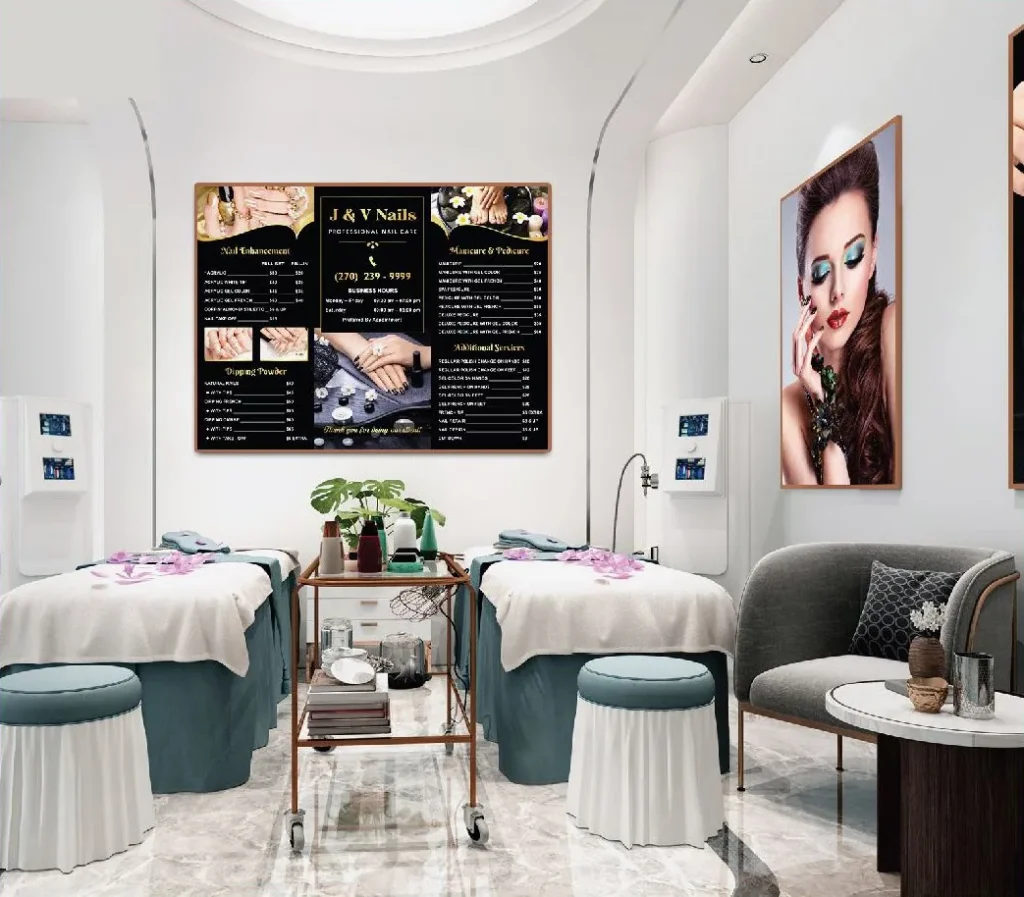
- Wall menus: large type for categories and prices, high contrast, generous spacing, no more than two fonts.
- Table menus and brochures: smaller type is fine, but keep at least comfortable reading sizes and clear sections.
- Online menus: real text, not images, so clients and search engines can read them.
Test a draft by printing it at full size and reading it from where clients actually sit or stand. Ask someone who has never seen it to find the price of a gel pedicure with French tips; if it takes more than a few seconds, simplify the layout before you print the final version.
Choose the right format and material
| Format | Best for |
|---|---|
| Wall menu or framed price board | Seen by everyone at the counter and waiting area |
| Mirror or acrylic menu | Luxury look, easy to clean |
| Laminated table menus | Stations and waiting area, durable and wipeable |
| Leather-cover menu books | Spa-style salons with longer service lists |
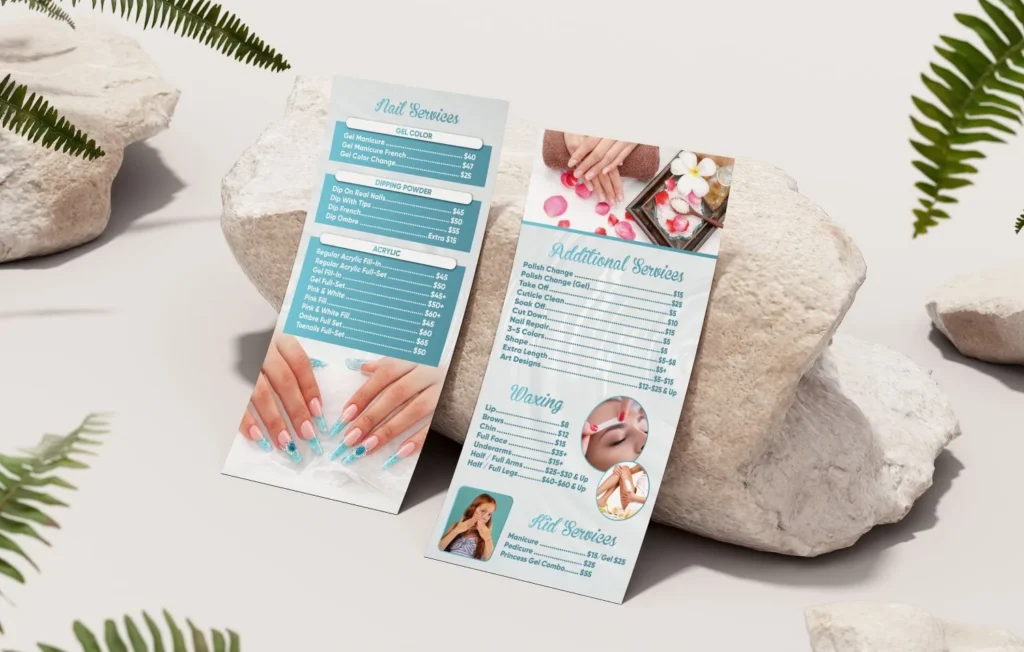
| Tri-fold brochure | Take-home menus and new client packets |
| Counter standee | Featured services and current offers |
| Website and QR code | Always current, readable on phones |
Dreamer prints wall menus, mirror-finish menus, laminated menus and brochures for salons.
Write descriptions in the client's language
Technical terms make sense to technicians but not always to clients. "Builder gel", "e-file manicure" and "Russian manicure" may need a plain explanation: what it is, what it feels like and how long it lasts. Use short sentences and words clients use when they ask questions at the desk. Read each description aloud: if it sounds like a sales brochure or a product label, rewrite it to sound like a friendly technician explaining the service in person.
Bilingual menus
Many salons serve clients who speak different languages and staff who prefer Vietnamese. A bilingual menu, English plus Spanish or Vietnamese where useful, helps everyone. Keep the layout clean: one language as the main line and the second smaller underneath, with prices shown once.
Keep prices consistent everywhere
Clients notice when the wall says one price, the website another and the POS a third. Keep one master price list and update every place at the same time:
- Wall and table menus.
- Website and online booking.
- POS services and add-ons.
- Google Business Profile services, which you can edit in your profile; Google's help explains how to edit your Business Profile.
Our guide on how to raise prices at a nail salon covers communicating changes to clients.
Design details that look professional
- Use your logo, brand colors and fonts.
- Align prices in a neat column.
- Use dotted leaders or spacing to connect services and prices.
- Keep plenty of white space.
- Use real photos of your work sparingly, only where they help.
- Avoid clip art, mixed fonts and crowded borders.
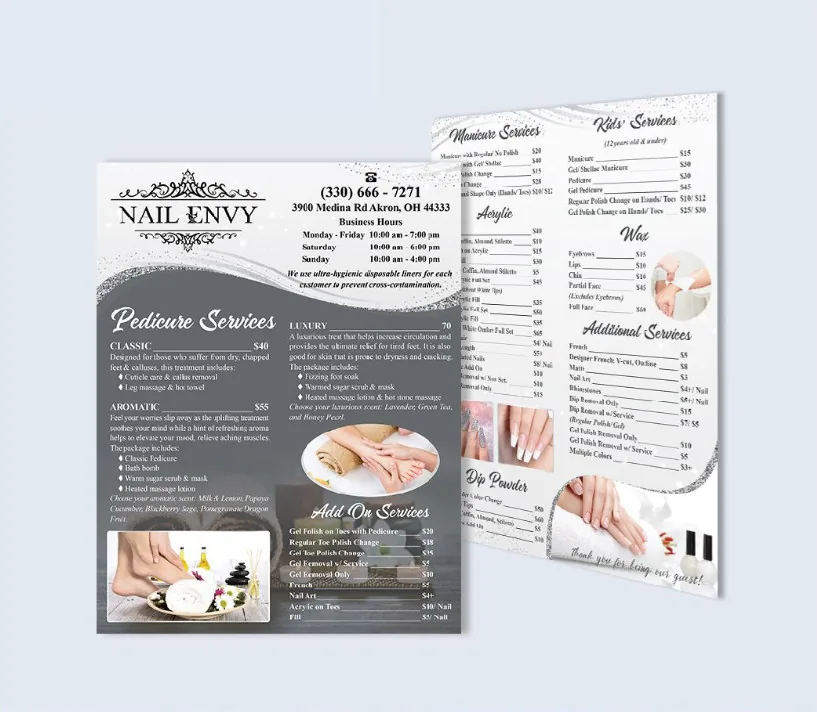
A menu layout that works
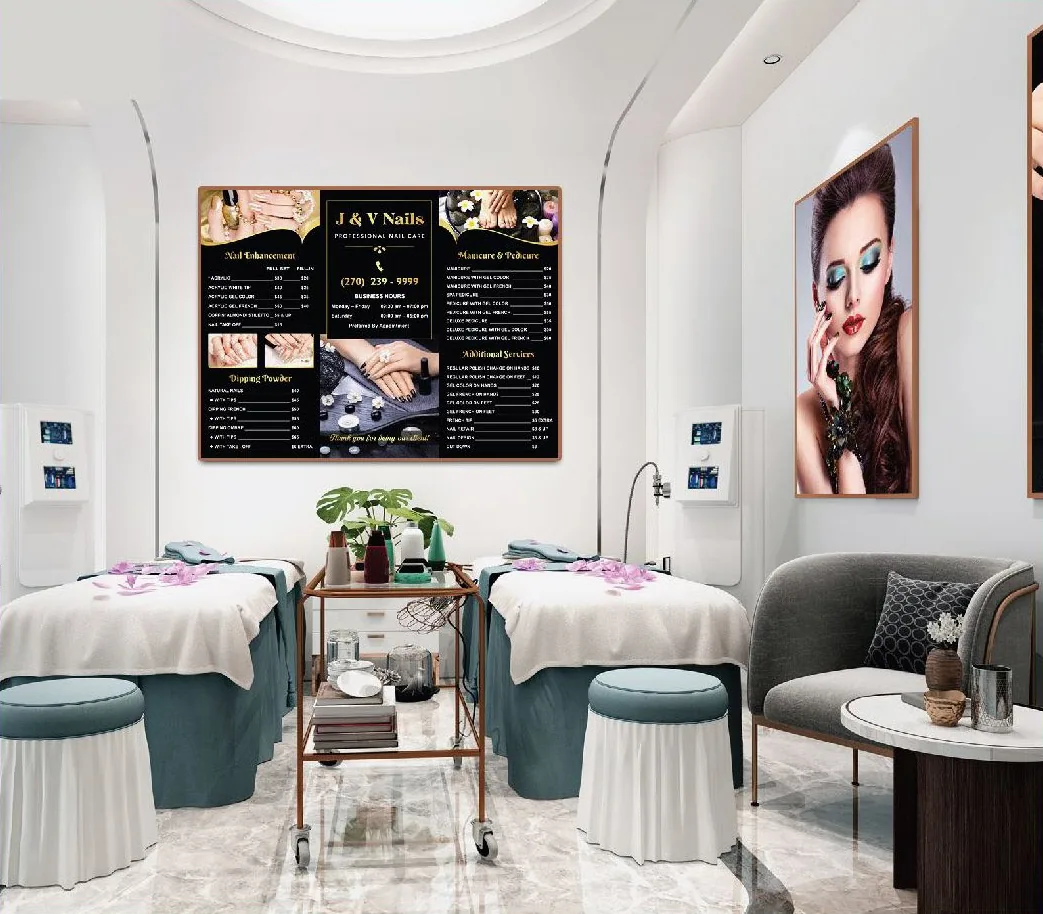
A simple structure that suits most wall menus:
- Logo and salon name at the top, small.
- Manicures and pedicures side by side, the most requested services.
- Enhancements below: acrylic, dip, gel, with full set and fill prices.
- Nail art and add-ons in a narrow column or box.
- Packages highlighted in a soft color block.
- Small notes at the bottom: removal, kids' services, payment methods.
Read from left to right and top to bottom, the menu follows the questions clients ask, in order.
Menus for different salon styles
- Luxury nail spa: fewer services with richer descriptions, elegant type, mirror or leather formats.
- Busy neighborhood salon: many services, clear grids, large prices, laminated table menus for quick choices.
- Nail art studio: photos of signature styles, art priced by level or per nail, a separate art menu.
- Kids-friendly salon: a small kids' section with fun names and simple prices.
Your menu should feel like your salon. A luxury spa with a crowded price grid sends a mixed message; so does a fast walk-in salon with a ten-page leather menu.
Seasonal and promotional inserts
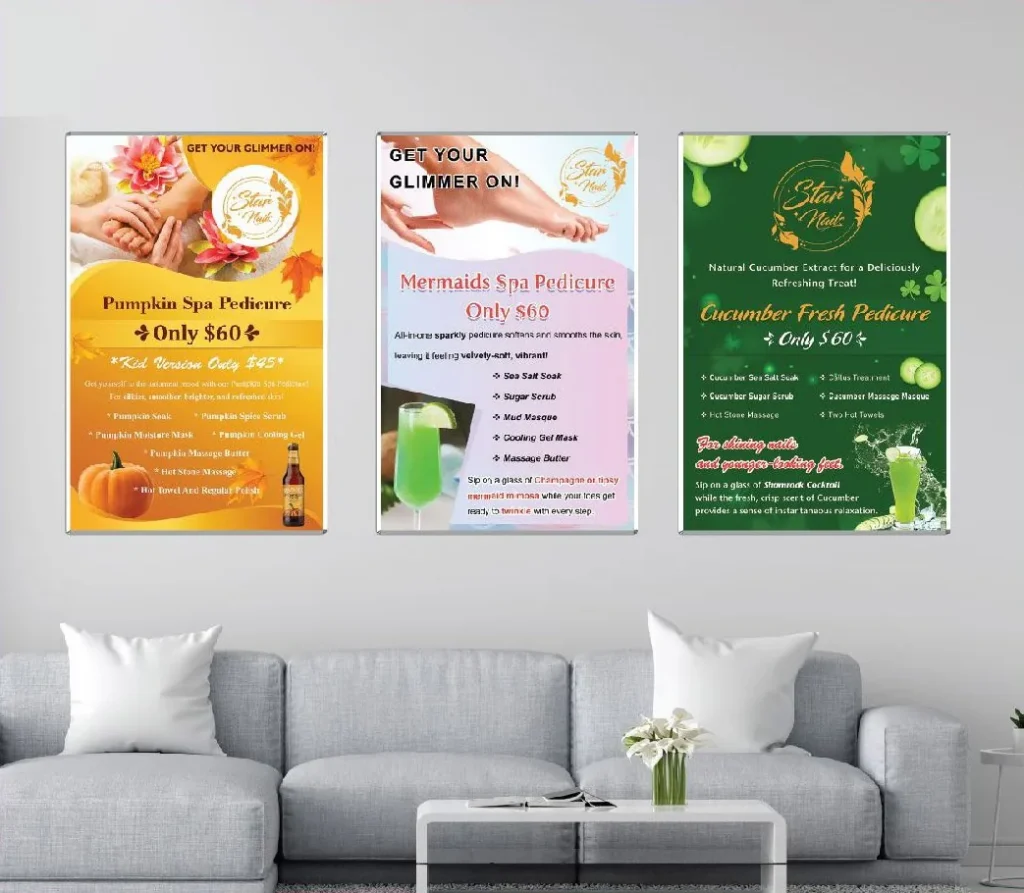
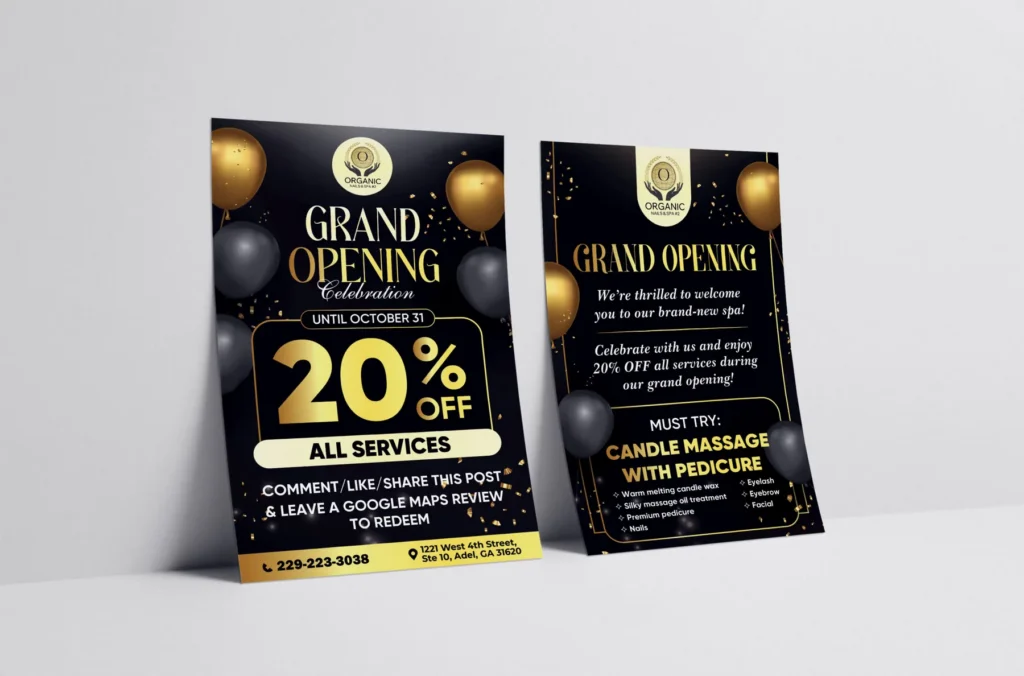
Keep the main menu stable and use small inserts or counter standees for seasonal services and offers: holiday nail art collections, summer pedicure specials, gift certificate promotions. Inserts can change without reprinting the whole menu, and they draw attention because they are new.
QR codes on printed menus
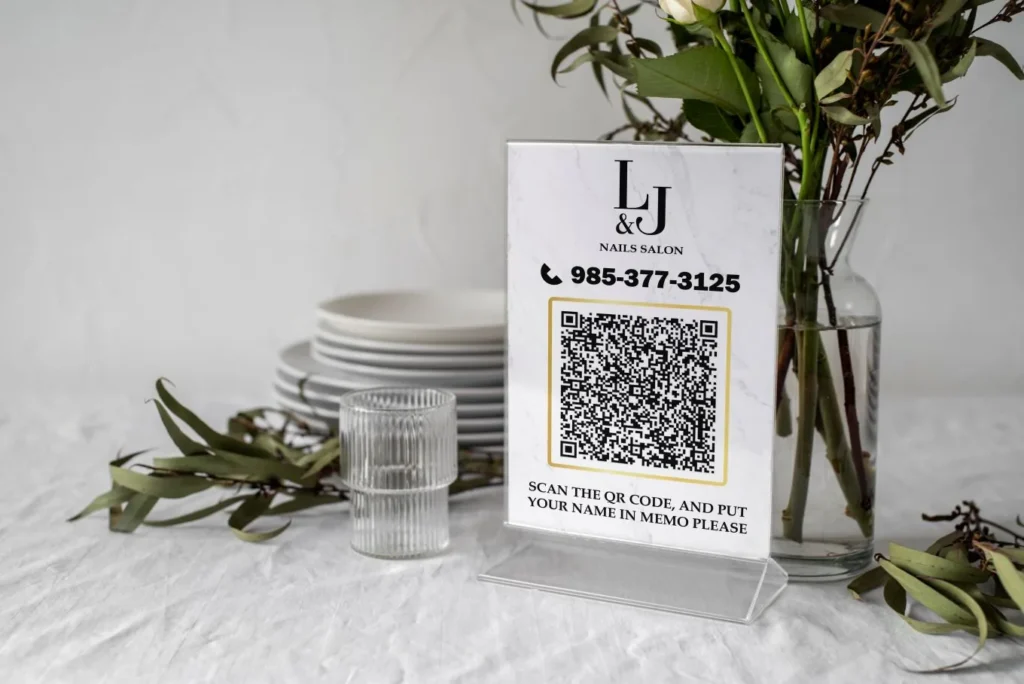
A small QR code on the table menu or wall menu can open your online menu, booking page or gift certificate page. Keep the code large enough to scan easily, add a short line saying what it opens and test it before printing. Our guide to QR codes for salons covers placement and tracking.
Psychology of choices, used honestly
How services are arranged affects what clients choose, and it should help them, not trick them:
- Three levels of a service, such as classic, spa and deluxe pedicure, let clients pick comfortably; many choose the middle option when the differences are clear.
- Describe what each level adds, so the higher price feels earned: extra time, a mask, hot stones, longer massage.
- Bundle popular pairs into packages with a modest saving.
- Avoid fake "was" prices or invented discounts; they damage trust when clients notice.
Honest structure sells more over time than clever tricks, because clients feel respected.
Photos: when they help and when they clutter
A few photos can make premium services and nail art easier to understand: a chrome set, a French ombré, a spa pedicure setup. Too many photos turn a clean list into a collage that is hard to read. Use photos of your own work only, keep them small and consistent, and place them near the services they show. For larger galleries, point clients to your Instagram or website with a QR code.
Accessibility and comfort
Clients of every age read your prices, some without their glasses. Use generous type sizes, high contrast between text and background, and avoid thin script fonts for prices. Leave space between lines so the eye can follow from service to price. If you post prices online, keep them as real text so screen readers can read them aloud.
Kids, men's and special services
If you offer kids' manicures, men's grooming or services for clients with sensitive skin, give each a small, clear section. Families appreciate seeing kids' prices without asking, and men are more likely to book when they see services described for them, such as a "men's manicure: shaping, cuticle care, buff, no polish".
Payment notes and policies
A short line at the bottom of the price list can prevent misunderstandings: accepted payment methods, gift certificates welcome, tipping options, cancellation and late policies for appointments. Keep it brief and friendly; detailed policies belong on your website and in booking confirmations.
Working with a designer and printer
Share your full list of services, prices, add-ons and packages in a spreadsheet, plus your logo files, brand colors and photos. Ask for a proof at actual size, check it carefully and approve only when every detail matches your POS. Ask about materials, finishes and how the pieces will be mounted or displayed. A clear brief and a careful proof are the difference between a price list you love for years and one you reprint next month.
Prices at every station
Clients often decide on add-ons while sitting at the station, not at the front desk. A small laminated card or acrylic stand at each manicure table and pedicure chair, with add-ons, nail art examples and current seasonal services, lets clients choose without interrupting the technician. Keep these cards consistent with the main price board and replace them when prices change.
Updating prices without reprinting everything
Prices change, and reprinting a large board every time is costly. Plan for updates from the start:
- Design the board in sections, so one panel can be replaced.
- Use frames or acrylic holders that let you swap printed inserts.
- Keep seasonal services on separate inserts.
- Store the original design files so updates take minutes, not days.
When prices rise, update the board, the website, the booking system and the POS on the same day, and train the team to explain the change calmly.
Measure whether the new design works
After introducing a new price list, watch a few signs for a month:
- Fewer price questions at the front desk.
- More add-ons and upgrades per ticket in your POS reports.
- More package sales.
- Fewer surprised reactions at checkout.
If add-ons do not move, try placing them closer to the main services or adding one or two photos. Small changes in layout often make a visible difference.
Tips for the front desk
Even the clearest board works better with a friendly guide. Train the desk to welcome first-time clients with a quick tour of the price list: the most popular services, the difference between classic and spa pedicures, and current offers. Thirty seconds of explanation helps nervous clients choose confidently and often leads to an upgrade they are happy with.
Proofreading before printing
Print mistakes are expensive. Before approving the proof:
- Check every price against the POS.
- Check spelling of every service and add-on.
- Confirm phone number, address and website.
- Read the menu aloud with a team member.
- Print a test page at full size and check it from a distance.
Two people checking catch what one person misses.
Mistakes to avoid
- Tiny type on wall menus.
- Vague service names with no descriptions.
- Hidden add-on and removal prices.
- Outdated prices crossed out by hand.
- Too many fonts and colors.
- A menu online only as a photo.
How Dreamer helps
Dreamer's design and printing team designs nail salon menus that match your brand, read clearly from a distance and fit your services and prices, then prints them as wall menus, mirror menus, laminated table menus or brochures. We also make sure the same menu appears on your website and Google profile.
Frequently asked questions
What should a nail salon menu include?
Service categories, clear names with short descriptions, prices, durations, add-ons, packages and any notes about price ranges.
Should prices be shown on the wall?
Yes. Visible prices build trust and save time at the front desk.
How many fonts should a menu use?
One or two: one for headings and one for services and prices.
How do I make add-ons sell?
Place them right under the related services with clear prices, and have technicians mention them naturally.
What material lasts longest for salon menus?
Acrylic, mirror-finish and laminated menus are durable and easy to clean.
How often should I update my menu?
Whenever prices or services change, and review it at least once a year.
Nail salon menu design is about clarity first and beauty second, and the best menus achieve both. Organize services the way clients think, explain them simply, show every price including add-ons, design for the distance at which the menu is read, keep it consistent with your POS and website, and update it the day anything changes. A great menu sells quietly all day long.