QR codes for salons are one of the cheapest ways to turn something printed into something a client can act on right away. A walker reads your door at 8 p.m., scans, and books for Saturday. A client at the front desk scans a stand and follows you on Instagram before her polish dries. A tourist scans the code on your business card a week later and finds you again. Each of those moments would otherwise depend on someone remembering your name and typing it correctly into a search bar.
QR codes only help when they are planned, though. A code that opens a slow homepage, a broken link or a PDF nobody can read on a phone wastes the scan and the client's patience. This guide covers twelve practical uses, where to place each code, where it should lead, how to print codes that scan every time, how to track results, and how to keep clients safe from fake codes.
In this article
- What QR codes can do for a salon
- Static vs dynamic QR codes
- Where to place QR codes in a salon
- Where each code should lead
- Designing QR codes that scan every time
- Always add a label and a backup address
- Landing pages that work on a phone
- Google review QR codes
- Payment QR codes
- Track scans and bookings
- Keep clients safe from fake QR codes
- QR codes for email and text sign-ups
- QR codes in restaurants and cafes
- Mistakes to avoid
- How Dreamer helps
- Frequently asked questions
What QR codes can do for a salon
A QR code is simply a link printed as a pattern. Modern phone cameras read it without a separate app, so the client points, taps and arrives. For a salon, these are the most useful destinations:
- Online booking: the most valuable code you can print, because it turns interest into an appointment.
- Google review form: a short link that opens the review box for your Business Profile.
- Instagram, TikTok or Facebook: so clients can follow your work and tag you.
- Service menu: a mobile page with services, prices and photos.
- Gift card shop: for clients buying a present at the last minute.
- Waitlist or check-in: a walk-in form that adds a client to the queue.
- Intake and consent forms: for lash, waxing, facial or permanent makeup services.
- Email or text sign-up: a form where clients agree to receive offers.
- Wi-Fi access: a code that connects guests to the guest network.
- Payment: a code for a payment app at the counter, used with care.
- Directions: your Google Maps listing, useful on flyers and event signs.
- Hiring: a short application form on a "Now hiring" sign.
You do not need all twelve. Most salons do well with three or four: booking, reviews, social media and the menu.
Static vs dynamic QR codes
There are two kinds of codes, and the difference matters once you have printed a thousand business cards.
| Static code | Dynamic code | |
|---|---|---|
| What it contains | The final web address itself | A short address owned by a QR service, which forwards to your page |
| Can you change the destination later? | No | Yes, in the service's dashboard |
| Scan counts | Not by itself | Usually included |
| Cost | Free | Often a monthly subscription |
| Main risk | Reprinting if the address changes | Codes can stop working if the subscription ends or the service closes |
The safest approach for most salons combines the strengths of both: create a static code that points to a short address on your own website, such as yoursalon.com/book or yoursalon.com/review. Your website forwards that address to the real destination. If you change booking systems next year, you update the forwarding on your site and every printed code keeps working, with no subscription that can expire. If you use a dynamic code service, read its terms carefully; some free trials deactivate codes when the trial ends, and you only find out when clients complain.
Where to place QR codes in a salon
On the door and windows
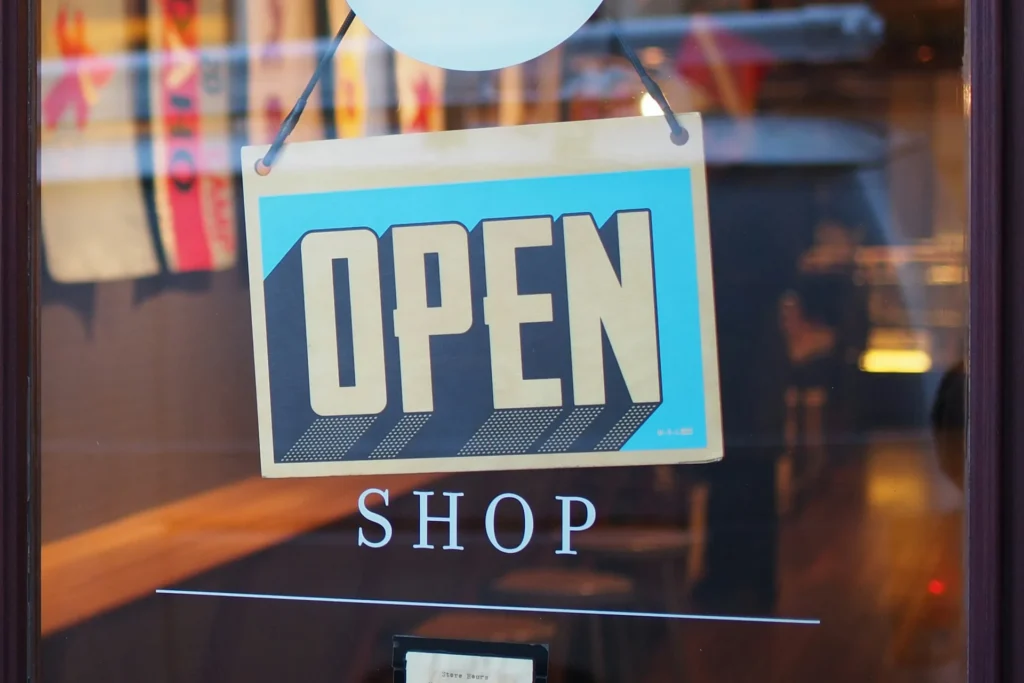
A door decal with your hours and a "Scan to book" code catches people after closing time, when they cannot ask anyone. Place the code at chest height, close enough to the glass edge that people can stand near it, and test it from outside in daylight and at night; glare and reflections can make codes on glass harder to scan. Our guide to salon window graphics covers layout and materials.
At the front desk
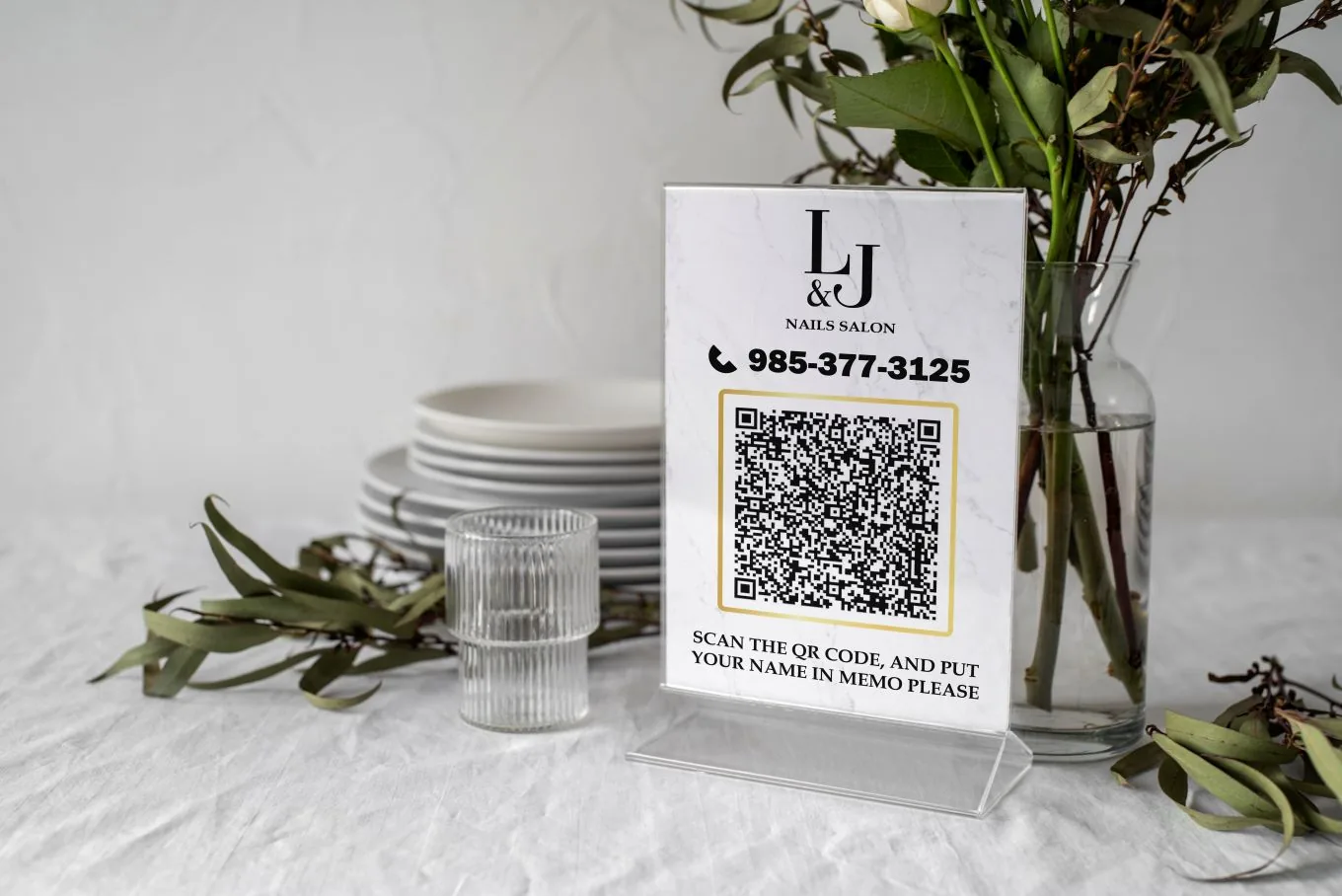
A small acrylic stand on the counter is the natural home for booking, review and social codes. Clients scan while they wait for checkout, and staff can point to it with a sentence instead of a sales pitch. Keep each code clearly labeled, and do not crowd more than two or three onto one stand.
At stations and mirrors
A small card at each station with "Book your next fill" works because the client is sitting with free time and a phone in hand. In lash and facial rooms, a code for aftercare instructions is more useful than a sales message.
On business cards and appointment cards
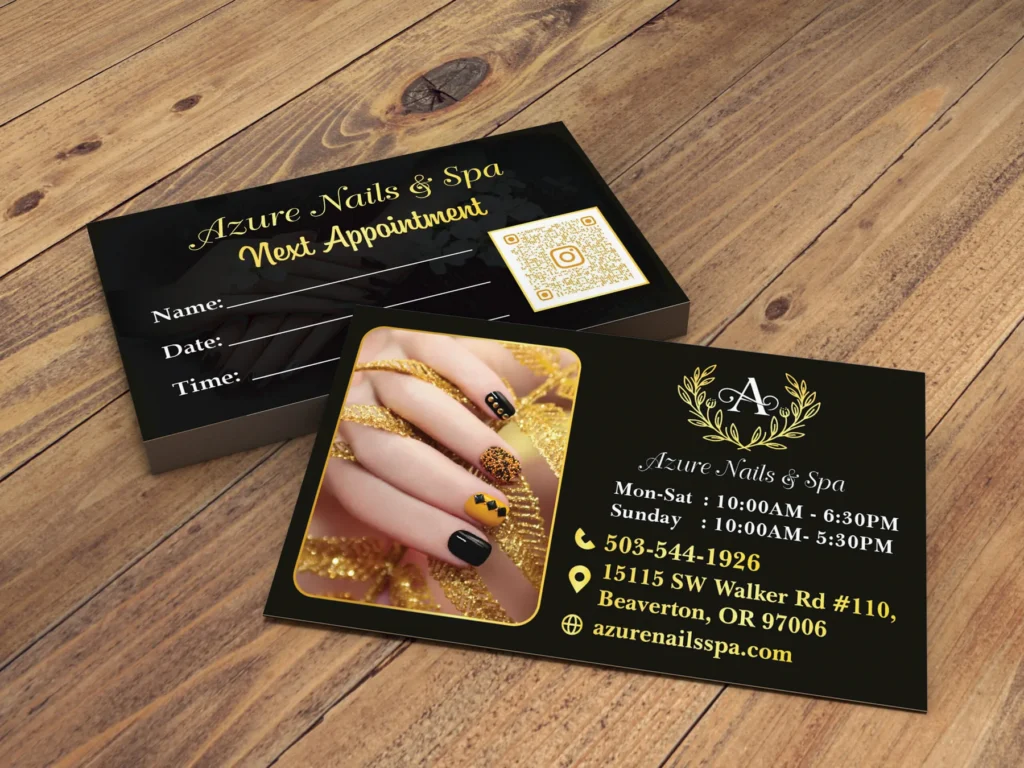
The back of a business card or appointment card is a good place for a booking code. A client who loses the card in a bag for two weeks can still rebook in seconds when she finds it.
On receipts, gift cards and memberships
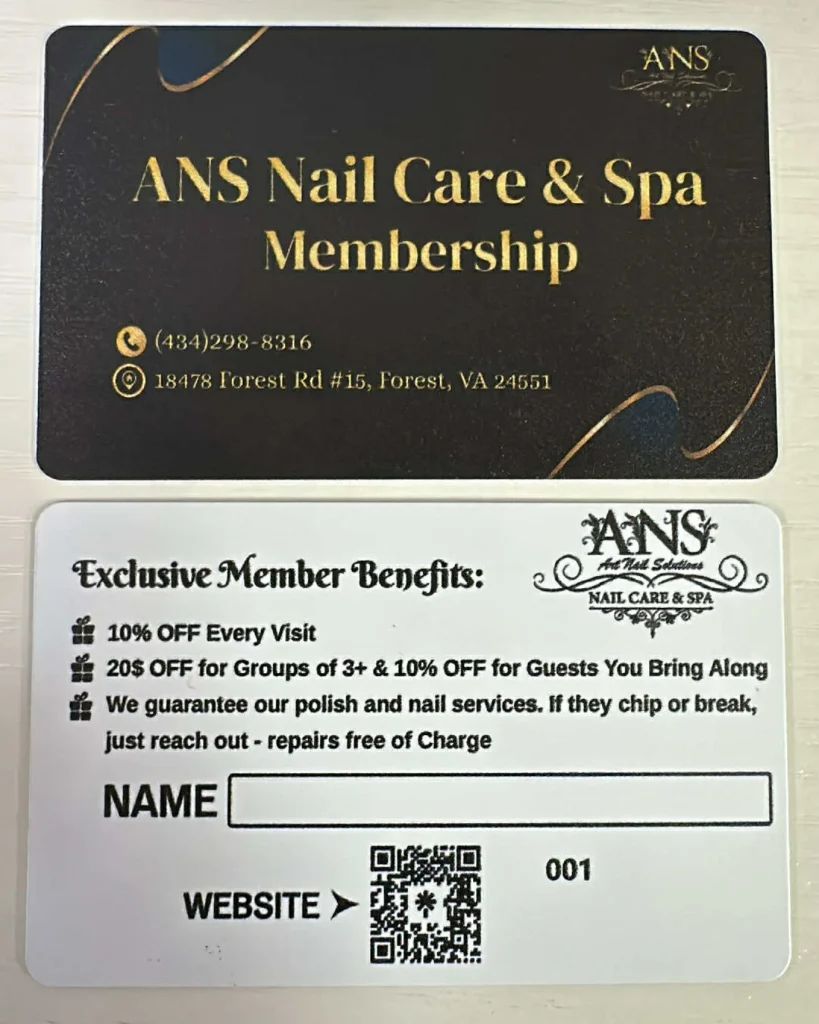
Gift cards and membership cards travel to new clients, so a code that opens your booking page or menu helps the recipient act on the gift. Plastic membership cards can carry a code that shows the member's benefits page.
On flyers, A-frames and event signs
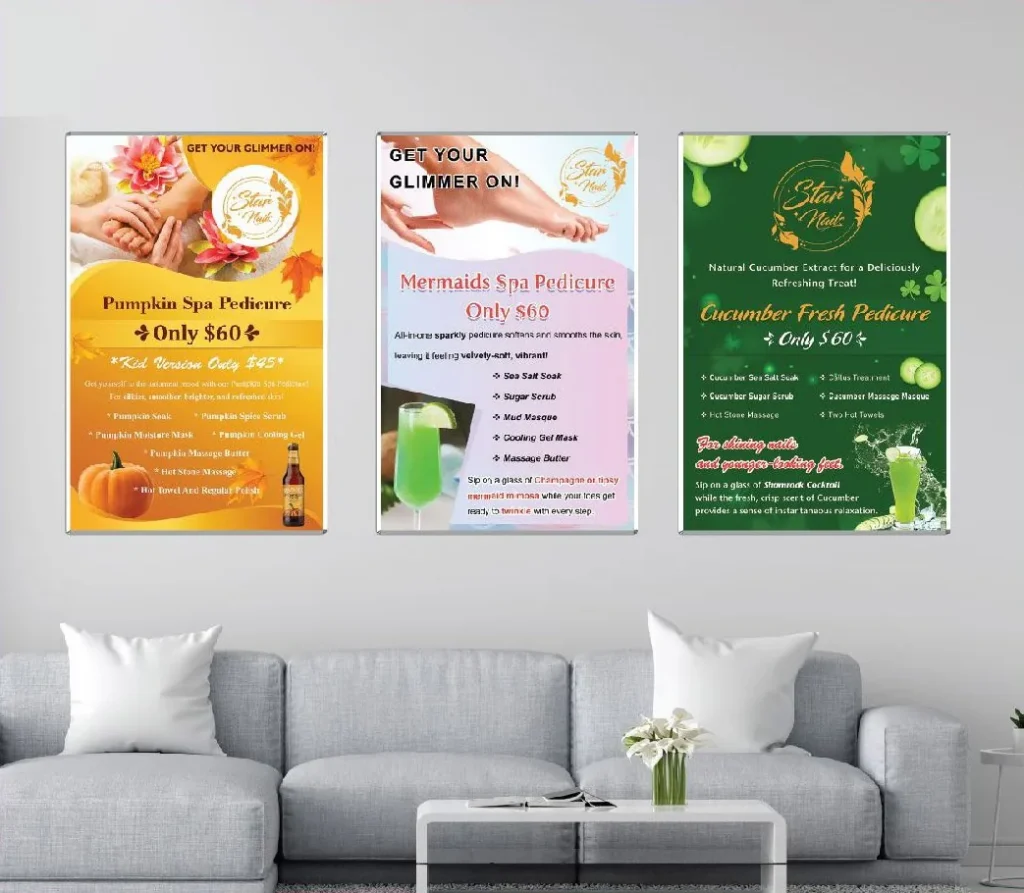
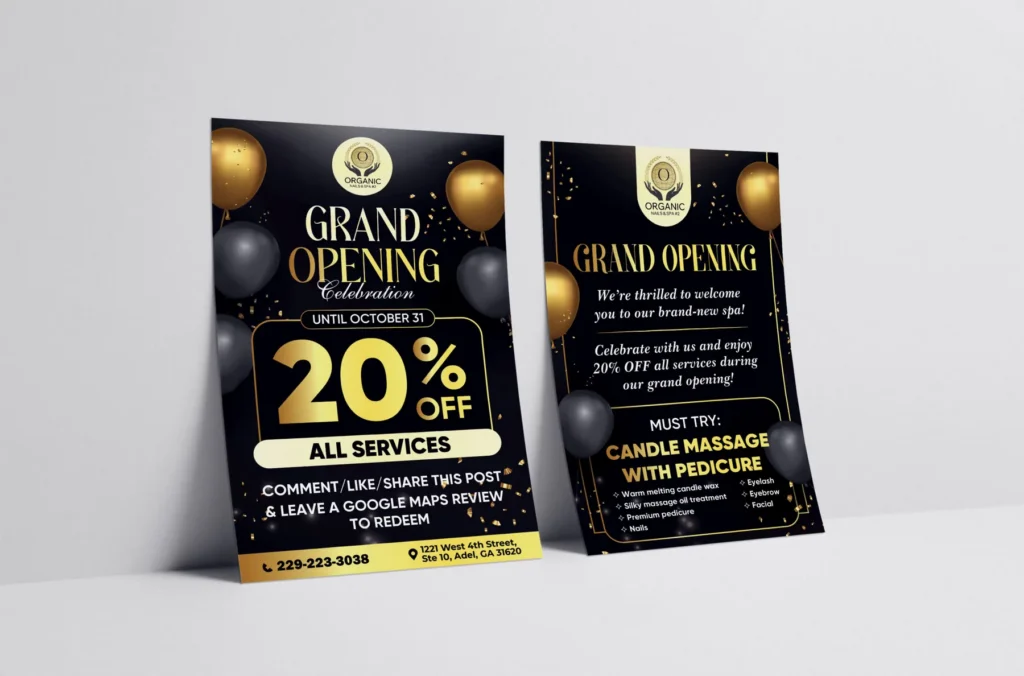
Flyers, door hangers and sidewalk signs reach people who have never visited. A code that opens a page with the offer described on the flyer converts better than one that opens your homepage. Our guide to nail salon flyers explains how to plan a flyer campaign, and our list of salon signage ideas shows where codes fit on signs around the salon.
Where each code should lead
The most common QR mistake is sending every scan to the homepage. A scan is a moment of intent: the client wants one specific thing, and the page should give it to them immediately.
| Placement | Label next to the code | Destination |
|---|---|---|
| Door decal | Scan to book | Booking page, opened on the services step |
| Front desk stand | Leave us a Google review | Your Business Profile review form |
| Front desk stand | Follow our work | Instagram or TikTok profile |
| Station card | Book your next visit | Booking page |
| Business card | Book online anytime | Booking page |
| Flyer | Claim this offer | A page describing the offer and how to use it |
| Gift card | See our services | Service menu page |
| Hiring sign | Apply in 2 minutes | Short application form |
Each label tells the client what will happen before they scan. People scan more readily when they know where a code goes.
Designing QR codes that scan every time
A QR code that fails once teaches the client not to try again. These rules keep scans reliable:
- Size. Print codes at least about 0.8 inch (2 cm) wide for close-range items such as business cards. For signs, a common rule of thumb is that the scanning distance should be no more than about ten times the width of the code, so a code read from 3 feet away should be roughly 3.5 inches wide.
- Quiet zone. Leave a clear margin around the code, about four squares wide on every side. Text or decorations touching the code confuse scanners.
- Contrast. Dark code on a light background. Brand colors are fine if they stay dark enough; pale pink, gold or light gray codes often fail. Avoid reversed codes, light squares on a dark background, which some older scanners cannot read.
- Short addresses. The longer the web address inside the code, the denser the pattern and the harder it is to scan when printed small. A short address on your own domain keeps the pattern simple.
- Logos with care. A small logo in the middle works only when the code uses high error correction and the logo covers a small area. Test it on several phones before printing.
- Flat, matte surfaces. Glossy lamination, curved cups and wrinkled banners reflect light or distort the pattern.
- Test before the full print run. Print one proof at actual size and scan it with an iPhone and an Android phone, in bright light and in dim light.
Always add a label and a backup address
A naked QR code, a black square with no words, gets ignored. Put a short action next to it: "Scan to book", "Scan for our menu", "Scan to review us on Google". Add the short web address underneath, such as yoursalon.com/book, for clients who cannot or prefer not to scan. That backup also helps accessibility: some clients use screen readers or older phones, and a typed address works for everyone.
Landing pages that work on a phone
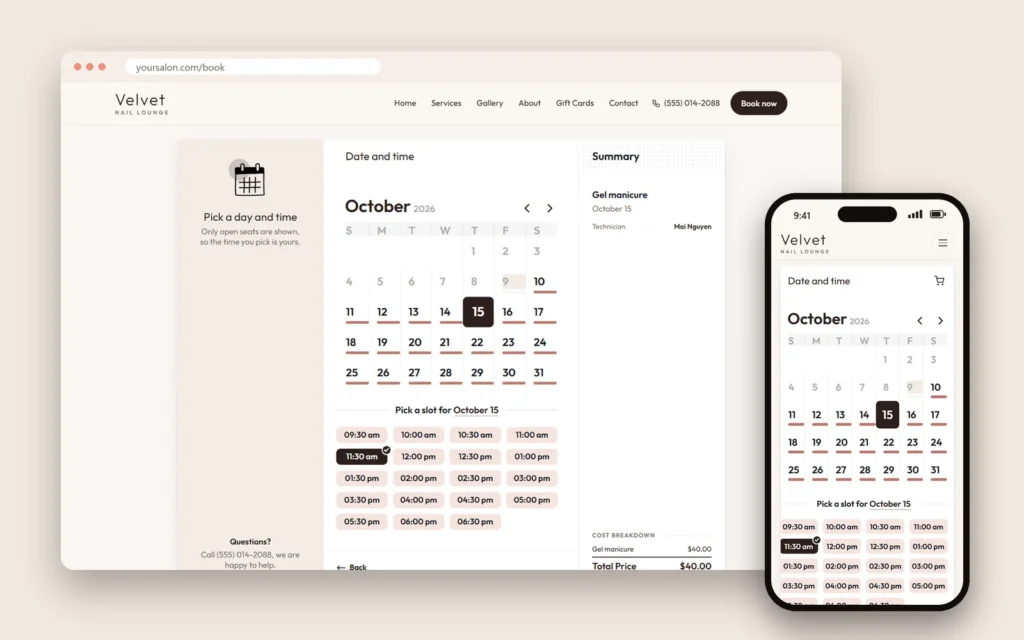
The page behind the code matters as much as the code itself. Everyone who scans is on a phone, so the page must load quickly, read easily on a small screen and lead to one clear action. A booking code should open the booking flow directly, ideally with services, photos and prices visible from the first screen. A menu code should open a real web page, not a PDF that forces pinching and zooming.
If your current website is slow or hard to use on a phone, fix that first; a beautiful code that opens a frustrating page loses clients. Dreamer builds websites and a mobile booking system for salons, so the page behind every code is fast and simple.
Google review QR codes
Your Business Profile can give you a short link that opens the review form directly. Turn that link into a code for the front desk stand, receipts or a thank-you card. Three rules keep it within Google's policies:
- Ask everyone. Do not ask only the clients who seem happy; selectively asking for positive reviews is against Google's rules.
- Never pay for reviews. No discounts, free add-ons or prize drawings in exchange for a review, whatever the review says.
- Do not review yourself. Staff, family and friends should not post reviews for the salon.
Yelp is different: it asks businesses not to request reviews at all, so do not print a "Review us on Yelp" code. Our guide to Google reviews for salons explains how to ask in a way that works and stays within the rules.
Payment QR codes
Some salons show a code for Zelle or another payment app at the counter, and some restaurants put pay-at-table codes on receipts. These can be convenient, but they carry a risk: someone could stick a fake code over yours and redirect payments. Keep payment codes behind the counter or on a stand that staff can see, check them every morning, and confirm that each payment has arrived before the client leaves, because many app transfers cannot be reversed. Card payments are usually safer through your POS terminal, which also records tips and receipts.
Track scans and bookings
A QR code without tracking is a guess. Add campaign tags, known as UTM parameters, to each address so your analytics can tell which printed piece brought the visit. For example, yoursalon.com/book could forward to your booking page with tags such as `utm_source=door&utm_medium=qr&utm_campaign=walk-by`. Google explains how to build these addresses in its guide to URL builders for Google Analytics.
Use a different QR code for each placement, door, desk, business card and flyer, so you can compare them. After a month, look beyond scans to the result that matters: bookings, reviews or follows. A flyer that got 200 scans and 3 bookings did less than a business card code with 40 scans and 15 bookings.
| What to measure | Where to find it |
|---|---|
| Visits from each code | Analytics, by campaign source |
| Bookings from each code | Booking reports, if they record the source, or analytics conversions |
| New reviews | Your Business Profile |
| New followers | Instagram or TikTok insights |
Keep clients safe from fake QR codes
QR scams are real. The Federal Trade Commission has warned that scammers hide harmful links in QR codes, for example by sticking fake codes over real ones in public places. Protect your clients and your reputation:
- Point every code to your own domain, so phones show yoursalon.com in the preview before opening.
- Check printed codes regularly, especially on doors, A-frames and outdoor signs where someone could cover them.
- Use secure pages (https) for every destination.
- Never ask for passwords or card numbers on a page opened by a code, except inside your real booking or payment system.
- Tell clients what to expect: "Our codes always open yoursalon.com."
QR codes for email and text sign-ups
A QR code that opens a sign-up form is a simple way to grow your list at the front desk. Make consent clear: for text messages, clients must actively agree to receive marketing texts, and the form should say how often you will text and how to stop. Our guides to nail salon text message marketing and nail salon email marketing explain the rules and what to send once people join.
QR codes in restaurants and cafes
Restaurants use QR codes for menus, ordering, reviews and loyalty programs. Keep printed menus available, though: many guests prefer paper, and a table where nobody can see the menu without a phone feels unwelcoming. A code on the take-out menu that opens online ordering, or a code on the receipt that opens the review form, works well alongside paper. Our guide to restaurant menu design covers what the printed menu itself should look like.
Mistakes to avoid
- Codes that open the homepage instead of the page the client wants.
- Codes without a label explaining what they do.
- Pale or tiny codes that fail in dim salon light.
- Dynamic codes tied to a subscription that someone forgets to renew.
- Testing on one phone only, in perfect light.
- Codes on the back of a car or anywhere people would scan while driving.
- PDF menus that are hard to read on a phone.
- Old codes left in place after the booking system or website changed.
How Dreamer helps
Dreamer designs printed pieces with QR codes that work: business cards and appointment cards with a booking code, acrylic desk stands for reviews and social media, door and window decals with hours and booking, plastic gift and membership cards and flyers for campaigns. Because we also build salon websites and booking pages, we can set up the short addresses behind every code and test each one before printing. Learn more on our design and printing page.
Frequently asked questions
Are QR codes still worth using?
Yes. Phone cameras read them without an app, and clients now expect codes on menus, doors and cards. They work best when the destination is useful and the label explains it.
Do QR codes expire?
Static QR codes never expire; they work as long as the web address inside them works. Dynamic codes can stop working if the service subscription ends or the company closes.
How big should a QR code be?
At least about 0.8 inch (2 cm) wide on small items. For signs, keep the scanning distance within roughly ten times the code's width.
Can I put my logo in the middle of a code?
Yes, if the code uses high error correction and the logo stays small. Always test on several phones before printing.
How do I know how many people scanned my code?
Add UTM tags to the address and check your analytics, or use a short address on your own site that records visits. Compare bookings, not only scans.
Can I put a Google review code at the front desk?
Yes, as long as you ask all clients, offer nothing in exchange and never filter out unhappy clients. Do not print codes asking for Yelp reviews.
QR codes for salons work when each code has one job: open the booking page, the review form or the menu, quickly, on a phone. Place codes where clients have a moment and a reason to scan, label every code, point them to short addresses on your own website, test before printing and measure bookings rather than scans. Done that way, every card, stand and door decal keeps bringing clients long after it was printed.