A nail salon Google Business Profile is often the first thing a new client sees, long before your website or your Instagram. When someone nearby searches "nail salon near me" or "gel manicure open now", Google shows a map with a short list of salons, and each one is a Business Profile: name, rating, photos, hours, a call button and a directions button. The salons with complete, accurate and active profiles get most of those calls.
This guide walks through fifteen steps to set up a nail salon Google Business Profile the way Google expects, in the order that makes sense for a busy owner. It also covers the mistakes that get profiles suspended, a simple weekly routine, and how to tell whether the work is paying off. Every step links back to what Google itself says, so you are not relying on guesswork.
In this article
- Why your nail salon Google Business Profile matters
- Before you start: gather this first
- Steps 1 to 3: claim and verify
- Steps 4 to 8: the basic information
- Steps 9 and 10: services and description
- Step 11: photos that make people call
- Step 12: post every week
- Step 13: earn reviews the right way
- Step 14: match your details everywhere
- Step 15: measure what matters
- What a complete profile looks like
- Common mistakes that hurt a nail salon profile
- A weekly routine that takes 15 minutes
- When to get help
- Frequently asked questions
Why your nail salon Google Business Profile matters
Nail services are local and visual. People rarely drive across town for a manicure; they pick from the salons close to home or work, and they decide by looking at photos, reviews and hours. Your profile answers all three questions in a few seconds.
Google explains in its guide to how local results are ranked that three things matter: relevance (how well your profile matches the search), distance (how far you are from the person searching) and prominence (how well known your business is, including reviews). You cannot move your salon closer to every client, but you can make your profile as relevant and as prominent as possible. That is what the fifteen steps below do.
There is a second reason. A complete profile turns searches into actions: calls, direction requests, website visits and bookings. Even if your ranking does not change overnight, a better profile means more of the people who already see you actually choose you.
Before you start: gather this first
Having everything ready turns a frustrating week into a one-morning job:
- Your salon's name exactly as it appears on your sign.
- Your full address, including suite number, written the same way everywhere.
- The salon phone number, answered during business hours.
- Your website and online booking link, if you have them.
- Regular hours and the holiday hours for the next few months.
- Your service list with short descriptions and prices.
- Your logo and at least ten real photos of the salon and your work.
- A salon email address (not a technician's personal one) to own the profile.
Steps 1 to 3: claim and verify
1. Search for an existing profile first
Open Google Maps and search for your salon name plus your city. Many salons already have a profile created by a past owner, a client or Google itself. If you see yours, choose the option to claim it. Creating a second profile for the same salon splits your reviews and can get both profiles flagged as duplicates.
2. Keep ownership with the salon's email
Whoever claims the profile becomes the primary owner. Use the salon's email for that role. Technicians, family members and marketing partners should be added as managers. When someone leaves, you remove their access and the profile stays with the business.
3. Verify the profile
Unverified profiles may not show fully on Maps, and you cannot manage them properly. Google often asks for a short, continuous video showing your street or building number, your storefront sign, the inside of the salon and proof that you run it, such as unlocking the door or opening the register. If a video is rejected, read the email carefully and record a new one that covers exactly what was missing.

Steps 4 to 8: the basic information
4. Use your real name, nothing extra
Your name on Google should match your sign and your license, as Google's guidelines require. Adding "Best Nail Salon Dallas" might look clever for a week, and it is one of the most common reasons profiles get suspended.
5. Pick the right primary category
Google's category guide uses this exact example: choose "Nail salon" rather than the more general "Salon". Make "Nail salon" your primary category if nails are your main business. Add a few secondary categories only for real departments, such as waxing or a day spa area, and do not add a category for every service.
6. Place the pin precisely
Salons in shopping centers are often pinned in the middle of the parking lot. Drag the pin to your actual door and include your suite number, so clients asking for directions arrive at the right entrance.
7. Set regular and holiday hours
Enter your normal hours, then add special hours for upcoming holidays: Thanksgiving, Christmas Eve, New Year's Day, Mother's Day weekend and Lunar New Year if you close. Clients who drive over and find a closed door often leave a frustrated review.
8. Add your phone, website and booking link
Use a number someone answers during business hours. Link your website's home page, and add your online booking page as the appointment link so clients can book straight from Maps. Our article on nail salon booking websites explains the options if you do not have one yet.
Steps 9 and 10: services and description
9. List every service
Services are where you tell Google and clients exactly what you do. Group them the way clients think:
- Manicures: classic, gel, dip powder, French tip.
- Enhancements: acrylic full set, fill, gel extensions, nail art.
- Pedicures: classic, spa pedicure, gel pedicure.
- Waxing: eyebrows, lip, chin, if you offer it.
- Extras: soak-off removal, nail repair, kids' services.
Write a short description for each and add prices if you want clients to see them. Use the same service names as your printed menu and your website.
10. Write a clear business description
Three to five sentences in plain English: what you offer, where you are, and what makes you different. Mention your neighborhood naturally, say whether you take walk-ins, and mention online booking. Skip keyword lists, prices and phone numbers in the description; they belong in their own fields.
Step 11: photos that make people call
Photos are what clients look at first. Google's photo guidelines ask for JPG or PNG files between 10 KB and 5 MB, ideally 720 by 720 pixels, in focus, well lit and without heavy filters.
Start with these:
- Your storefront in daylight with the sign visible.
- The entrance from the parking lot.
- The front desk.
- The pedicure area.
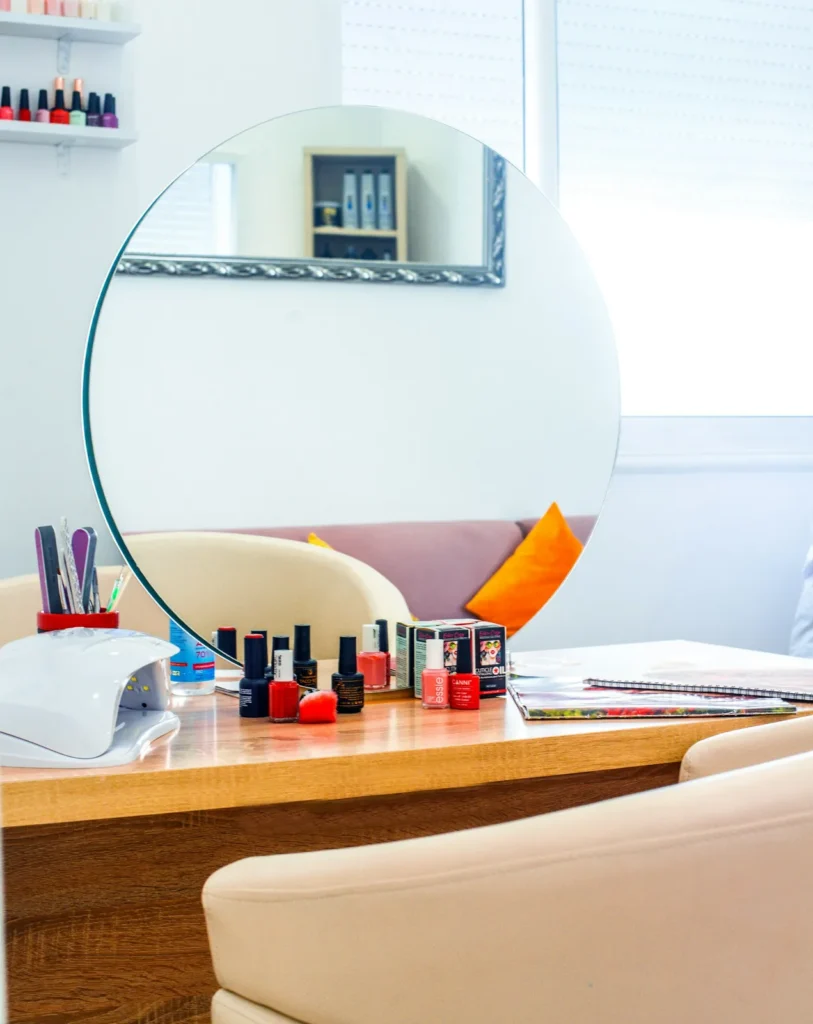
- A clean manicure station.
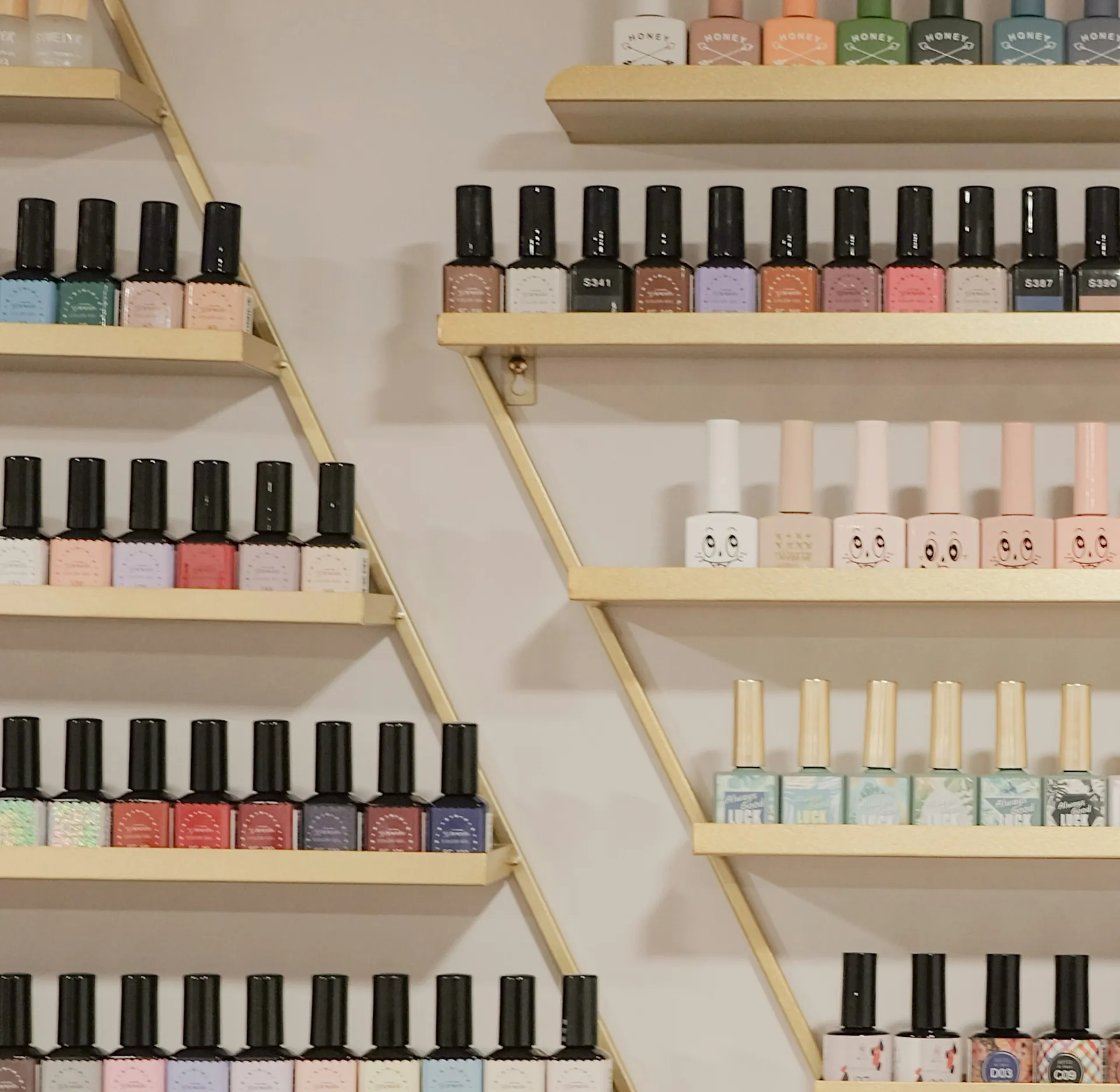
- Your polish wall.
- Five to ten close-ups of your best recent sets.
- Your team, with their permission.
Add a few new photos every month. Fresh, real photos tell clients the salon is active and help them picture their visit.

Step 12: post every week
Business Profile posts appear on your profile and can carry a button such as Book or Call. Use updates for new colors and team introductions, offers for weekday specials, and events for grand openings. One post a week, every week, is better than ten posts once a year.
A simple rhythm: week one, new seasonal colors; week two, a weekday offer; week three, meet a technician; week four, gift certificates for the next holiday.
Step 13: earn reviews the right way
Reviews are part of prominence, and they are the main thing new clients read. Google encourages businesses to ask for reviews with a link or a QR code. Ask at the right moment, when a client is admiring her new set, and print the QR code on a counter stand or the back of your business card.
Two rules keep you safe. First, never pay or give discounts in exchange for reviews; since October 2024, the FTC's rule on consumer reviews bans that, and Google removes such reviews. Second, Yelp is different from Google: Yelp asks businesses not to request reviews at all, so keep "review us on Yelp" off your printed materials.
Reply to every review within a day or two. Thank happy clients briefly and specifically. For unhappy ones, apologize for the experience, explain briefly what you are doing about it and invite them to call you.
Step 14: match your details everywhere
Google compares your profile with other places your salon appears: your website, Facebook, Yelp, Apple Maps and Bing. Use the exact same name, address and phone number everywhere. When you change your hours or phone number, update all of them on the same day, starting with a master copy of your details.
Step 15: measure what matters
Your profile's Performance section shows how many people viewed your profile, how they found you, and how many called, asked for directions, visited your website or booked. Check it monthly rather than daily, and compare month to month. If calls and bookings rise after you add photos and post weekly, keep going.
A low-tech check works too: ask new clients at the desk how they found you, and keep a tally for a month.
What a complete profile looks like
Here is an example for a fictional salon, field by field, so you can compare it with your own profile:
| Field | Example |
|---|---|
| Name | Lily Nails & Spa |
| Primary category | Nail salon |
| Secondary categories | Waxing hair removal service |
| Address | 2100 Park Blvd, Suite 5, Plano, TX, pin on the front door |
| Hours | Mon to Sat 9:30 am to 7:30 pm, Sun 11 am to 5 pm, holiday hours set |
| Phone | The salon line, answered during business hours |
| Website and booking | Home page, plus the online booking page as the appointment link |
| Services | Manicures, enhancements, pedicures, waxing, each with a short description |
| Description | Four sentences: services, neighborhood, walk-ins, online booking |
| Photos | Storefront, entrance, desk, pedicure area, stations, polish wall, recent sets, team |
| Posts | One a week, with a Book button |
| Reviews | Asked for in person with a QR code, every review answered |
If your profile has every row filled in and kept current, you have done the part of local search that is fully in your control.
Common mistakes that hurt a nail salon profile
- Keyword stuffing the name. It is against Google's guidelines and a leading cause of suspensions.
- Using a virtual office or a mailbox as the address. Use your real storefront.
- Two profiles for one salon. Keep the older one with the reviews and report the duplicate.
- Stock photos. They make clients suspicious and can be removed.
- Empty holiday hours. "Hours might differ" scares people away on your busiest days.
- Ignoring reviews. Silence looks like you do not care, especially under a complaint.
- Changing everything at once. Large, frequent edits can trigger a re-review of your profile. Make changes in one batch.
A weekly routine that takes 15 minutes
- Monday: publish one post with a real photo and a Book button.
- Monday: reply to all new reviews from the past week.
- Wednesday: add two or three new photos from the week's best sets.
- Before any holiday: set special hours at least a week ahead.
- First Monday of the month: check Performance and note calls and bookings.
That is the whole maintenance plan. Most salons that stick with it see their profile become steadier and busier over a few months.
When to get help
You can do every step in this guide yourself. Owners usually ask for help when the profile is suspended, when an old owner still controls it, when the area is crowded with competing salons, or simply when there is no time to post and reply every week.
Our local SEO and social media plans cover exactly this work: profile cleanup, matching details on Apple Maps and Yelp, weekly posts with your services and neighborhood, and review replies in your salon's voice. For a broader view of local search beyond Google, our guide to local SEO for business is a good next read, and nail salon business cards shows how to put your review QR code to work at the counter.

Frequently asked questions
How long does it take to show up on Google Maps?
After verification, your salon usually appears when people search your exact name fairly quickly. Ranking higher for general searches like "nail salon" takes longer and depends on your category, completeness, photos, reviews and activity, as well as your distance from the person searching.
Should I write my profile in English or Vietnamese?
Write it in English for the clients who search in English, which is most of them in the US. If your salon serves many Vietnamese-speaking clients, you can mention that you speak Vietnamese in the description.
Can I list prices on my profile?
Yes, in the services section. Keep them current; a client who sees an old price online and a higher one at the desk is likely to complain.
How often should I add new photos?
A few new photos every month is plenty for most salons. Add more around the holidays, after you redecorate, or when you introduce a new service such as gel extensions. Steady beats bulk: ten photos every month look better than a hundred once a year.
Can I get help in Vietnamese?
Yes. Many owners we work with prefer to talk in Vietnamese, while everything clients see is written in natural English. Call or text us in whichever language is easier for you.
Is it worth paying for Google Ads instead?
Ads appear in sponsored spots while you pay. They do not fix an incomplete profile and do not raise your organic ranking. Set up the profile properly first; ads can come later as an extra.
Can I manage everything from my phone?
Yes. When you are signed in with the account that manages the profile, you can edit details, add photos, publish posts and reply to reviews from Google Search or the Google Maps app. A computer is handier for bigger jobs such as reporting reviews or reviewing performance over several months.
What if a former owner still controls the profile?
Ask the former owner to transfer primary ownership to the salon's email. If that is not possible, request ownership through Google's process for claiming a profile someone else manages. Do not create a new profile; the existing one keeps your history and reviews.
Do I need a website if I have a good profile?
A website is not required, but it helps. It gives Google more information about your services and area, gives clients a place to book, and gives your profile a link worth clicking.
A nail salon Google Business Profile is one of the few marketing tools that is free, local and directly tied to calls and bookings. Set it up with these fifteen steps, keep the weekly routine, and earn reviews the honest way. The salons that do this consistently are the ones clients keep finding first.