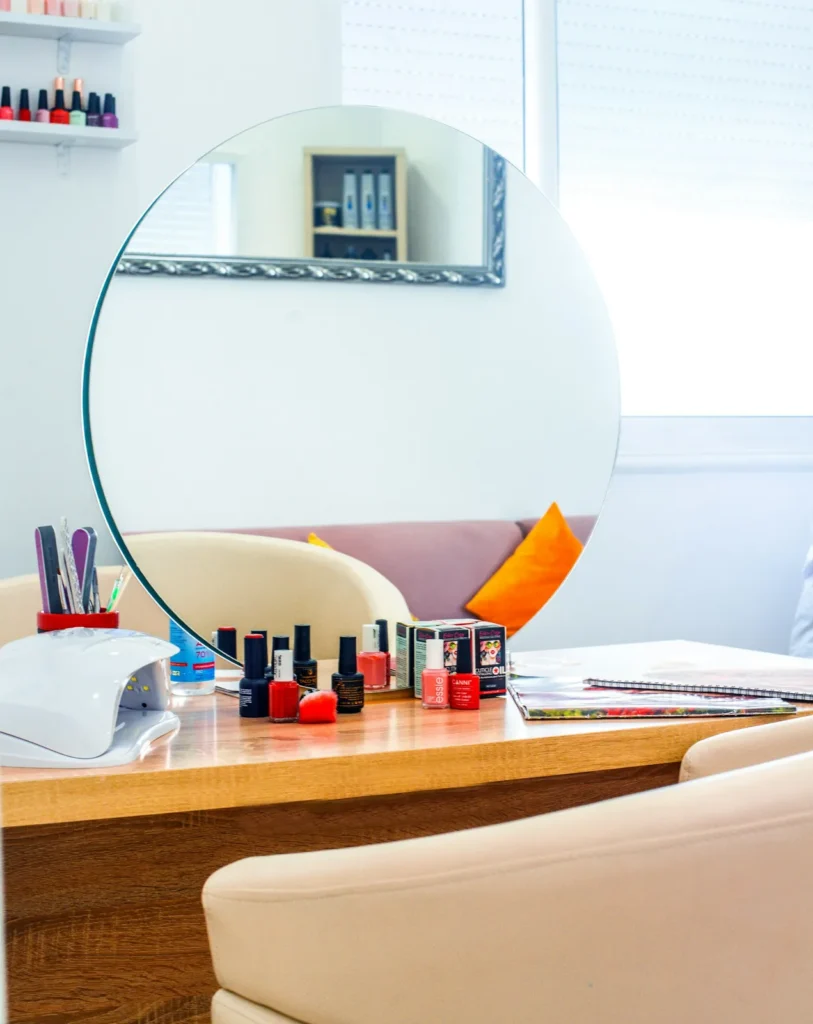
Google Business Profile posts are the closest thing to a shop window on Google. When someone finds your salon, spa or restaurant on Search or Maps, your latest posts show what is new: this month's nail art collection, a Mother's Day gift certificate offer, holiday hours, a grand opening event. They reach people at the exact moment they are deciding where to go, which is why a simple weekly post can bring calls that no Instagram post would.
This guide explains where posts appear, the three types of posts, how to create and schedule them, what makes a post work, thirty post ideas for salons and restaurants, why some posts get rejected and how to measure results. It also answers the question owners ask most: do posts help you rank higher?
In this article
- What Google Business Profile posts are
- Do posts help you rank higher?
- The three types of business profile posts
- How to create a post
- What makes a good post
- What not to put in a post
- Photos and videos for posts
- Thirty post ideas for salons and restaurants
- Sample posts you can adapt
- Use posts to answer common questions
- Who should write the posts
- Posting for more than one location
- Offers that work on Google
- How often to post
- Google posts for food and drink businesses
- Why posts get rejected
- How to measure results
- A weekly posting routine
- Common mistakes with Google posts
- How Dreamer helps
- Frequently asked questions
What Google Business Profile posts are
Posts are short updates you publish on your Business Profile. According to Google's help page on how to create and manage posts on your Business Profile, customers can find them:
- In the "Updates" or "Overview" tabs of your profile on mobile, on Search and Maps.
- In the "From the owner" section of your profile on a computer.
- As featured posts on mobile for some businesses.
Posts can include text, photos, videos and a button that leads to your website, booking page or online ordering.
Do posts help you rank higher?
Google's own explanation of local ranking focuses on relevance, distance and prominence, and it does not list posts as a ranking factor. Posts are still worth your time because they:
- Show an active business. A profile with recent posts looks cared for.
- Answer questions about offers, events and hours before clients call.
- Drive actions like calls, bookings and website visits through buttons.
- Support your other work, such as reviews, photos and complete information.
Think of posts as a conversion tool more than a ranking trick. Our guide on how to rank higher on Google Maps covers the factors that matter most for position.
The three types of business profile posts
| Type | What it is for | Required details | Button |
|---|---|---|---|
| Update | News, new services, photos of work, tips | Description | Optional button with a link |
| Offer | Sales, specials, promotions | Title, dates and times | "View offer" added automatically; coupon code and terms optional |
| Event | Classes, open houses, grand openings, charity days | Title, start and end dates and times | Optional button |
Updates
The everyday post. Share a new set, a new technician, a seasonal collection or a care tip, with a photo and a booking button.
Offers
For real promotions with clear dates: a Mother's Day gift certificate bonus, a weekday pedicure special, a grand opening discount. Add a coupon code if you use one and short terms such as "Valid Monday to Thursday".
Events
For things that happen at a specific time: a nail art class, an open house, a charity day, a holiday market. If you do not set times, Google shows the event as lasting all day on the event dates.
How to create a post
- Open your Business Profile on Google while signed in.
- Choose "Posts", then "Add post".
- Pick the type: Update, Offer or Event.
- Add a photo or video, the text and any details such as dates or a coupon code.
- Add a button and link if it fits, such as "Book" leading to your booking page.
- Publish now, or turn on scheduling to publish later. You can also set a post to repeat weekly or monthly.
Google reviews each post against its content policy. A post can be live, pending or not approved; if it is not approved, the status shows which policy it broke.

What makes a good post
A real photo
Your own photo of real work, the salon or the team. No stock images, no busy graphics with tiny text. Our guide on how to photograph nails shows how to take photos that stand out.
A clear first line
The first words show in previews. Start with what matters: "New fall collection: burgundy, olive and caramel gel."
Useful details
What, when, how much and for whom. "Structured gel manicure, about 60 minutes, $55. Ask for Jenny or Mai."
A button that leads somewhere useful
A "Book" button should open your booking page, not your home page. An "Order online" button should open the menu with ordering, not a page that says "coming soon".
Natural keywords
Mention your services and neighborhood the way clients speak: "gel manicures in Midtown". Do not stuff lists of keywords; it reads badly and does not help.
What not to put in a post
- Phone numbers in the description. Google warns that posts with phone numbers may be rejected if the number cannot be verified as connected to the business. Use the profile's phone number and the call button instead.
- Misleading offers or prices you will not honor.
- Review incentives, such as "Leave us a review and get 10% off". That breaks Google's rules.
- All-caps shouting, spelling mistakes and filler text.
- Links to untrusted sites.
- Content about regulated products if your business sells them; Google limits what posts can say about them.
Photos and videos for posts
- Use bright, sharp images that represent reality.
- Crop so the main subject is in the center; previews can cut the edges.
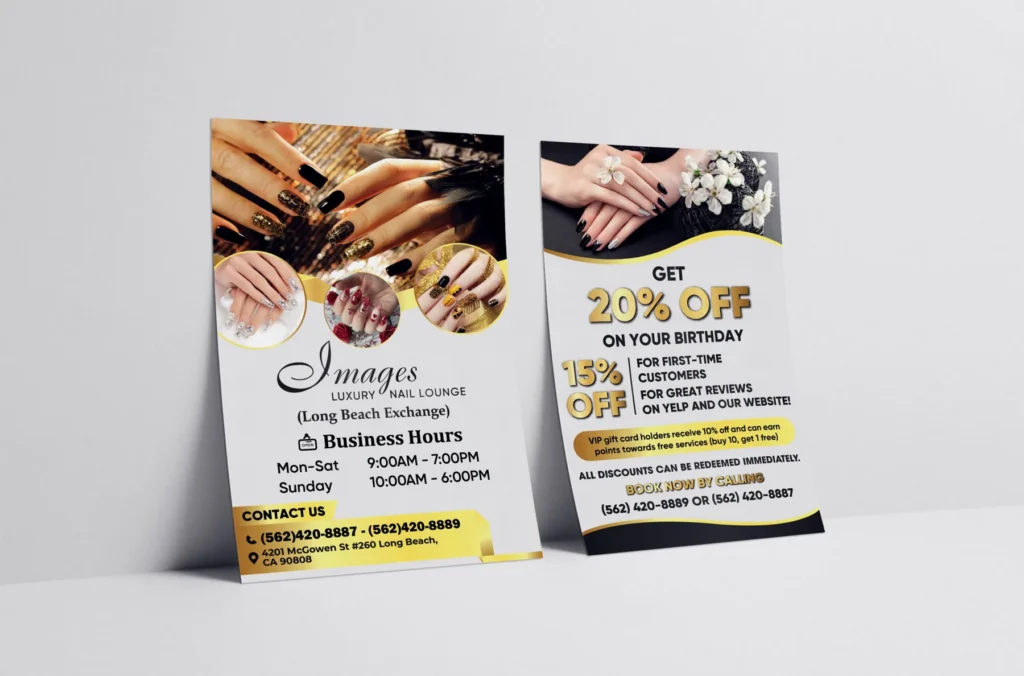
- Avoid text-heavy flyers as the only image; if you post a flyer, also add a photo of the real service.
- Short videos of a finished set or a dish being served work well.
Thirty post ideas for salons and restaurants
For nail salons, lash studios and spas
- Set of the week with color name and technician.
- New service launch with price and duration.
- Meet a team member.
- Seasonal collection reveal.
- Gift certificates before Valentine's Day, Mother's Day and the holidays.
- Holiday hours.
- Weekday special for slow days.
- Bridal and group booking packages.
- Sanitation routine explained with a photo.
- Care tip: how to make gel last longer.
- Before and after of a repair or fill.
- New pedicure chairs or a renovation.
- Grand opening or anniversary event.
- Charity day with clear donation details.
- A client favorite of the month, with permission.
For restaurants, bakeries and cafés
- Dish of the week with price.
- New menu items.
- Seasonal drinks.
- Catering and party trays.
- Holiday pre-order deadlines.
- Lunch special.
- Behind the kitchen: the chef at work.
- Family recipe story.
- Live music or event night.
- New delivery or pickup options.
- Holiday hours.
- Gift cards.
- Fresh bread or pastry schedule.
- A new location or patio opening.
- Thank-you post after a busy holiday.
For more salon ideas, see our list of nail salon social media post ideas; most of them work on Google too.

Sample posts you can adapt
Update: new set "Milky white with silver chrome tips, our most requested set this month. Structured gel for strength, about 60 minutes. Book with Jenny or Mai using the button below." Button: Book.
Offer: weekday pedicure Title: "Weekday spa pedicure special." Dates: one month. Details: "Free paraffin dip with any spa pedicure, Monday to Thursday. Mention this offer when you book." Terms: "One per client. Not combined with other offers."
Event: nail art class Title: "Beginner nail art class." Date and time: Saturday, 2 to 4 p.m. Details: "Learn three simple designs with our lead artist. Tools included, eight seats." Button: Sign up.
Update: holiday hours "Thanksgiving week hours: open Monday to Wednesday as usual, closed Thursday, open Friday and Saturday 9:30 to 7. Book online any time." Button: Book.
Update for a restaurant "Our seasonal special is back: crab noodle soup, every Friday and Saturday while it lasts. Pickup and dine-in." Button: Order online.
Replace names, times and offers with your own, and always use a real photo.
Use posts to answer common questions
Look at the questions your front desk hears every day and answer them in posts:
- "Do you take walk-ins?" Post your walk-in hours and the best times to come.
- "Where do I park?" Post a photo of the parking entrance with directions.
- "How long does a full set take?" Post typical service times.
- "Do you do kids' manicures?" Post your kids' menu and age policy.
Every question answered on Google is one less phone call during a busy afternoon, and clients arrive better prepared.
Who should write the posts
One person should own the weekly post, even if the whole team takes photos. That person chooses the photo, writes the text, checks the link and watches the status. In many salons it is the owner or front desk manager; in others it is a marketing partner. What matters is that it happens every week, not that it is perfect.
Posting for more than one location
If you run several locations, Google lets you share a post across multiple profiles. Use that for brand-wide news, such as a new collection. For anything local, like a team introduction, an event or holiday hours that differ, post separately on each profile so the details are right for each address.
Offers that work on Google
Offers stand out on a profile, so make them worth it:
- Be specific: "Free paraffin dip with any pedicure, Monday to Thursday, through May 31."
- Set real dates. Expired offers make a profile look neglected.
- Keep terms short and clear.
- Match the offer to the booking page, so the price clients see on Google is the price they see when booking.
Our nail salon promotion ideas list offers that bring new clients without training regulars to wait for discounts.
How often to post
Once a week is a good rhythm for most small businesses. Busy seasons may need two posts a week; quiet months can drop to every other week, but avoid long gaps. Google's scheduling and repeat options make it easier: prepare a month of posts in one sitting and let them publish on schedule.
Google archives posts older than six months unless they have a date range, so keep the stream fresh rather than relying on one old post.
Google posts for food and drink businesses
Google can show featured posts on mobile for some single-location food and drink businesses, including posts about events, deals or specials from your social media channels such as Facebook and Instagram. When featured posts are available, they can appear in place of reviews on the mobile profile, with reviews still a tap away. For restaurants and cafés, that is another reason to keep social posts about specials accurate and attractive. Our guide to local SEO for restaurants covers the rest of a restaurant's Google presence.

Why posts get rejected
If a post shows "Not approved", check for:
- A phone number in the description.
- Prohibited or regulated content.
- Links to sites Google does not trust.
- Offensive or sexually suggestive images or words.
- Low-quality text: spelling mistakes, extra characters, filler.
Edit the post to fix the problem and publish again. Read Google's posts content policy once so the team knows the basics.
How to measure results
In the Business Profile
The performance section shows how people interact with your profile: calls, direction requests, website clicks and bookings. Watch whether these rise in weeks when you post consistently.
Track button clicks with link tags
Add simple tracking tags to the links in your posts, for example `?utm_source=google&utm_medium=gbp_post&utm_campaign=fall_collection`. Then your website analytics can show how many visits and bookings came from each post.
Ask clients
"How did you hear about this offer?" at checkout is still one of the best measures for small businesses. Write the answers on a simple tally sheet at the front desk for a month; the pattern usually becomes clear within a few weeks, and it tells you which kind of update deserves a repeat.
A weekly posting routine
| Day | Task |
|---|---|
| Monday | Choose this week's post: set, offer, event or news |
| Monday | Pick a real photo and write three to five short sentences |
| Monday | Add the right button and link, then schedule or publish |
| Friday | Check the post status and fix anything not approved |
| Monthly | Review calls, directions, website clicks and bookings |
With scheduling, a whole month of posts can be prepared in about an hour. Keep a simple folder of approved photos and a short list of ideas for the month, so whoever writes the update never starts from a blank page. When a busy week leaves no time, a scheduled update still goes out, and your profile never looks forgotten.
Common mistakes with Google posts
- Posting once and forgetting the profile for months.
- Expired offers left on the profile.
- Stock photos that do not show the real business.
- Buttons to the home page instead of booking or ordering pages.
- Phone numbers in the text, which can get posts rejected.
- Keyword stuffing instead of clear sentences.
- Promoting rewards for reviews.
How Dreamer helps
Dreamer's Social Marketing service posts on your Google Business Profile every week with your real photos, services and neighborhood keywords, keeps offers and holiday hours current, and reports the calls, directions and bookings your profile brings. If your buttons need a better destination, our team builds booking websites that turn a Google post into an appointment.
Frequently asked questions
How often should I post on my Google Business Profile?
About once a week for most small businesses, more often during busy seasons. Consistency matters more than volume.
Do Google Business Profile posts improve ranking?
Google does not list posts as a ranking factor. Posts help show an active business and turn profile visits into calls and bookings.
How long do Google posts stay visible?
Google archives posts older than six months unless a date range is set. Offers and events follow their dates.
Can I schedule Google Business Profile posts?
Yes. You can schedule a post for later and set posts to repeat weekly, monthly or on a custom schedule.
Why was my post rejected?
Common reasons include a phone number in the description, policy violations, untrusted links or low-quality text. The post status shows which policy applies.
What should a salon post on Google?
New sets, services, offers, gift certificates, team introductions, events and holiday hours, each with a real photo and a useful button.
Google Business Profile posts are simple, free and seen by people who are already looking for a business like yours. Post weekly, use real photos, write clear details, add the right button and keep offers current. Over a few months, your profile will look like the most active, trustworthy choice on the map.