Salon POS features decide how smoothly the last five minutes of every visit go. A client who loved her pedicure should not stand at the counter while the front desk adds services by hand, calculates a tip split between two technicians and searches for a gift certificate number in a notebook. A good salon POS makes checkout fast, keeps tips and commissions accurate, and gives the owner reports that show how the business is really doing.
This guide explains the sixteen features that matter most for nail salons, hair salons, lash studios and spas, which ones are essential and which are nice to have, the hardware behind them, the security basics, and the questions to ask before you sign. If you are comparing costs, our guide to credit card processing fees covers the payment side in detail.
In this article
- What a salon POS does
- The typical salon checkout
- 1. Checkout by technician
- 2. Tips by technician
- 3. Split payments
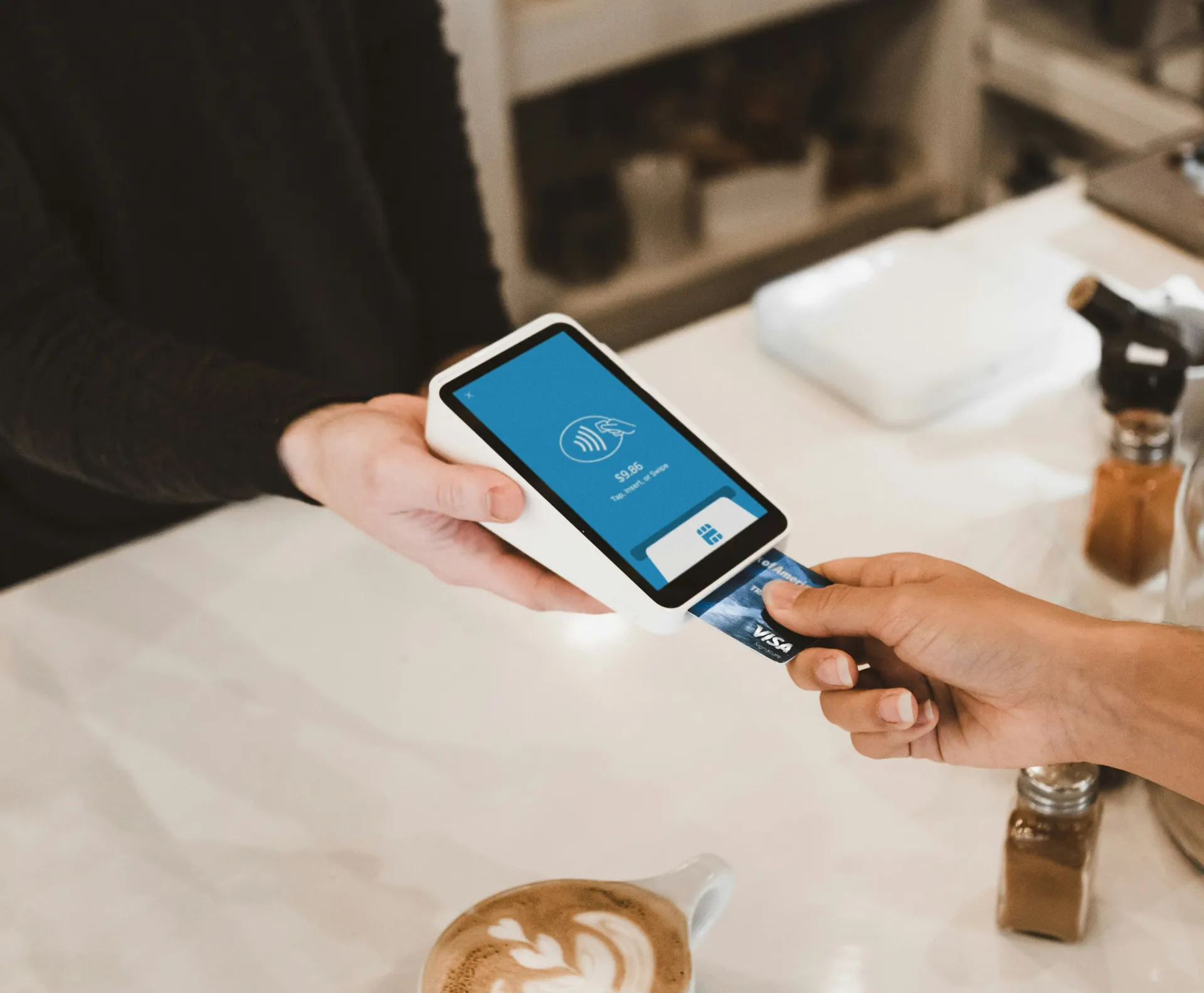
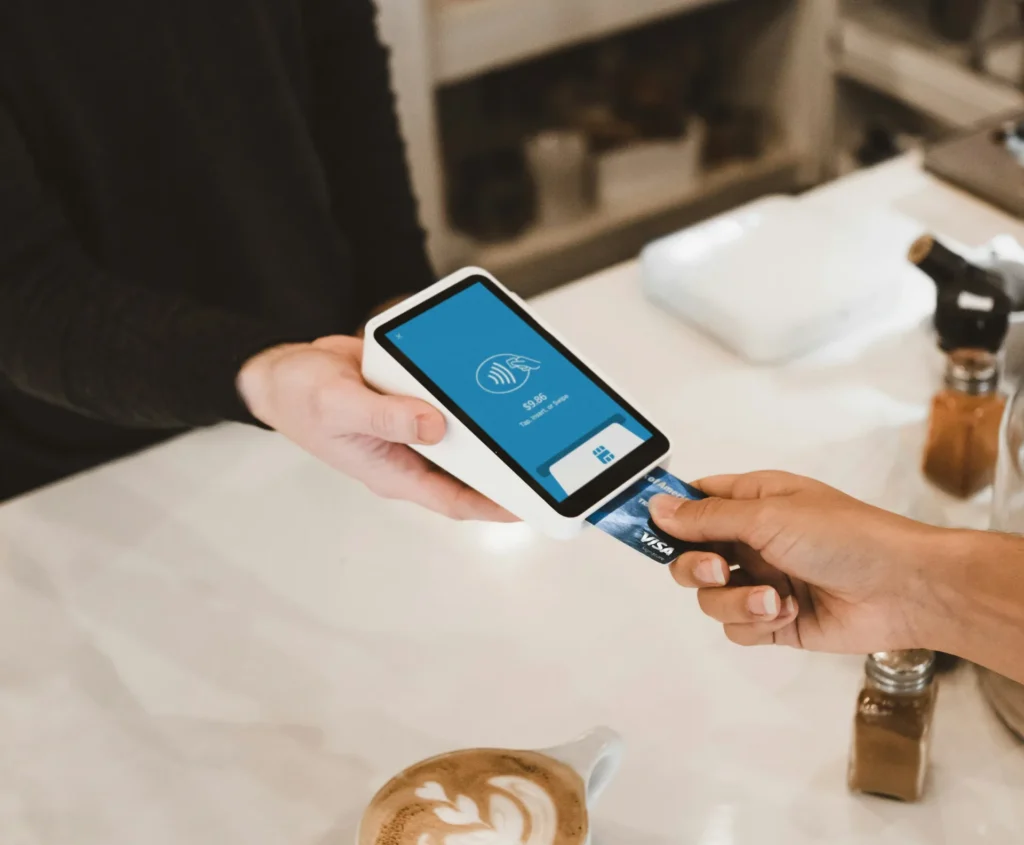
- 4. Modern payment methods
- 5. Commissions and payroll reports
- 6. Turn tracking
- 7. Gift cards and certificates
- 8. Loyalty and memberships
- 9. Client records at checkout
- 10. Retail and inventory
- 11. Receipts, refunds and adjustments
- 12. Reports the owner reads
- 13. Integration with booking and check-in
- 14. Security and user roles
- 15. Offline mode
- 16. Support and contracts
- Must-have vs nice-to-have by salon size
- POS features by type of salon
- Discounts, promotions and price overrides
- The daily close routine
- Cash handling
- Data you should be able to export
- Moving to a new POS
- What clients notice at checkout
- Sales tax and receipts
- Hardware checklist
- Questions to ask POS vendors
- Setting up your POS well
- A 30-day review after launch
- Train the team
- Common mistakes
- How Dreamer helps
- Frequently asked questions
What a salon POS does
A point of sale system is where money, services and people meet. In a salon, it should:
- Record each service, add-on and product, with the technician who performed it.
- Take payment in every common form, including tips.
- Track gift cards, memberships and loyalty rewards.
- Produce daily, weekly and monthly reports.
- Calculate commissions and tip totals for payroll.
Many salon POS systems also include booking, check-in and marketing. Those can be useful, but checkout is the heart of the system. If a product does everything except a clean, fast checkout with fair tips, it is the wrong product for a busy salon, no matter how impressive the rest of the demo looks.
The typical salon checkout
A real checkout often looks like this: a gel manicure by Jenny, a pedicure by Mai, a nail art add-on, a cuticle oil from the shelf, a loyalty reward, a tip split between two technicians, half paid by gift card and half by card. If your POS cannot handle that in under a minute, the line grows and mistakes happen.
1. Checkout by technician
Every service should be linked to the technician who performed it, so commissions, tips and reports are accurate. Look for quick buttons for your most common services and add-ons, and a clear view of which technician did what.
2. Tips by technician
Tips are personal income, and errors cause real tension. Your POS should:
- Let clients add a tip on the card terminal or at the counter.
- Split one tip between two or more technicians.
- Show tips per technician in daily reports.
- Handle cash tips recorded by the desk.
Our guide on how to split tips at a nail salon explains fair tip rules.
3. Split payments
Clients pay in many ways in one visit: part gift card, part card, part cash; two friends splitting one bill; a parent paying for a teenager. The POS should split payments easily without voiding and re-entering the sale.
4. Modern payment methods
- Chip and tap cards.
- Apple Pay and Google Pay.
- Gift cards and store credit.
- Cash with a drawer that opens only when needed.
Contactless payment speeds up checkout and is now expected by most clients.
5. Commissions and payroll reports
If technicians earn commission, the POS should calculate it per service, apply different rates for services and products if needed, and export totals for payroll. Manual commission spreadsheets are where many disputes begin.
6. Turn tracking
In walk-in salons, the POS or check-in system can record who served each client and count turns automatically. Our guide to the nail salon turn system explains turn rules the software should support.
7. Gift cards and certificates
Gift cards are a major source of revenue before holidays. The POS should sell physical and digital gift cards, track balances, redeem them at checkout and report outstanding balances. Our guides to the salon gift card program and nail salon gift certificates cover the details.
8. Loyalty and memberships
Points, visit-based rewards or monthly memberships should apply automatically at checkout, without the desk checking a paper card. See our guides to the nail salon loyalty program and the nail salon membership program.
9. Client records at checkout
The desk should see the client's name, last visit, favorite technician and notes at checkout, and be able to rebook the next appointment on the spot.
10. Retail and inventory
If you sell cuticle oils, polishes or skin care, the POS should track stock, warn when items run low and report best sellers. Even a small retail shelf benefits from simple inventory.
11. Receipts, refunds and adjustments
Printed, texted or emailed receipts; refunds and partial refunds with a reason; adjustments for redos. Refunds and large discounts should require a manager's approval.
12. Reports the owner reads
The most useful reports:
- Daily close: sales by payment type, tips, cash in the drawer.
- Sales by service and by technician.
- Average ticket and add-on rate.
- Gift card sales and redemptions.
- Busiest hours and days.
- Refunds and discounts.
13. Integration with booking and check-in
When appointments and check-ins flow into checkout, the desk does not retype services, and reports show which bookings turned into sales. If your booking and POS are separate systems, ask how they connect.
14. Security and user roles
A POS handles card data and cash. Basic protections:
- Each staff member has their own login.
- Roles limit who can refund, discount, void or see reports.
- Card data is handled by a system that follows the PCI Security Standards.
- Terminals and tablets are updated and locked when unattended.
15. Offline mode
Internet outages happen on busy Saturdays. Ask whether the POS can keep taking card payments offline and sync later, and what limits apply.
16. Support and contracts
Ask about support hours, response times, installation, training, hardware ownership versus leasing, contract length and early termination fees. Our Vietnamese guide to choosing a POS for nail salons lists twelve questions to ask before signing.

Must-have vs nice-to-have by salon size
| Feature | Solo or small salon | Mid-size salon (5–10 staff) | Large or multi-location |
|---|---|---|---|
| Checkout by technician | Must | Must | Must |
| Tips by technician and split tips | Must | Must | Must |
| Split payments | Must | Must | Must |
| Commission reports | Nice | Must | Must |
| Gift cards | Must | Must | Must |
| Loyalty or memberships | Nice | Nice | Must |
| Turn tracking | Nice | Must for walk-ins | Must for walk-ins |
| Inventory | Nice | Nice | Must |
| Multi-location reports | No | No | Must |
| Offline payments | Nice | Must | Must |
POS features by type of salon
- Nail salons: fast checkout for many short services, add-ons, tips split between technicians, turn tracking and gift certificates before holidays.
- Hair salons: longer services, color formulas in client notes, retail products, commission on services and products at different rates.
- Lash studios: deposits applied at checkout, fill and full set pricing, aftercare product sales.
- Spas: packages, memberships, gift cards in large volume, room and therapist reports, couples checkouts.
- Barbershops: speed above all, walk-in queues, simple tips.
Ask vendors for a demo built around your type of salon, not a generic retail store.
Discounts, promotions and price overrides
Promotions are useful; uncontrolled discounts are expensive. A good salon POS lets you:
- Create named promotions with start and end dates, such as a weekday pedicure offer.
- Apply loyalty rewards automatically.
- Require a manager's approval for manual discounts or price overrides above a set amount.
- Report every discount by staff member and reason.
When discounts are tracked, you can see which promotions bring clients back and which only reduce your average ticket.
The daily close routine
Ten minutes at the end of the day prevents most problems:
- Run the daily sales report.
- Count the cash drawer and compare it with the cash sales and cash tips recorded.
- Check card totals against the processor's report.
- Review refunds, voids and large discounts.
- Confirm tips per technician.
- Note anything unusual for the owner.
A POS that prints or emails a clean daily summary makes this routine quick and reliable.
Cash handling
Many salons still take cash for tips and services. Protect it:
- Open the drawer only through the POS.
- Record cash tips at checkout, not from memory at the end of the day.
- Keep a set starting amount in the drawer each morning.
- Use drop safes or deposits for large amounts.
- Limit who can open the drawer without a sale.
Data you should be able to export
Your POS holds years of business history. Make sure you can export:
- Sales by day, service and technician.
- Client list with contact details and visit history.
- Gift card balances.
- Commission and tip totals.
- Product sales and inventory counts.
Exports protect you if you change systems, and they make tax time much easier for your accountant.
Moving to a new POS
If you switch systems:
- Pick a quiet week, never a holiday rush.
- Export everything from the old system first, especially gift card balances.
- Enter services and prices carefully and test sample checkouts.
- Run both systems side by side for a day if possible.
- Keep access to the old reports for at least a year.
Clients should only notice that checkout got faster.
What clients notice at checkout
Clients do not see your reports, but they feel the checkout:
- Speed: a checkout that takes under a minute, even with a split tip.
- Clarity: an itemized receipt that matches the menu and the services they received.
- Tip screen manners: tip options that feel reasonable, with an easy custom amount and no pressure.
- Choice: tap, chip, phone wallet, gift card or cash.
- Rebooking: the desk offers the next appointment while the payment goes through.
A smooth checkout is the last impression of the visit. A clumsy one can undo an hour of great service.
Sales tax and receipts
Set up tax correctly from the first day. Retail products are usually subject to sales tax, while whether services are taxed depends on your state or province. Ask your accountant which items are taxable, set tax rates per item in the POS, and make sure receipts show tax clearly. Correct settings now prevent painful corrections at tax time.
Hardware checklist
- Card terminal with chip, tap and mobile wallet support; a portable one if you take payment at the station.
- Tablet or computer for the front desk.
- Receipt printer if clients want printed receipts.
- Cash drawer connected to the POS.
- Barcode scanner if you sell retail.
- Stable internet with a backup option.
Ask whether you buy or lease each item, and what happens to leased equipment if you cancel. Keep the receipts and serial numbers in one folder, so warranty claims and replacements are quick when a terminal fails on a busy day.
Questions to ask POS vendors
- Can you show me a checkout with two technicians, a split tip, a gift card and a card payment?
- What are the processing rates for card-present, contactless and keyed transactions?
- Is there a monthly fee, and what does it include?
- Do I own the hardware?
- How do commissions and tips export for payroll?
- Can I export my client and sales data?
- What happens if the internet goes down?
- What are the contract length and cancellation terms?
- Who installs the system and trains my team, and in which languages?
- What does support cost, and when is it available?
Setting up your POS well
- Enter services with names, prices and durations that match your printed menu and website.
- Create add-ons as separate items so reports show how often they sell.
- Set commission rates per technician and service type.
- Configure tip options on the terminal.
- Set roles and permissions for every staff member.
- Test a full day of sample transactions before going live.
A 30-day review after launch
After the first month on a new salon POS, sit down with the front desk lead and look at:
- How long an average checkout takes at busy times.
- Whether tips and commissions matched what technicians expected.
- How many refunds, voids and manual discounts happened, and why.
- Whether the daily close balanced every day.
- Which buttons or screens the team avoids, and why.
Fix the settings that cause friction, remove services nobody uses and add quick buttons for the add-ons that sell most. A POS is set up once but tuned for months.
Train the team
The best POS fails if the desk avoids it. Train on real scenarios: two technicians and a split tip, a gift card with a remaining balance, a refund with manager approval, a loyalty reward, a walk-in check-in to checkout. Write a one-page cheat sheet for the front desk.
Common mistakes
- Choosing by the monthly fee alone and ignoring processing costs.
- Long contracts with leased hardware.
- No tip splitting, forcing manual calculations.
- Everyone logging in as the owner.
- Services in the POS that do not match the printed price list.
- No offline plan.

How Dreamer helps
Dreamer helps salons and restaurants choose and set up POS systems: we listen to how your shop runs, recommend hardware and software that fit, install the system, enter your services and prices, and show the front desk and technicians how to use it in Vietnamese or English. We also design matching price lists and menus, so what clients read on the wall matches what they pay at the counter.
Frequently asked questions
What are the most important salon POS features?
Checkout by technician, tips and split tips, split payments, gift cards, commission reports, security roles and reliable daily reports.
Does a salon POS need booking built in?
Not always. Some salons use an all-in-one system; others connect a separate booking system or website. What matters is that services reach checkout without retyping.
Can a POS split tips between technicians?
Many salon POS systems can. Test it with a real example before you choose.
Should I lease or buy POS hardware?
Buying often costs less over time and avoids long leases. Read lease terms carefully before signing.
What happens if the internet goes down?
Some systems take card payments offline and sync later, with limits. Ask before you buy.
How do I keep card data secure?
Use a POS that follows PCI standards, give each staff member their own login and limit who can refund or discount.
The right salon POS features make checkout fast, tips fair and reports clear. Focus on the essentials your salon uses every day, test real checkouts before signing, understand the full cost including processing, and train your team well. Your front desk will spend less time on numbers and more time with clients.