In this article26 sections
Restaurant online ordering is now part of everyday dining, and online orders have become a normal part of how guests choose where to eat. Guests order lunch from their desks, dinner from the couch and catering trays for the office, and many of them never call a restaurant anymore. For independent restaurants, online orders can add a large share of sales without adding a single table. But the profit depends on details: which channels you use, what each order costs in commissions and fees, how the kitchen handles a sudden wave of tickets and whether a bowl of noodles still tastes good twenty minutes after it leaves the pass.
This guide walks through fifteen steps to set up restaurant online ordering that grows sales and keeps margins healthy: comparing first-party ordering and delivery apps, choosing a system, building an online menu with modifiers, photos and descriptions, pricing by channel, preparing the kitchen, packaging, pickup and curbside, delivery options, payments and security, website accessibility, marketing direct orders, loyalty, customer service and measuring results.
1. Understand your channels
| Channel | How it works | Strengths | Watch out for |
|---|---|---|---|
| Your own website ordering | Guests order and pay on your site | Better margins, guest data, your brand | You must drive traffic yourself |
| Delivery apps | Third-party marketplaces with couriers | Reach new guests, delivery included | Commissions, less guest relationship |
| Google ordering links | Order buttons on your Google profile | Guests already searching for you | Make sure links lead where you want |
| Phone orders | Guests call and pick up | Regulars, older guests | Staff time, order errors |
Most restaurants use more than one channel. The goal is to use apps for discovery and move repeat guests to direct ordering.
2. Compare the real cost per order
Before choosing, calculate what each channel actually costs:
- Delivery apps: commission per order, which varies by plan; optional marketing fees; sometimes fees for payment processing. Some cities have placed limits on delivery app commissions; check local rules and read contracts carefully.
- First-party ordering: software fees (monthly or per order), card processing, and delivery costs if you offer delivery.
- Phone orders: staff time and mistakes.
Compare the profit left after fees on the same order through each channel. The difference often makes the case for investing in direct ordering.
3. Choose a first-party ordering system
Look for a system that:
- Integrates with your POS, so orders print or display in the kitchen without re-entry.
- Supports modifiers for sizes, spice levels, add-ons and special requests.
- Lets you set prep times, pickup windows and order throttling.
- Accepts online payment and tips securely.
- Sends order confirmations and ready notifications.
- Lets you pause ordering or hide sold-out items instantly.
- Provides reports by item, channel and time.
Our guide to POS for small restaurants lists features to compare.
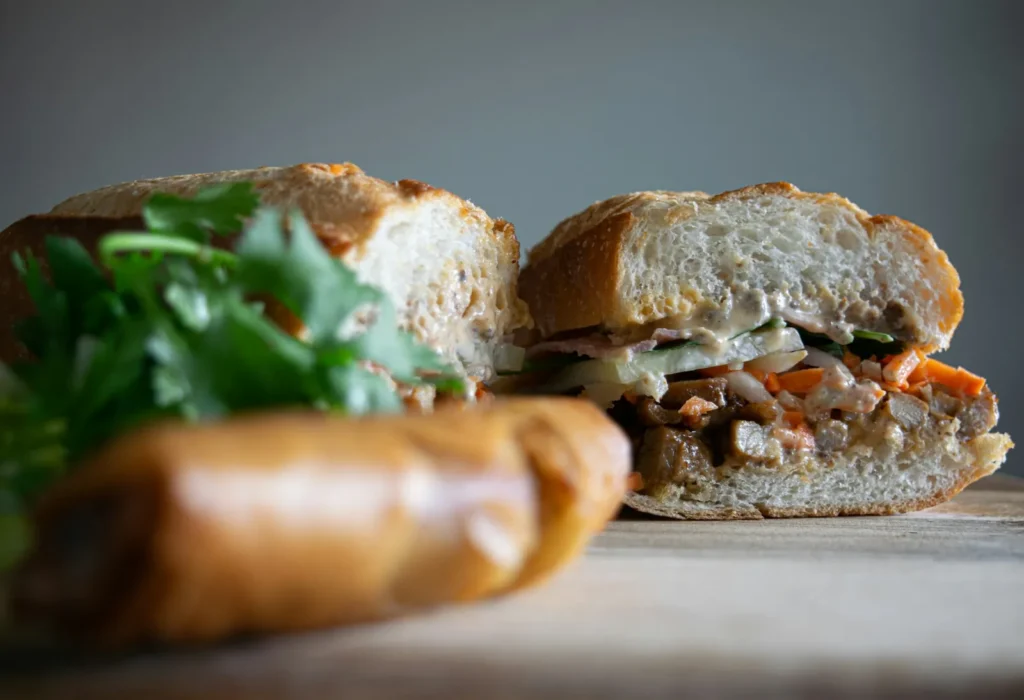
4. Build an online menu that sells
An online menu is not just a copy of the printed one:
- Photos for best sellers and signature dishes.
- Short descriptions that explain unfamiliar dishes in plain words.
- Clear modifiers: sizes, protein choices, spice levels, "broth on the side".
- Bundles and family meals that raise the average order.
- Allergen notes and dietary tags where accurate.
- Remove dishes that travel badly, or explain how to enjoy them at home.
Keep names and prices consistent with your dine-in menu. Our article on restaurant menu design explains structure and descriptions that also work online.
5. Price each channel
Many restaurants price items on delivery apps slightly higher than in the restaurant to cover commissions, while keeping their own website prices the same as dine-in to reward direct orders. Whatever you decide:
- Recalculate margins for every item on every channel.
- Disclose clearly if app prices differ from in-store prices.
- Update prices everywhere at once when costs change.
6. Prepare the kitchen for online orders
Online orders arrive in waves, often at the same time as dine-in rushes:
- A dedicated online order station for packing and checking.
- Kitchen display or printer that separates online orders.
- Throttling: limit orders per time slot so the kitchen is not overwhelmed.
- Realistic prep times that increase automatically during peaks.
- Prepped components for fast assembly: sauces, garnishes, packaging.
7. Package food so it arrives well
Packaging can make or break an online order:
- Separate hot and cold: broth apart from noodles, sauces apart from crispy items.
- Vented containers for fried food so it stays crisp.
- Leak-proof soup containers and sealed cups for drinks.
- Labels with item names, modifiers and the guest's name.
- Tamper-evident seals on bags.
- Reheating instructions for dishes that need them.
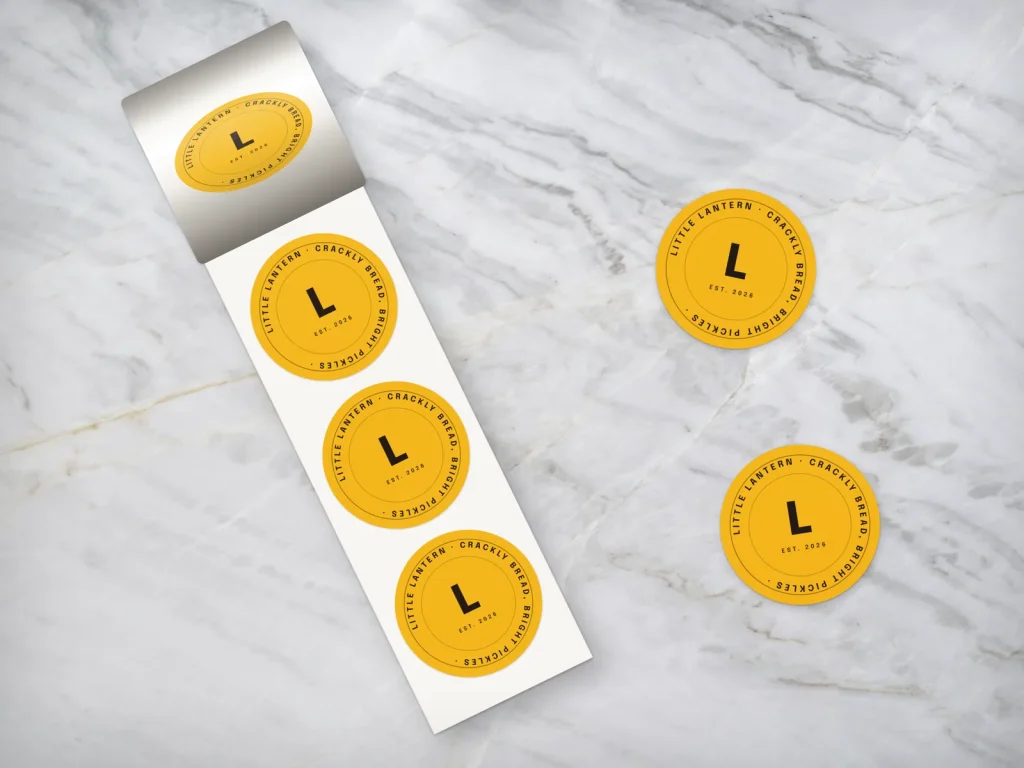
Branded stickers make seals and labels look professional; Dreamer prints roll stickers for takeout bags and containers.
8. Make pickup easy
- A pickup shelf near the door with orders labeled by name.
- Clear signs inside and out: "Online order pickup".
- Curbside pickup with a phone number or text to announce arrival.
- Accurate ready notifications, so guests do not wait or arrive too early.
- A final check of every order before it goes out.
9. Choose delivery options
- Delivery apps: convenient, but less control over timing and handling.
- On-demand courier services connected to your own ordering system: couriers deliver orders placed on your website.
- In-house delivery: most control and best for catering and large orders nearby; requires reliable drivers and appropriate insurance.
Many restaurants offer delivery through apps and on-demand couriers, and handle catering deliveries themselves.
10. Keep payments secure
Online payments must be handled by systems that meet the payment card industry's security standards. The PCI Security Standards Council explains the PCI Data Security Standard. Use providers that handle card data for you, never store full card numbers yourself and use strong passwords and two-step verification on every account.
11. Make ordering accessible
Your ordering pages should work for everyone, including guests using screen readers or keyboard navigation and guests with low vision. Clear buttons, readable text, labeled images and forms that work without a mouse help all guests order faster. Our guide to ADA website compliance explains the basics for small business websites.
12. Market direct orders
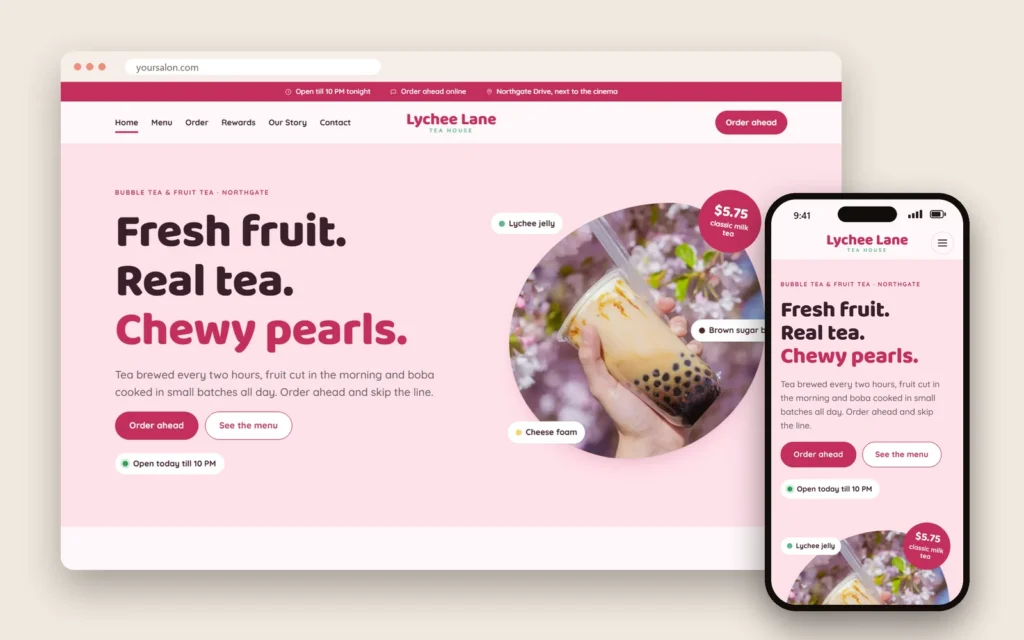
- Google Business Profile: an order button pointing to your website ordering page. Our article on local SEO for restaurants shows why the profile matters.
- Website: a prominent "Order online" button on every page. Browse our restaurant website templates for examples.
- Bag inserts: a card in every app order inviting guests to order directly next time.
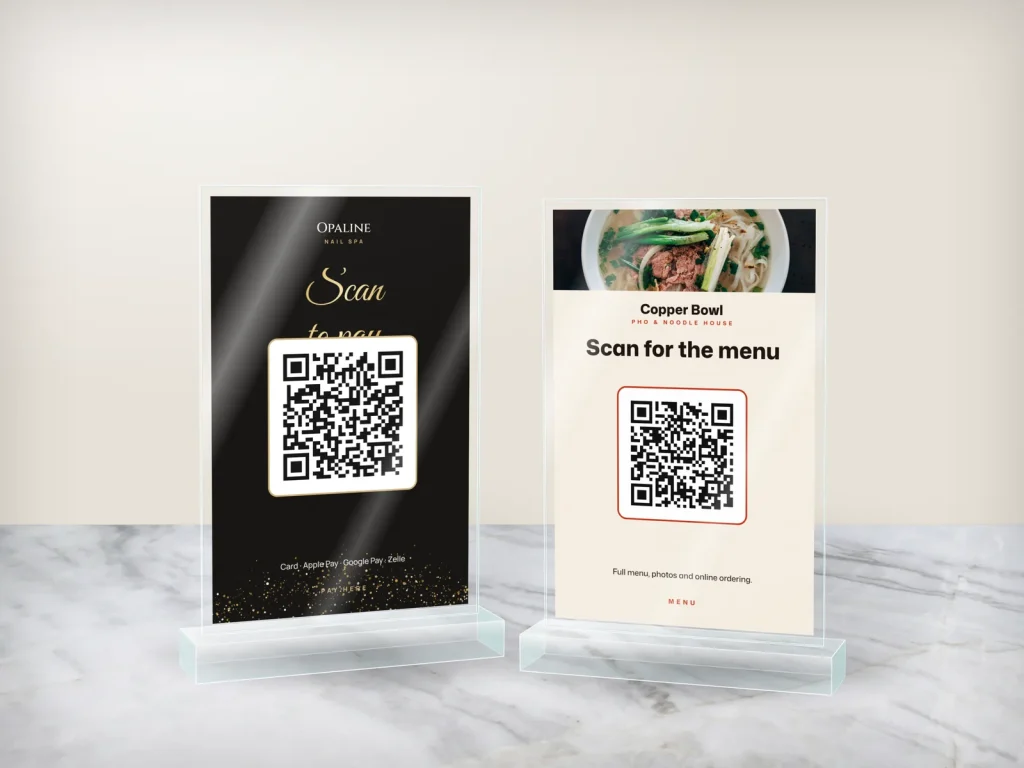
- QR codes on bags, menus and receipts.
- Social media: show the food and how easy ordering is. See our restaurant social media ideas.
- Email and texts to guests who opted in.
Order accuracy checklist
Most online ordering complaints come from missing or wrong items. A simple checklist at the packing station prevents most of them:
- Every item on the ticket is in the bag.
- Modifiers checked: no onions, extra spicy, broth on the side.
- Sauces, utensils and napkins included.
- Hot and cold items packed separately.
- Label with the guest's name and order number.
- Bag sealed before it goes to the pickup shelf or courier.
Ask the person packing to initial the ticket. Small habits like this protect your ratings on every channel and keep online ordering guests coming back.
13. Reward direct ordering
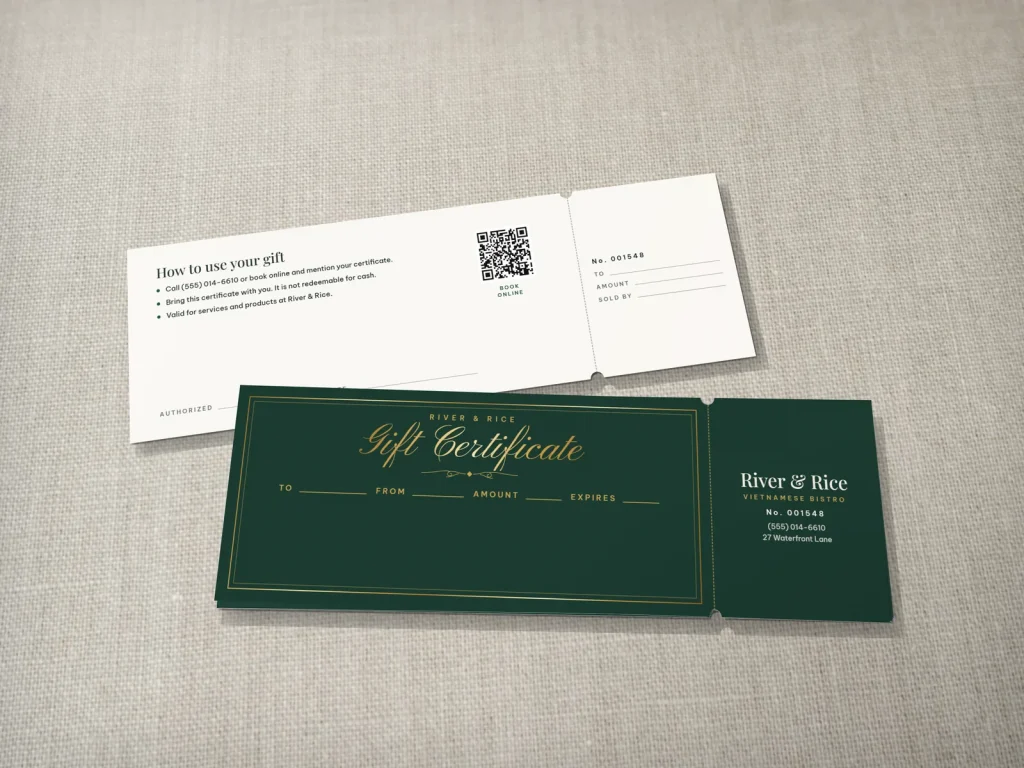
A small reward for ordering directly, such as loyalty points, a free drink on the fifth order or a birthday treat, gives guests a reason to switch from apps. Track it in your ordering system so it applies automatically. Gift cards that can be redeemed online also help; our guide to restaurant gift cards covers both physical and digital cards.
Collect guest data the right way
Direct online ordering gives you something apps rarely share: guest names, emails and order history. Use it carefully. Ask permission before adding guests to marketing emails or texts, explain what they will receive, make unsubscribing easy and protect the data with strong passwords. Used respectfully, this information lets you thank regulars, invite them to new menu launches and bring back guests who have not ordered in a while.
14. Handle problems quickly
Mistakes happen: a missing sauce, a late courier, a wrong modifier. Respond fast through the channel the guest used, apologize, fix the problem with a refund, a replacement or a credit, and find the cause so it does not repeat. Reply to reviews about online orders calmly and specifically.
Photography for your online menu
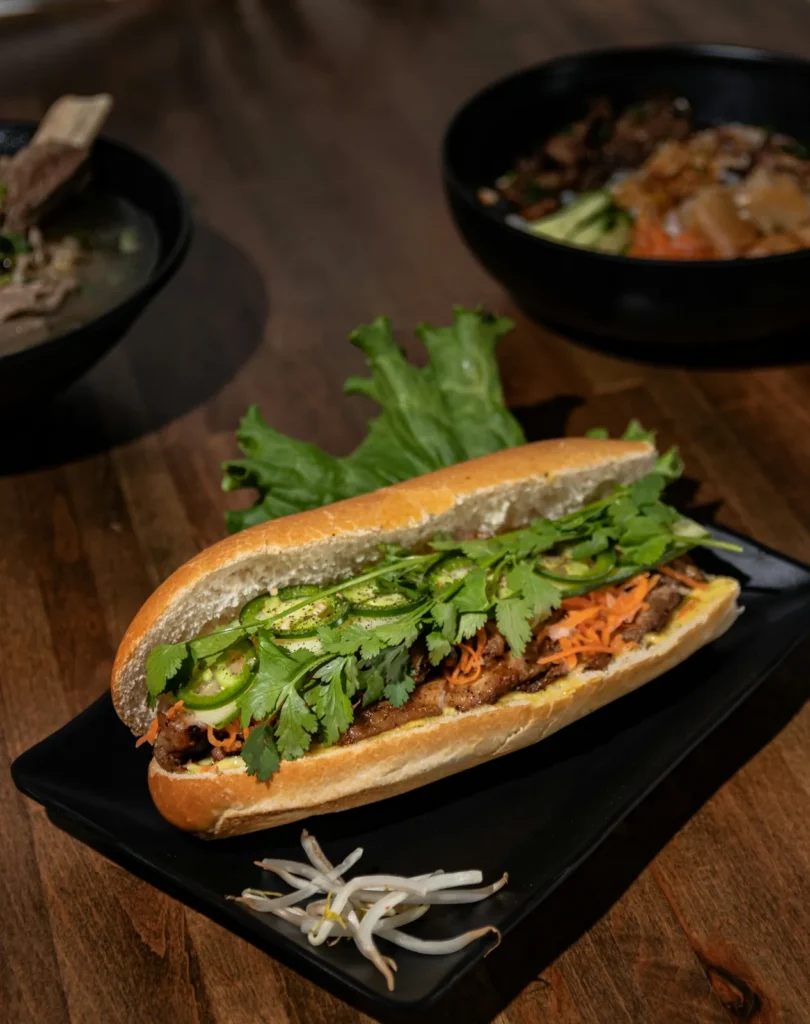
Photos sell food online more than any description. Take simple, bright photos of your top dishes in daylight, on a clean surface, from the angle that shows them best: bowls from above, sandwiches and drinks from the side. Use the same style for every photo so the menu looks consistent. Update photos when recipes or plating change; a photo that no longer matches the dish leads to disappointed guests and poor reviews. If you can, also photograph the dish in its takeout packaging, so guests know what to expect when the order arrives.
Protect your brand on third-party apps
On delivery apps, guests see your name next to dozens of competitors. Keep your listing accurate and attractive: the same logo and photos as your website, correct hours, up-to-date prices and a short description of what makes you special. Respond to app reviews where possible, mark items sold out quickly and check your listing every month. A neglected app listing with old photos and wrong hours can cost you guests on every channel, because people often look you up on Google afterwards.
15. Measure results
| Metric | What it tells you |
|---|---|
| Orders by channel | Where guests order |
| Profit after fees by channel | Which channel really pays |
| Average order value | Whether bundles and add-ons work |
| Prep time vs promised time | Whether the kitchen keeps up |
| Errors and refunds | Where the process breaks |
| Repeat order rate | Whether guests come back |
Review these monthly and shift effort toward the channels that bring profitable, repeat orders. Small changes, such as a better photo for a slow item or a family bundle, often move the numbers more than a new channel.
Online ordering by type of restaurant
Each kind of restaurant uses online ordering differently:
- Pho and noodle shops: most online orders are lunch and family dinners; packaging broth separately and offering family bundles matter most.
- Banh mi shops: speed is everything; accurate pickup times, a fast pickup shelf and office catering trays drive online ordering.
- Bubble tea shops: many small orders with lots of modifiers; clear options for sweetness, ice and toppings prevent mistakes.
- Seafood boil restaurants: larger, higher-value online orders for groups; sturdy, sealed packaging and clear spice levels are key.
- Bakeries and cafés: pre-orders for cakes and holiday items, morning pickup for pastries and coffee.
- Fine dining: limited takeout menus, meal kits or holiday packages, often scheduled in advance.
Design your online ordering menu around how your guests actually order, not around the full dine-in menu.
Catering through online ordering
Catering orders are some of the most profitable online orders a restaurant can receive. Add a catering section to your online ordering with trays priced by the number of guests, minimum lead times, delivery or pickup options and a deposit for large orders. Include utensils, napkins and sauces in the price, and call to confirm big orders the day before. Office managers love being able to order lunch for a meeting in a few clicks.
Schedule-ahead and holiday ordering
Allow guests to schedule online orders for later in the day or for future dates. Scheduled orders help the kitchen plan, especially for holidays such as Lunar New Year, Thanksgiving and the winter holidays, when many guests order trays and special dishes. Open holiday online ordering early, set a cutoff date and limit quantities to what the kitchen can produce.
Train staff for online orders
Everyone who touches online orders should know the process: how orders arrive, how to check modifiers, how to pack and label, how to handle late couriers, how to pause ordering when the kitchen is overwhelmed and how to respond to problems. A short written checklist at the packing station keeps quality consistent across shifts.
Online orders and reviews
Many reviews now come from delivery and pickup guests. Ask happy online ordering guests for reviews with a small card in the bag or a follow-up message, and reply to reviews about online orders specifically: thank guests for ordering, address packaging or timing issues and explain any changes you made. Good reviews about takeout reassure future online ordering guests.
A 30-day launch plan
| Week | Focus |
|---|---|
| Week 1 | Choose a system, connect it to the POS, build the online menu with photos and modifiers |
| Week 2 | Set prep times, throttling, pickup shelf and packaging; test real orders |
| Week 3 | Add order buttons to Google, your website and social media; train staff |
| Week 4 | Launch to regulars with a direct-ordering reward; review data and fix issues |
Frequently asked questions
Should a restaurant use delivery apps or its own online ordering?
Most restaurants benefit from both: apps for reaching new guests and their own ordering for better margins and direct relationships with repeat guests.
How much do delivery apps charge restaurants?
It depends on the app and plan, usually a commission on each order plus optional fees. Some cities limit commissions. Read contracts carefully and compare the profit left on each order.
Should online prices be higher than in-store prices?
Many restaurants charge slightly more on delivery apps to cover commissions and keep website prices equal to dine-in prices. Disclose any differences clearly.
How do I keep takeout food from getting soggy?
Separate wet and crispy components, use vented containers for fried items, pack sauces and broth separately and include reheating instructions.
How can I get guests to order directly?
Make direct ordering easy, add order buttons on Google and your website, include bag inserts and QR codes, and reward direct orders with loyalty perks. Remind regulars in person, too; a friendly mention at the counter often works better than any discount.
What should I look for in an online ordering system?
POS integration, modifiers, prep time and throttling controls, secure payments and tips, notifications, the ability to pause items and clear reports.
Restaurant online ordering can be one of your most profitable growth channels when you choose channels wisely, price each one carefully, prepare the kitchen, package food to travel and invite repeat guests to order directly. If you want a website with online ordering, QR codes and takeout stickers that match your brand, Dreamer's website design team builds restaurant sites across the US.
No time to do this yourself? We can do it for you.
Send your business name and ZIP code. We review your Google Maps, Yelp and Facebook presence and call you back for free.