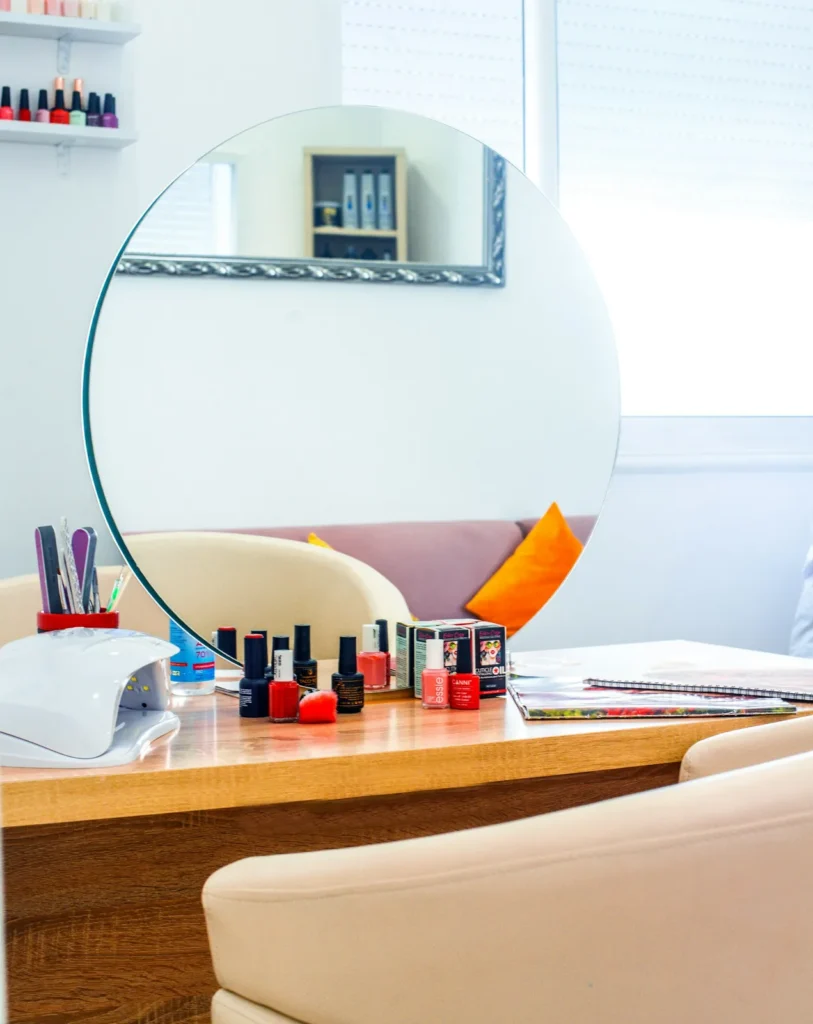
A nail salon not showing on Google Maps loses clients every day without knowing it. A regular says "I tried to find you on Maps and couldn't", or a new client walks into the salon next door because yours never appeared. Sometimes the profile is truly missing; often it exists but shows only when someone types the exact name, or it sits far down the list for "nail salon near me".
The cause is usually one of a handful of problems, and most can be fixed. This guide walks you through a quick diagnosis, then fourteen common causes in the order you should check them, with a fix for each. Start at the top and work down; the first problem you find is often the main one.
In this article
- First: missing, or just not ranking?
- Cause 1: the profile was never verified
- Cause 2: verification is pending or stuck
- Cause 3: the profile is suspended or disabled
- Cause 4: the salon is marked closed
- Cause 5: someone changed your information
- Cause 6: a duplicate profile exists
- Cause 7: the map pin is in the wrong place
- Cause 8: the wrong primary category
- Cause 9: the business name does not match the real world
- Cause 10: your hours make you look closed
- Cause 11: another salon at the same address is filtered with you
- Cause 12: distance
- Cause 13: the profile is incomplete or inactive
- Cause 14: competitors simply have more reviews and photos
- A 15-minute diagnosis checklist
- How clients actually search for a nail salon
- Track whether the fix worked
- Questions to ask before hiring help
- How long until the salon shows again?
- What not to do
- Not showing on Apple Maps or other apps
- Preventing the problem in the future
- Special situations
- How Dreamer helps salons show up
- Frequently asked questions
First: missing, or just not ranking?
Before fixing anything, find out which situation you are in. Do three searches on Google Maps, from a phone that is not signed in to your business account:
- Your exact salon name and city, for example "Lotus Nails Midtown".
- Your phone number.
- "Nail salon" while standing outside your salon, and again from a few blocks away.
| Result | What it means | Where to look |
|---|---|---|
| Not found by name or phone | The profile is missing, unverified, suspended or removed | Causes 1 to 6 |
| Found by name, not for "nail salon" nearby | The profile exists but is not ranking | Causes 7 to 14 |
| Found nearby, not from a few blocks away | Normal distance effect, plus ranking work needed | Causes 12 to 14 |
Cause 1: the profile was never verified
An unverified profile may not appear on Maps, or may show limited information. Open Google Business Profile while signed in and check the status. If it says verification is needed, complete it. Google's help page on how to verify your business on Google lists the available methods, which can include a phone call, text, email or video, depending on your business.
Fix: finish verification, and keep the name and address exactly as they appear on your sign and documents.
Cause 2: verification is pending or stuck
Sometimes verification is submitted but still under review. Edits made during this time can restart the review.
Fix: be patient, avoid changing the name, address or category while pending, and follow any instructions Google sends.
Cause 3: the profile is suspended or disabled
A suspended profile can vanish from Maps without much warning. Common reasons include keywords in the business name, address problems and duplicate profiles.
Fix: follow the appeal process in our guide to a Google Business Profile suspended. Do not create a new profile for the same salon.
Cause 4: the salon is marked closed
Check whether your profile shows "Temporarily closed" or "Permanently closed". Owners sometimes mark the salon closed during a renovation and forget to reopen it; sometimes a user suggestion marks it closed by mistake.
Fix: update the status in your profile and check the profile again a few days later to confirm the change stuck.
Cause 5: someone changed your information
Google accepts suggested edits from users. A wrong edit to your name, address, phone or category can make the salon hard to find.
Fix: sign in, review any "Google updated" notices and correct wrong information. Check your profile every week or two for unexpected changes.
Cause 6: a duplicate profile exists
Two profiles for the same salon can confuse Google; one may be filtered out or both may perform poorly. Duplicates often come from a previous owner, an old name or an agency.
Fix: search for your name, old names, address and phone number. Report or remove duplicates, or claim them and ask Google to merge or remove them.

Cause 7: the map pin is in the wrong place
If the pin sits in the middle of a parking lot, on the wrong side of the street or at the mall's main entrance, clients get lost and Google may connect your salon to the wrong spot.
Fix: edit the address and drag the pin to your exact storefront. Include the suite number. Check that directions from Google Maps lead to your door.
Cause 8: the wrong primary category
If your primary category is "Beauty salon" or "Spa" when your main business is nails, you may not appear for "nail salon" searches.
Fix: set "Nail salon" as the primary category if nails are your core business, and add only the secondary categories you really offer.
Cause 9: the business name does not match the real world
If the name on your profile is different from the name on your sign, or stuffed with keywords, the profile can be filtered or suspended.
Fix: use exactly the name on your sign, website and receipts. Remove cities, services and taglines from the name.
Cause 10: your hours make you look closed
If someone searches when your profile says you are closed, or filters for "open now", your salon may not appear. Wrong hours are surprisingly common, especially after holidays.
Fix: keep regular hours accurate and set special hours before every holiday.
Cause 11: another salon at the same address is filtered with you
When two similar businesses share an address or sit very close together, Google may show one and filter the other for some searches. Salon suites and shopping centers are common examples.
Fix: make your profile clearly distinct: your own suite number, your own phone number, your own website and photos of your own storefront. Make sure your profile is complete and strong so Google has a reason to show it.
Cause 12: distance
Google ranks results partly by distance from the person searching. A client two miles away may see five salons that are closer before yours. That is not a fault in your profile.
Fix: you cannot move closer to every client, but you can strengthen relevance and prominence, which can widen the area where you appear. Our guide on how to rank higher on Google Maps covers those factors.
Cause 13: the profile is incomplete or inactive
An empty profile with few photos, no services and no recent activity has little to show Google or clients.
Fix: complete every section: services with prices, description, hours, photos of the storefront, interior, team and work, and a booking link. Post updates regularly; our guide to Google Business Profile posts has ideas.
Cause 14: competitors simply have more reviews and photos
If the salons above you have hundreds of recent reviews and fresh photos, Google may see them as more prominent.
Fix: build a steady flow of real Google reviews and add new photos every week or two. Our guide to Google reviews for salons shows how to ask every client without breaking the rules.
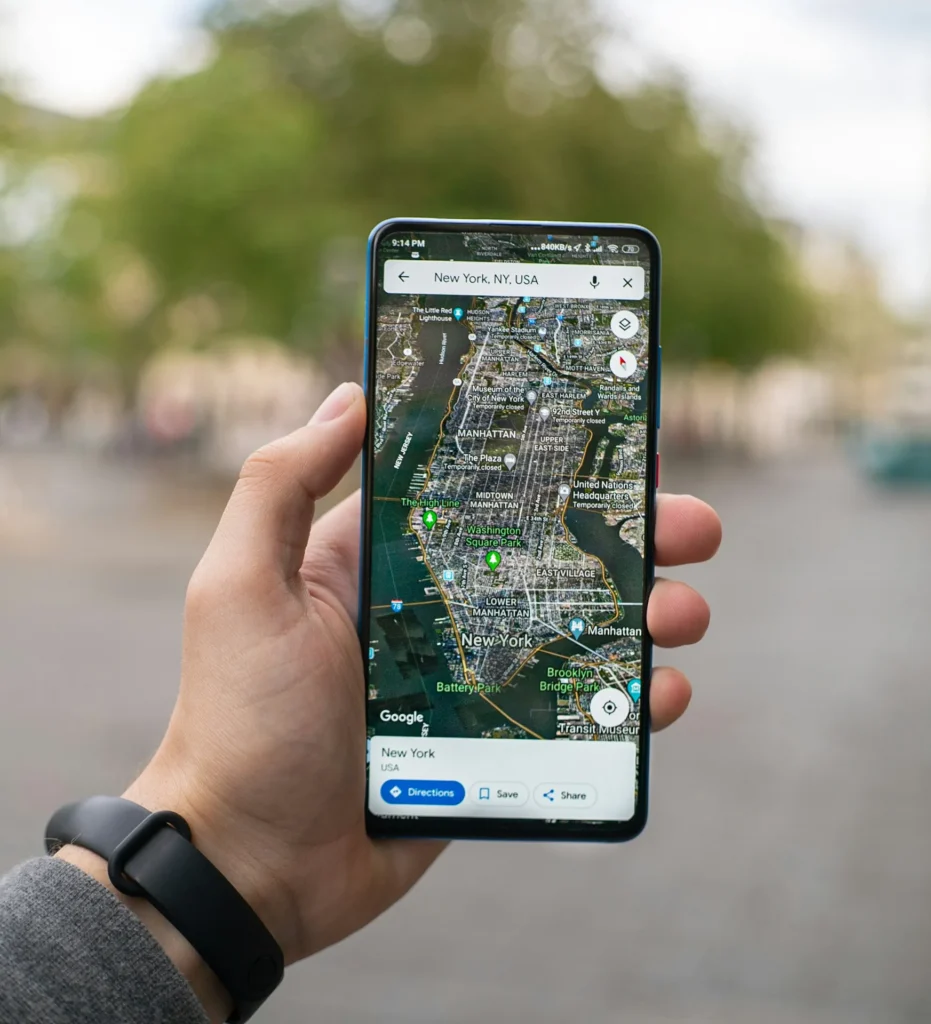
A 15-minute diagnosis checklist
Work through this list once, in order:
- Search your exact name and city on Google Maps, signed out.
- Search your phone number.
- Open your Business Profile and check verification status.
- Check for suspension notices or the appeals tool status.
- Confirm the salon is not marked temporarily or permanently closed.
- Look for unexpected edits to name, address, phone or category.
- Search for duplicates using old names and the address.
- Check the pin on the map and the suite number.
- Confirm "Nail salon" is the primary category.
- Compare the profile name with your sign.
- Check regular and holiday hours.
- Search "nail salon" from outside the salon and from a few blocks away.
- Count photos, services and recent updates.
- Compare your reviews with the top three salons nearby.
Write down what you find. Fix the first serious problem before moving on, because some fixes, such as name or address changes, can trigger a review.
How clients actually search for a nail salon
Your salon can show for some searches and not others, so it helps to know how clients search:
- "Nail salon near me" or just "nails", with no location typed. Google uses the phone's location.
- Service searches such as "gel manicure", "dip powder nails", "pedicure open now" or "nail art".
- Neighborhood searches such as "nail salon Midtown" or "nails near Union Square".
- Name searches from clients who already know you or heard about you from a friend.
- Voice searches like "Hey Google, find a nail salon open now".
A profile with complete services, accurate hours and a clear neighborhood in the description has a better chance across all of them. When you test, try several of these searches, not only "nail salon".
Track whether the fix worked
Keep a simple log so you know what changed and when:
- Before you fix anything, take screenshots of your searches from three or four spots around the salon.
- Write down each change with the date: pin moved, category changed, duplicate reported.
- Repeat the same searches two and four weeks later from the same spots.
- Watch the performance section of your Business Profile for calls, direction requests and website clicks.
If calls and direction requests rise after a fix, you found a real problem. If nothing changes after a month, move to the next cause on the list.
Questions to ask before hiring help
If you decide to hire someone to fix your Google Maps presence, ask:
- What exactly will you check and change on my profile?
- Will you use my own Google account and add yourselves as managers, rather than asking for my password?
- How will you report results: calls, directions, bookings?
- Do you ever buy reviews, add keywords to business names or use virtual addresses? (The right answer is no.)
A trustworthy partner explains the plan in plain words and never promises a guaranteed first position.
How long until the salon shows again?
It depends on the cause. Fixing hours or a pin can show results within days. Verification and appeals take as long as Google's review takes. Ranking improvements from reviews, photos and a complete profile build over weeks and months. Avoid making many changes at once while waiting; it makes it harder to tell what worked.
What not to do
- Do not create a new profile to replace a missing one; it can create a duplicate or look like an attempt to avoid a suspension.
- Do not add keywords to your name to "help" Google find you.
- Do not buy reviews or offer rewards for them.
- Do not change your address to a virtual office closer to a busier area.
- Do not hire anyone who promises a guaranteed top position by a date.
Not showing on Apple Maps or other apps
Clients who use iPhones may search in Apple Maps, which does not use your Google profile. If your salon is missing there, claim it in Apple Business Connect; our guide to Apple Business Connect explains how. Check Yelp, Bing and Facebook as well, and keep the name, address, phone and hours identical everywhere.
Preventing the problem in the future
- Check your profile monthly for edits, hours and photos.
- Keep one owner account and remove former employees and old agencies.
- Update everywhere at once after a move, a name change or a new phone number.
- Keep documents ready: license, registration and a recent utility bill at the salon address.
- Keep a steady routine of reviews, photos and updates.
Special situations
A new salon
A new profile can take time to verify and to start appearing for broader searches. Complete the profile before opening day, add photos of the finished salon, and start collecting reviews from your first clients.
A salon that moved
After a move, update the address on Google and every other listing on the same day, upload new storefront photos and tell your clients. If the old location still shows, mark it correctly rather than creating a second profile.
A salon that changed its name
Change the name on your sign first, then the profile, website and listings. Google may review the change; keep proof such as new signage photos and updated documents ready.
A salon inside a suite building
Use your own suite number, your own phone number and photos of your own entrance, so Google and clients can tell you apart from neighbors in the same building.
How Dreamer helps salons show up
Dreamer's Social Marketing service starts with exactly this kind of check: we look at how your salon shows on Google Maps, Apple Maps and Yelp, fix missing or wrong information, make your details match everywhere, then build steady visibility with photos, updates and review routines. If your salon needs a website that supports the profile, our website design team builds fast, mobile-friendly salon sites with online booking.
Frequently asked questions
Why is my nail salon not showing on Google Maps?
The most common causes are an unverified or suspended profile, a closed status, wrong edits, duplicates, a misplaced pin, the wrong category, inaccurate hours, filtering of similar businesses at the same address and strong nearby competitors.
Why can I find my salon by name but not for "nail salon near me"?
The profile exists, but it is not ranking for broader searches. Work on categories, completeness, photos, reviews and a website that matches the profile.
Should I create a new profile if mine disappeared?
No. Find out why it disappeared. A new profile for the same salon can create a duplicate or make a suspension harder to fix.
How long does it take to reappear on Google Maps?
Simple fixes can show within days. Verification and appeals depend on Google's review. Ranking improvements take weeks to months.
Why does my salon show up only when I search from inside the salon?
Distance is a ranking factor. Searches from your own location favor you; check from other spots to see your real position.
Can I pay Google to show on Maps?
You cannot pay for free Maps results. Google Ads can show your salon in labeled ad spots.
When your nail salon is not showing on Google Maps, work through the causes in order: verification, suspension, status, edits, duplicates, pin, category, name, hours, filtering, distance, completeness and competition. Fix the first real problem, give it time, then build steady visibility. Most salons can get back on the map and climb from there.