Searching for Vagaro alternatives usually starts with a specific frustration: the monthly bill grew with the team, a feature you need costs extra, clients book through a marketplace instead of your own page, or the software simply feels like more than your salon uses. Vagaro is a well-known, full-featured platform used by many salons, spas and studios, and for plenty of them it is the right choice. For others, a different setup fits better.
This guide does not rank software or quote prices, because pricing and features change often and every salon is different. Instead, it gives you a fair way to compare options: the questions to ask, the types of alternatives that exist, what to check about fees and data, how to switch without losing clients, and when your own booking website makes more sense than another platform.
In this article
- Why salons look for a Vagaro alternative
- Types of alternatives
- Question 1: What does your salon actually need?
- Question 2: What will it really cost?
- Question 3: Who owns your client list?
- Question 4: Marketplace or direct booking?
- Question 5: How do payments work?
- Question 6: Will your team actually use it?
- Question 7: What support do you get?
- Question 8: How does it look to your clients?
- Question 9: How hard is it to switch later?
- Vagaro alternatives by salon type
- Questions to ask a salon software sales rep
- Red flags in software contracts
- A 30-day trial plan
- How to switch without losing clients
- When your own booking website is the better alternative
- What to keep from your current system
- Common mistakes when choosing salon software
- A simple scoring sheet
- Frequently asked questions
Why salons look for a Vagaro alternative
Owners usually mention a handful of reasons:
- Cost as the salon grows, especially when pricing depends on the number of staff calendars, locations or add-ons.
- Features they pay for but do not use, or features they need that cost extra.
- Marketplace exposure: some owners like being listed in a booking marketplace; others prefer clients to book only on the salon's own website and Google profile.
- Payment processing: wanting a different processor, rates or hardware.
- Ease of use for the front desk and technicians, including language needs.
- Control of client data and the ability to export it.
Write down your own reasons before you look at anything else. The right alternative solves your actual problem, not every problem.
Types of alternatives
Not every alternative is another all-in-one platform. There are four broad options:
| Type | What it is | Good fit for |
|---|---|---|
| All-in-one salon software | Booking, POS, client records, marketing, payroll tools in one system | Salons that want one login for everything |
| Booking-focused tools | Online booking, reminders and client records, light POS | Small salons and independent technicians |
| POS-first systems with booking | A payment system with appointments added | Walk-in heavy salons that live at the register |
| Your own booking website | Booking on your salon's domain, linked from Google and Instagram | Salons that want clients to book directly with them |
Well-known names in the all-in-one and booking categories include Square Appointments, Fresha, Booksy, GlossGenius, Boulevard, Mangomint and Mindbody. Each has a different focus, from independent beauty professionals to multi-location spas. Check each vendor's current pricing and contract terms on its own site; they change often.
Question 1: What does your salon actually need?
Make a two-column list: must-have and nice-to-have. A typical nail salon list:
Must-have: – Online booking by service and technician. – Service durations that reflect reality, including add-ons. – Client records with notes and visit history. – Appointment confirmations. – A simple front desk calendar.
Nice-to-have: – Waitlist and check-in. – Gift cards and memberships. – Email or text marketing. – Commission and tip reports. – Inventory.
Compare every option against your must-have list first. Nice-to-have features are tie-breakers, not reasons to pay more.
Question 2: What will it really cost?
Software pricing has many layers. Ask every vendor for a written answer to:
- Base monthly or yearly price, and what it includes.
- How price changes with more staff, calendars or locations.
- Add-ons: marketing, reminders, gift cards, payroll, website, extra locations.
- Payment processing rates for card-present and online payments.
- Hardware costs: terminals, receipt printers, tablets.
- Fees charged to clients, if any, and fees for marketplace bookings.
- Contract length, cancellation terms and early termination fees.
- Price increases: how much notice they give.
Then calculate a realistic monthly total for your salon, not the advertised starting price. Our guide to credit card processing fees explains how to compare payment costs.
Question 3: Who owns your client list?
Your client list is your business. Before you commit, ask:
- Can you export all client names, phone numbers, emails and notes at any time?
- In what format: spreadsheet, CSV, PDF?
- Can you export appointment history and future appointments?
- What happens to clients who found you through a marketplace?
- What happens to your data if you cancel?
A platform that makes exporting difficult makes switching difficult later. Prefer tools that let you download your data yourself.
Question 4: Marketplace or direct booking?
Some platforms run a consumer marketplace where clients discover salons. That can bring new clients, but it also means clients may see other salons next to yours, and some marketplaces charge for new clients they bring. Other owners prefer that clients book directly from the salon's website and Google profile, where no competitor appears.
There is no single right answer. If most of your new clients already come from Google Maps, direct booking on your own site may be enough. If you are new and need discovery, a marketplace can help. Our guide on how to rank higher on Google Maps explains how to make your own profile the main source of new clients.
Question 5: How do payments work?
Payments are often tied to the booking software. Check:
- Which processor is used, and whether you can choose your own.
- Card-present rates, online rates and any monthly fees.
- Deposits and cancellation fees for no-shows.
- Tips by technician and how they appear in reports.
- How quickly money reaches your bank account.
- Whether the system supports tap to pay, Apple Pay and Google Pay.
- Security: the system should follow the PCI Security Standards for card data.
Our guide to salon POS features lists what to look for at the front desk.
Question 6: Will your team actually use it?
The best software fails if the front desk avoids it. Ask for a demo or trial and test real situations:
- Booking a gel fill with a nail art add-on for a specific technician.
- Moving an appointment when a client is late.
- Checking in a walk-in and assigning a turn.
- Splitting a payment between card and cash with a tip.
- Finding a client's last color.
Involve your front desk lead and one or two technicians in the trial. If language matters, check whether the interface and support work for your team.
Question 7: What support do you get?
When the system goes down on a Saturday, support matters. Ask:
- Support hours and channels: phone, chat, email.
- Average response times.
- Whether onboarding and data import are included.
- Whether there is a local or dedicated contact.
Question 8: How does it look to your clients?
Clients judge your salon by the booking experience. Book an appointment yourself on a phone:
- Is it fast and simple?
- Does it show your branding, photos and real prices?
- Does it push other salons or upsells you do not control?
- Does the confirmation email look professional?
Question 9: How hard is it to switch later?
Every switch costs time. Choose a system you can leave if you need to: clear export tools, no long contracts, and data you control.
Vagaro alternatives by salon type
The right Vagaro alternative depends on how your salon works day to day:
- Solo technician or suite renter: a simple booking tool or a personal booking website, with deposits and reminders, is usually enough. Look for low fixed costs and an easy phone app.
- Small salon, three to six technicians: online booking by technician, client notes, tips by technician and a simple POS matter most. Many salons this size are happy with booking software plus the payment system they already trust.
- Busy walk-in salon: check-in, turn tracking and fast checkout come first; online booking is a bonus for regulars. Look at POS-first systems with a waitlist or check-in screen.
- Lash studio or spa: longer services, deposits, intake forms and room or equipment scheduling may matter more than marketing features.
- Several locations: central reporting, staff that work at more than one location and consistent menus become important; all-in-one salon software built for groups may be worth the higher cost.
Match the category first, then compare products inside it.
Questions to ask a salon software sales rep
A short script keeps the demo focused on your salon:
- "Show me how a client books a gel fill with nail art for Jenny on her phone."
- "What will my monthly total be with six staff, online booking, gift cards and card processing?"
- "How do I export all my clients and future appointments, and can I do it myself?"
- "What happens to my data and my booking link if I cancel?"
- "Is there a contract, and what does it cost to leave early?"
- "Who answers the phone on a Saturday afternoon?"
Write the answers down during the call, and ask for the pricing in writing afterwards.
Red flags in software contracts
- Automatic renewals for a year or more with a short cancellation window.
- Processing rates that can change without clear notice.
- Equipment you lease instead of own, with fees long after you stop using it.
- No self-service export of your client data.
- Fees charged to your clients that you cannot turn off or explain.
None of these automatically rules out a product, but each deserves a clear answer before you sign.
A 30-day trial plan
If a vendor offers a trial, use it like a real month:
- Week 1: set up services, durations, staff and hours; book test appointments yourself.
- Week 2: have the front desk run real bookings in parallel with your current system on one day.
- Week 3: test checkout, tips, refunds and a gift card; run the end-of-day report.
- Week 4: export your test data and confirm you can read it; review the real costs.
At the end of the month, the team will tell you which booking software they want to keep, and their opinion matters more than any feature list.
How to switch without losing clients
A careful switch takes a few weeks:
- Export everything from your current system: clients, notes, appointment history, future appointments, gift card balances, memberships and package balances.
- Pick a quiet week for the switch, not December or the week before Mother's Day.
- Set up services, durations, prices and staff in the new system before importing clients.
- Import clients and spot-check a few records.
- Re-create future appointments carefully and confirm them with clients.
- Honor gift cards and packages sold in the old system; keep a list until every balance is used.
- Update every booking link: Google Business Profile, Apple Maps, Instagram bio, Facebook, website, printed QR codes.
- Train the team with real practice bookings.
- Keep read-only access to the old system for a few months if possible.
- Tell clients about the new booking link in a short, friendly message.
When your own booking website is the better alternative
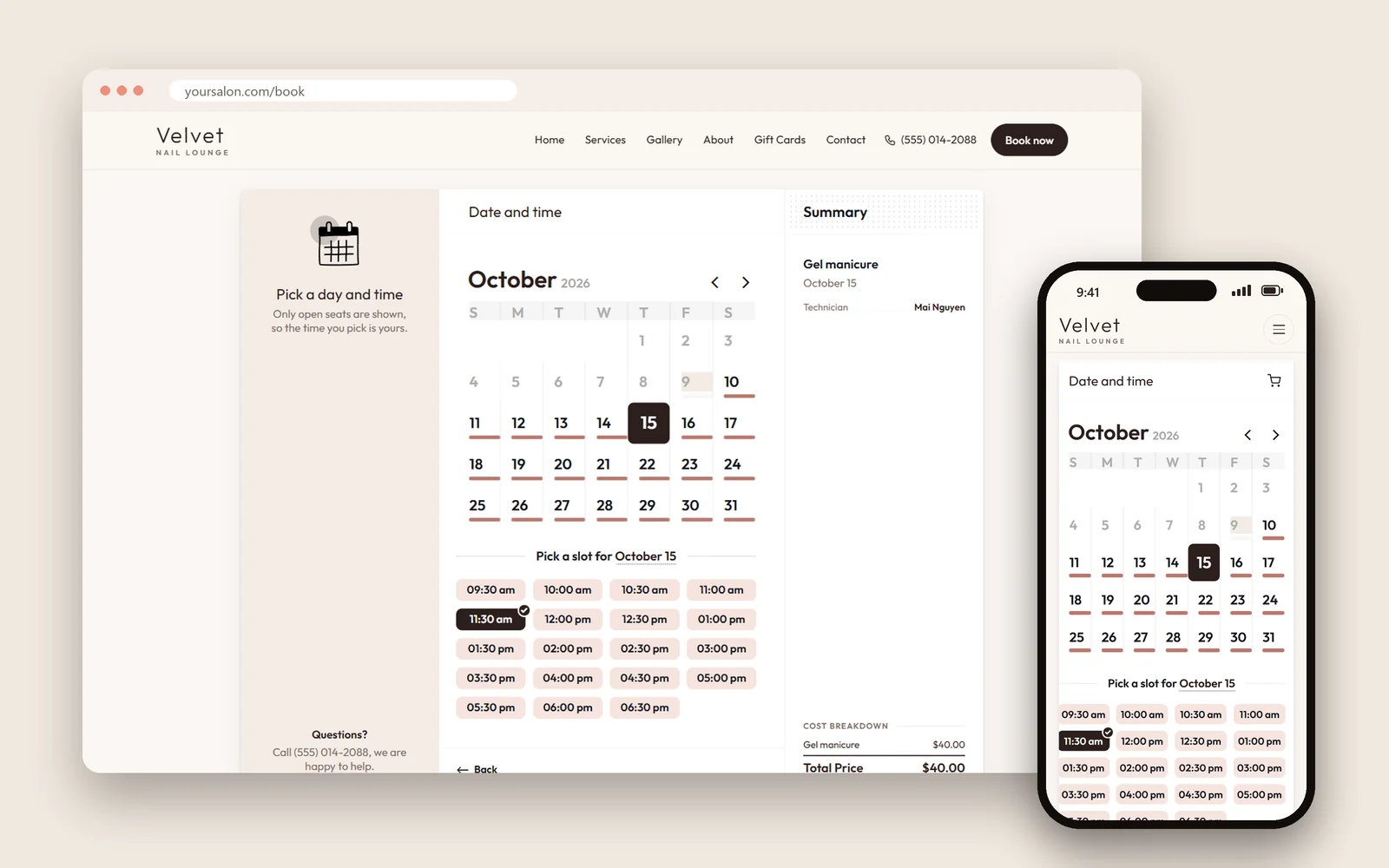
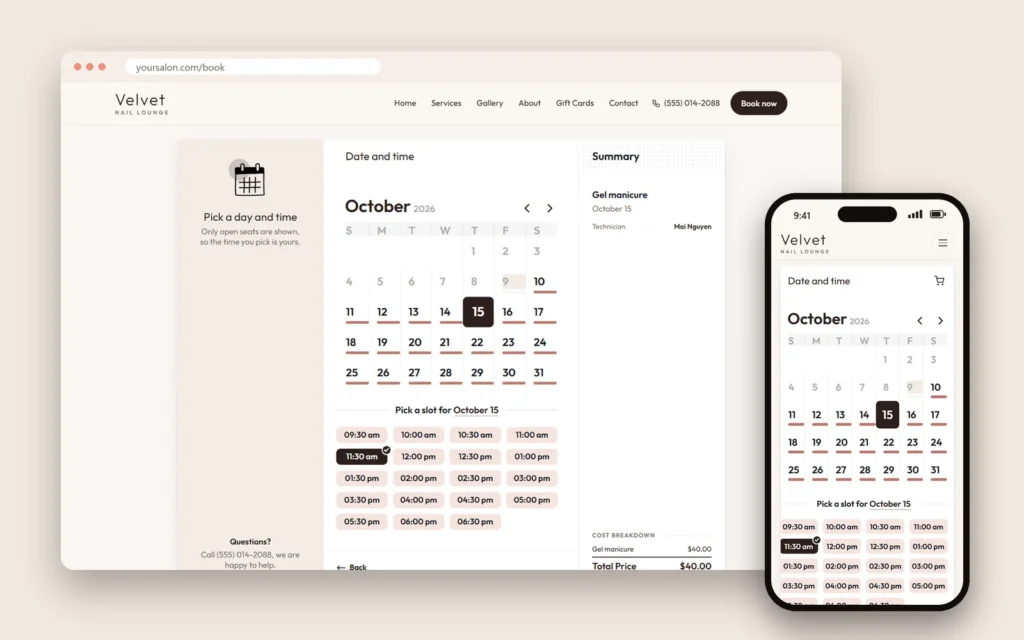
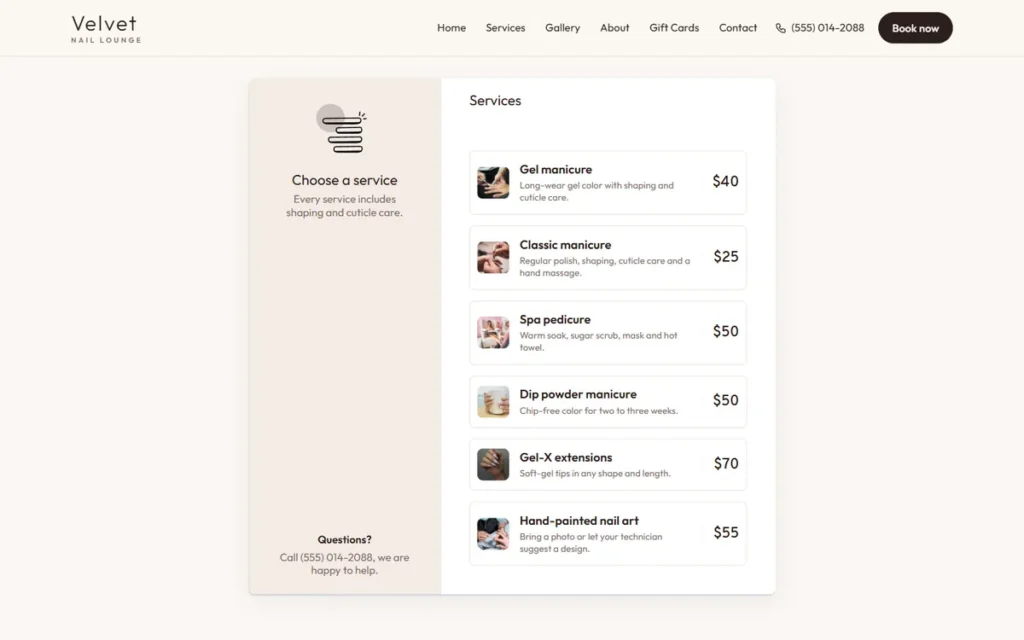
For many small and mid-size salons, the main goal is simple: clients find the salon on Google, see real services and prices, and book a time with a technician, with no competitors in the way. In that case, a booking website on your own domain can be the most practical alternative:
- Clients book on your site, linked from Google, Apple Maps and Instagram.
- Your branding, photos and prices, not a marketplace layout.
- Your client list stays with you.
- Payments can stay on the POS you already use at the front desk.
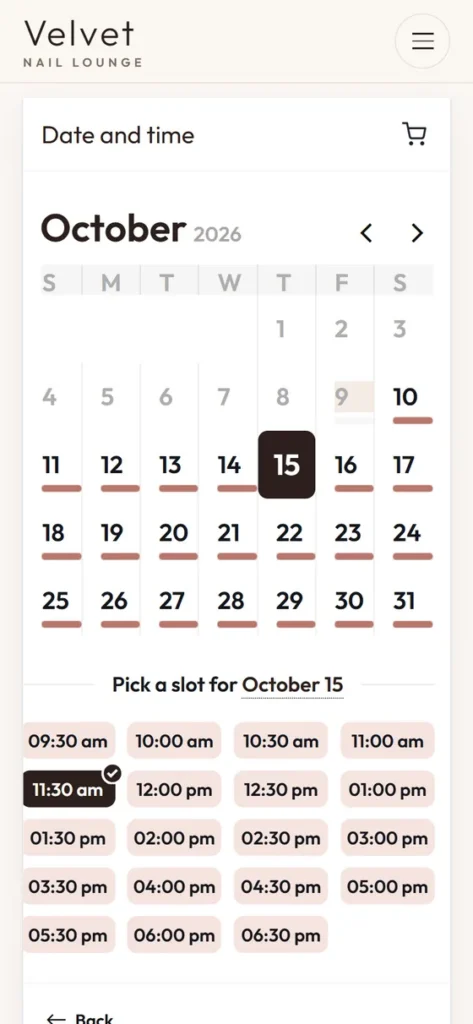
Dreamer builds booking websites for salons: clients choose a service, a technician and an open time, and the salon receives an email for every new booking. It works alongside your existing POS. You can see examples in our website templates.
What to keep from your current system
Switching is also a chance to clean up:
- Remove services you no longer offer.
- Fix service durations that always run late.
- Standardize service names so clients understand them.
- Update photos.
- Clean duplicate client records.
A cleaner setup often solves problems you blamed on the old software. It is also the right moment to rewrite service descriptions in plain words clients understand, add real photos of your work, and decide which services clients can book online and which need a phone call first, such as long nail art sets or corrective work. Those decisions make any booking software work better, whichever one you pick.
Common mistakes when choosing salon software
- Choosing by the advertised starting price instead of the real monthly total.
- Ignoring processing fees, which can outweigh software fees.
- Skipping the team trial.
- Signing a long contract before testing.
- Forgetting gift card balances and memberships in the switch.
- Leaving old booking links on Google and Instagram.
- Not exporting data before cancelling the old system.
A simple scoring sheet
Score each option from 1 to 5:
| Criteria | Option A | Option B | Option C |
|---|---|---|---|
| Must-have features | |||
| Real monthly cost | |||
| Payment terms | |||
| Client data export | |||
| Ease of use for the team | |||
| Client booking experience | |||
| Support | |||
| Contract flexibility |
Add the scores, then look again at the two highest options with your team. The answer is usually clear. If two options tie, choose the one with the shorter contract and the easier data export; it keeps your next decision cheap.
Frequently asked questions
Is Vagaro a bad choice for nail salons?
No. Vagaro is a widely used, full-featured platform, and many salons are happy with it. Alternatives make sense when your needs, budget or preferences are different.
What is the cheapest Vagaro alternative?
It depends on your team size, add-ons and payment volume. Compare the real monthly total, including processing fees and add-ons, rather than starting prices.
Can I take my client list with me if I switch?
Most systems allow exports, but formats and details differ. Ask before you sign and export everything before you cancel.
Do I need an all-in-one system?
Not always. Some salons are happier with a simple booking website plus the POS they already use.
How long does switching salon software take?
Plan for a few weeks: setup, import, testing, team training and updating every booking link.
Will switching hurt my Google ranking?
No, if you update the booking link on your Google Business Profile and keep your name, address and phone consistent.
Choosing among Vagaro alternatives is less about finding the "best" software and more about finding the right fit: the features you really use, a cost you understand, data you control and a booking experience your clients enjoy. Compare fairly, test with your team, switch carefully, and your new system will feel like an upgrade instead of a disruption.