Yelp for nail salons is a different game from Google. On Google you can ask every client for a review; on Yelp you cannot ask anyone. On Google every real review shows; on Yelp, automated software decides which reviews are recommended. Many salon owners either ignore Yelp completely or get frustrated with it, and both reactions leave clients who check Yelp with an incomplete picture of the salon.
This guide explains how Yelp works for a nail salon, how to claim and complete your Yelp page, why asking for reviews backfires, how recommended reviews work, how to reply, when Yelp ads might be worth a test, and how Yelp fits next to Google in your local marketing. The aim is simple: a complete, accurate, well-managed page that helps clients choose you, without breaking Yelp's rules.
In this article
- Does a nail salon need Yelp?
- How Yelp differs from Google
- Step 1: Claim your Yelp page
- Step 2: Complete every section of your Yelp page
- Step 3: Add real photos
- Step 4: Understand Yelp's rule against asking for reviews
- Step 5: Understand recommended and not recommended reviews
- Step 6: Respond to Yelp reviews well
- Step 7: Report reviews that break Yelp's rules
- Step 8: Watch for Consumer Alerts
- Step 9: Decide whether to test Yelp ads
- Step 10: Answer messages quickly
- Keep your Yelp page consistent with Google
- Yelp reviews and Google reviews: how they work together
- Common Yelp mistakes salons make
- A monthly Yelp routine for salons
- Yelp for salons in big cities
- Yelp for a new salon
- Yelp business tools beyond the page
- How Dreamer helps with Yelp
- Frequently asked questions
Does a nail salon need Yelp?
Most new salon clients start on Google or Google Maps. Yelp matters too, for a few reasons:
- Some clients check Yelp before trying a new salon, especially in big cities and for higher-priced services.
- Yelp pages rank on Google for searches like "best nail salon in [neighborhood]".
- Yelp information spreads to other apps and services through partnerships.
- An unclaimed page can show wrong hours, old photos and unanswered complaints.
You do not need to spend hours on Yelp every week. You do need a claimed, accurate, complete page that you check regularly.
How Yelp differs from Google
| Topic | Google Business Profile | Yelp |
|---|---|---|
| Asking for reviews | Allowed, without incentives | Not allowed at all |
| Which reviews show | All reviews that meet policies | Recommended reviews chosen by software |
| Incentives for reviews | Prohibited | Prohibited |
| Ads | Google Ads, labeled | Yelp Ads, labeled |
| Replies | Public replies | Public and private replies |
| Typical role for salons | Main source of new clients | Second check for many clients |
Understanding these differences prevents the most common Yelp mistakes.
Step 1: Claim your Yelp page
Most salons already have a Yelp page, created by Yelp or by a client. Claim it for free at Yelp for Business by searching for your salon and verifying that you are the owner. If no page exists, you can add your business there.
Use the same business name, address and phone number as your Google profile and your sign. Consistency across platforms helps both clients and search engines.
Step 2: Complete every section of your Yelp page
A complete page answers clients' questions before they call:
- Categories: "Nail Salons" as the main category, with others like "Waxing" or "Eyelash Service" only if you offer them.
- Hours: regular hours and special hours for holidays.
- Services: list your main services so clients see what you offer.
- Specialties: a short paragraph about what makes your salon different.
- History: when you opened and your story.
- Meet the business owner: a photo and a few friendly sentences.
- Amenities: parking, wheelchair access, accepted payments, walk-ins welcome.
- Website and booking link, if you offer online booking.
Write in plain language, like you would talk to a new client at the front desk.

A specialties section that sells
The specialties section is your short pitch to every visitor of your Yelp page. A simple structure works: what you do best, how you keep clients safe and comfortable, and how to book. For example:
"Lotus Nails is a family-owned salon in Midtown specializing in structured gel manicures, hand-painted nail art and relaxing spa pedicures. Every client gets a new file and buffer, and our metal tools are cleaned and sterilized after each use. Our team of six technicians speaks English and Vietnamese. Walk-ins are welcome on weekdays; book online for weekends."
Avoid superlatives you cannot prove, like "the best salon in New York". Concrete details persuade better than big claims.
Step 3: Add real photos
Photos on Yelp work the same way as on Google: they help clients picture the visit. Add:
- The storefront, so clients recognize it.
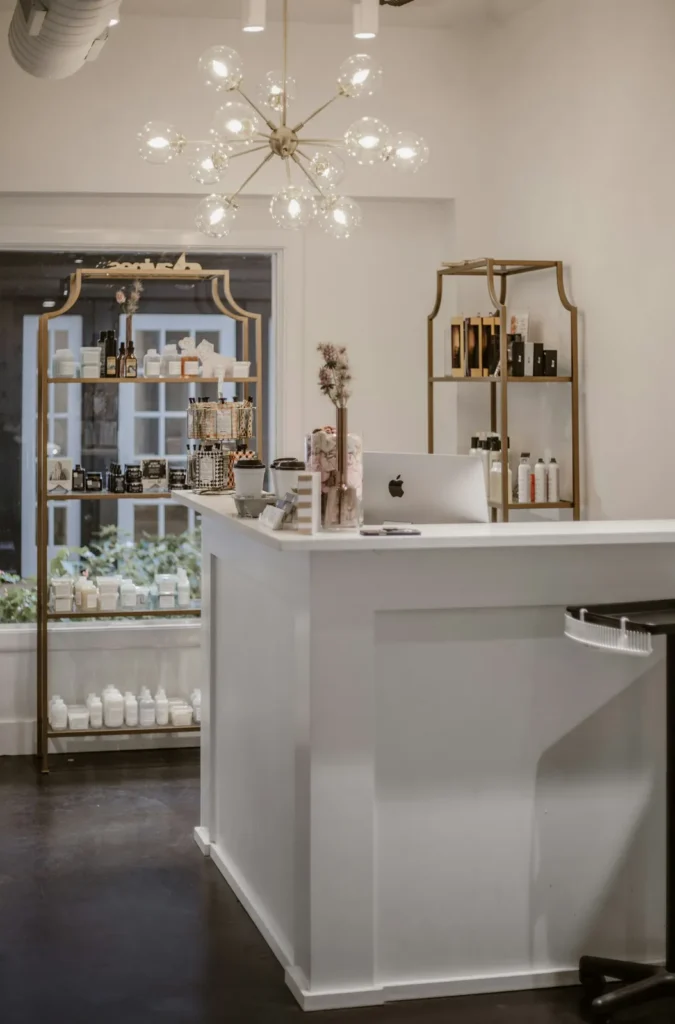
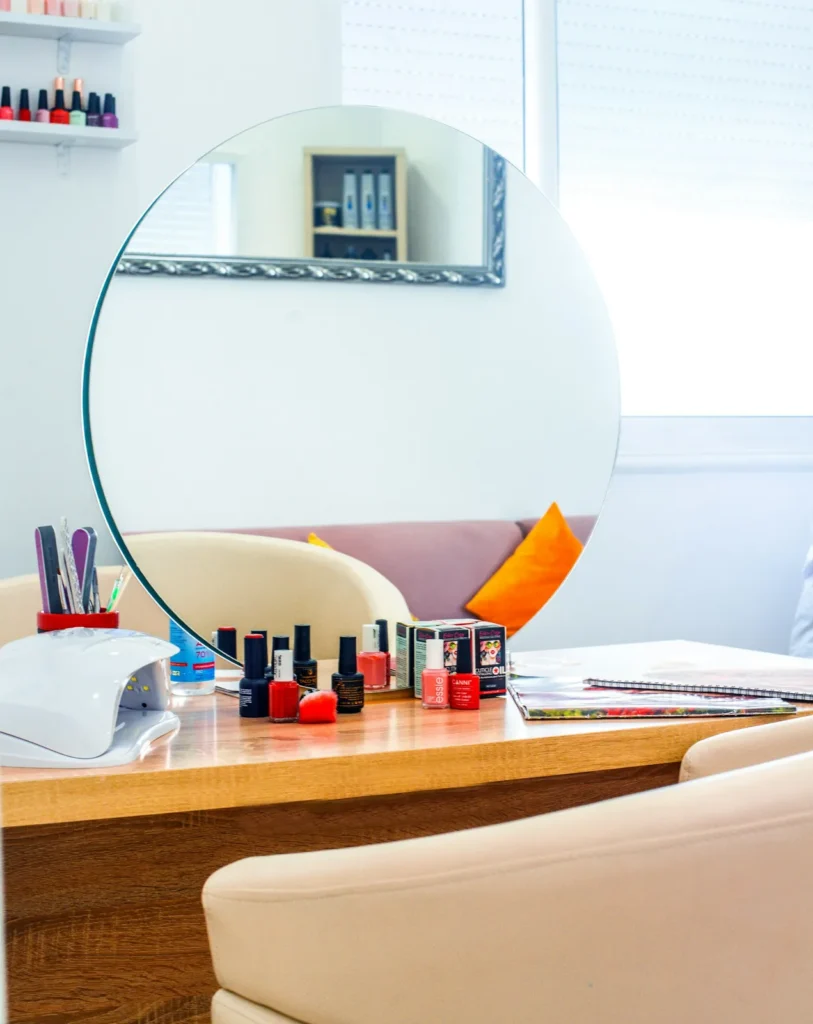
- The interior, stations and pedicure chairs.
- Your team at work.
- Your best nail sets, updated regularly.
Clients also add photos. You cannot delete client photos, but you can add your own good ones so the page shows your best side. Our guide on how to photograph nails shows how to take photos that look as good as the work.
Step 4: Understand Yelp's rule against asking for reviews
Yelp's support article Don't Ask for Reviews is clear: do not ask anyone to review your business, whether customers, mailing list subscribers, friends or family. Staff should never compete to collect reviews, and you should not ask for reviews after feedback surveys. Offering freebies, discounts or payment for reviews is prohibited, and so are incentives to remove reviews.
Yelp also explains why: its software tries to identify reviews that appear to have been requested and may not recommend them. Asking can actually hurt your Yelp rating, because the reviews you prompted may not show.
What you can do instead
- Deliver a memorable experience, so clients want to share it on their own.
- Let people know you are on Yelp, for example with a link on your website or a small "Find us on Yelp" sign, without asking for a review.
- Keep your page complete and up to date, so visitors see an active business.
- Reply to the reviews you get, thoughtfully and professionally.
For Google, you can and should ask every client; our guide to Google reviews for salons explains how.
When a client brings up Yelp at the salon
Sometimes a happy client says, "I'm going to put this on Yelp!" You do not need to stop them; you simply should not ask or reward. A warm "Thank you, that means a lot to us" is perfect. What you should avoid is the next step many salons take: handing over a card that says "Review us on Yelp", promising a discount, or asking the team to remind every client. Those turn an organic review into a solicited one.
Step 5: Understand recommended and not recommended reviews
On Yelp, some reviews appear in the main list and others sit in a separate "not currently recommended" section. Yelp's article Why would a review not be recommended? explains that reviews may not be recommended when they come from less active users, seem less reliable, or suggest bias, such as a review written by a friend of the owner. The software is automated, no Yelp employee can override it, and it treats advertisers and non-advertisers the same.
What this means for salons:
- A glowing review from a first-time Yelp user may not be recommended. That is normal.
- Paying for ads does not change which reviews are recommended.
- Reviews can move between sections over time as the software learns more about reviewers.
Do not try to game the system. Focus on service and a complete page.
Step 6: Respond to Yelp reviews well
Yelp lets business owners reply publicly or send a private message to the reviewer.
Public replies
Good for showing future clients how you handle feedback. Keep them short, polite and specific: thank, apologize when needed, add brief context, invite the client to contact you.
Private messages
Good for resolving a problem directly. Be warm and solution-focused, and never pressure the client to change the review. Private messages that feel pushy can backfire.
Our guide on how to respond to negative reviews has templates that work on Yelp too.
Thank positive reviewers
A short thank-you to positive reviewers is a nice touch, publicly or privately. Keep it personal and brief.
Step 7: Report reviews that break Yelp's rules
If a review clearly violates Yelp's content guidelines, such as a review from someone who never visited, hate speech, private information or a conflict of interest like a competitor's review, you can report it from your business account. Yelp reviews the report against its guidelines; a review being negative is not a reason for removal. Reply calmly while you wait.
Step 8: Watch for Consumer Alerts
Yelp runs a Consumer Alerts program that can place a notice on business pages when it finds evidence of review manipulation, such as paying for reviews or offering incentives. A Consumer Alert on your page is far worse than a few bad reviews. Avoid any service that promises Yelp reviews, and make sure your team understands the rules.
Step 9: Decide whether to test Yelp ads
Yelp sells advertising that places your salon in more visible spots on Yelp searches and competitor pages. Ads can bring calls and messages, but they are not necessary for a well-managed page.
If you test Yelp ads:
- Set a clear monthly budget and a test period, such as two or three months.
- Track leads: calls, messages, direction requests and bookings from Yelp.
- Ask new clients how they found you.
- Compare with Google: if the same budget brings more clients through Google Ads or a better Google profile, shift it there.
- Read the contract terms carefully before committing, including how to stop.
Remember that ads do not affect which reviews are recommended. Our guide to Google Ads for nail salons covers the other main paid option.
Step 10: Answer messages quickly
Clients can message salons through Yelp. Turn on notifications in the Yelp for Business app and reply within business hours. A quick, helpful reply often wins the booking, while a message that sits for two days is a lost client.

Keep your Yelp page consistent with Google
Clients notice when Google says you close at 7 and Yelp says 6. Update both whenever something changes:
- Hours and holiday hours.
- Phone number and website.
- Services and booking link.
- Photos of the current salon, especially after a renovation.
If you move or change your phone number, update Yelp, Google, Apple Maps, Facebook and your website on the same day. Our guide on how to rank higher on Google Maps explains why consistent listings help.
Yelp reviews and Google reviews: how they work together
Many clients read both. A salon with strong reviews on Google and a well-managed Yelp page looks trustworthy everywhere. Because you can ask for Google reviews but not Yelp reviews, most salons will have more Google reviews, and that is fine. Our comparison of Yelp vs Google reviews explains which matters more and how to handle each.
Common Yelp mistakes salons make
- Leaving the page unclaimed, with wrong hours and no photos.
- Asking clients for Yelp reviews, which can hide those reviews and break the rules.
- Offering discounts for reviews, which can trigger a Consumer Alert.
- Arguing with reviewers in public replies.
- Pushy private messages asking clients to change reviews.
- Buying "Yelp review packages" from any service.
- Ignoring messages for days.
- Signing ad contracts without a plan to measure results.
A monthly Yelp routine for salons
| Task | How often |
|---|---|
| Check hours, phone and booking link | Monthly and before holidays |
| Add new photos of work and the salon | Monthly |
| Reply to new reviews | Within a few days |
| Answer messages | Daily during business hours |
| Review ad results, if running ads | Monthly |
| Compare with Google profile details | Monthly |
This takes about thirty minutes a month for most salons, plus quick replies to messages.
Yelp for salons in big cities
In dense cities, many clients use Yelp to compare salons on the same block. A complete Yelp page with real photos, clear services and calm replies can be the difference between you and the salon next door. Pay extra attention to the details clients compare: cleanliness, wait times, prices and technician names mentioned in reviews.
Yelp for a new salon
If you are opening a new salon, claim or create your Yelp page before the grand opening:
- Add the correct name, address, phone number and opening hours as soon as they are final.
- Upload photos of the finished interior and storefront, even before the first client.
- Write the specialties and history sections so early visitors understand who you are.
- Link your website and booking page.
Your first Yelp reviews will come slowly, and that is fine. Focus your review requests on Google, deliver a great opening month and let Yelp reviews appear naturally. Our guide on how to open a nail salon covers the rest of the launch checklist.
Yelp business tools beyond the page
Yelp offers business tools such as analytics on page views and leads. Use them to see how many people visit your page, call you or ask for directions. Track trends over months rather than single weeks, and compare them with your Google Business Profile performance to see where clients really come from.

How Dreamer helps with Yelp
Dreamer's Social Marketing service creates or claims your Yelp and Apple Maps listings, makes your name, address, phone, hours and website match across Google, Yelp, Apple Maps and Facebook, and helps you answer reviews professionally. We never ask your clients for Yelp reviews or use any shortcut that could trigger a Consumer Alert. If you need a website with online booking to link from Yelp, our website design team can build one.
Frequently asked questions
Can a nail salon ask clients for Yelp reviews?
No. Yelp's rules prohibit asking anyone for reviews. You can let people know you are on Yelp, but do not ask them to write a review.
Why are some of my Yelp reviews not recommended?
Yelp's automated software may not recommend reviews from less active users or reviews that seem biased or less reliable. It applies the same rules to every business.
Will paying for Yelp ads improve my reviews?
No. Yelp says its recommendation software treats advertisers and non-advertisers the same.
Should I claim my Yelp page if I don't plan to advertise?
Yes. Claiming is free and lets you correct information, add photos and reply to reviews.
Can I remove a negative Yelp review?
You can report reviews that break Yelp's guidelines. Negative reviews that follow the rules usually stay; a calm public reply is your best response.
Is Yelp more important than Google for nail salons?
For most salons, Google brings more new clients. Yelp is still worth a complete, accurate page, because many clients check it before booking.
Yelp for nail salons rewards patience and honesty. Claim and complete your page, add real photos, never ask for reviews, reply calmly, answer messages quickly and keep everything consistent with Google. Your Yelp page will not replace your Google profile, but it will make sure that clients who check Yelp see the same professional salon they would meet at your front desk.