Google Ads for nail salons reach people at the exact moment they are looking: "nail salon near me", "gel manicure open now", "pedicure Plano". Unlike social ads, which interrupt people who are scrolling, search ads answer a question someone just typed. That makes them powerful for salons, and also easy to waste money on, because a broad setup can show your ad to people searching for nail tech schools, jobs, home kits or salons in another city.
This guide walks through fourteen steps for a small, local Google Ads setup: when ads make sense, how to target your area, which keywords to use and which to block, how to write responsive search ads, which assets to add, how much to spend and how to track bookings so you know whether the campaign pays for itself.
In this article
- When Google Ads make sense for a nail salon
- Step 1: Choose the right campaign type
- Step 2: Target a tight area around your salon
- Step 3: Pick keywords people use when ready to book
- Step 4: Add negative keywords from day one
- Step 5: Write responsive search ads that fit your salon
- Step 6: Add call, location and sitelink assets
- Step 7: Send clicks to a page that books
- Step 8: Set up conversion tracking before spending much
- Step 9: Start with a budget you can measure
- Step 10: Schedule ads around your hours
- Step 11: Watch the search terms report every week
- Step 12: Measure cost per booking, not cost per click
- Step 13: Keep ads, profile and website consistent
- Step 14: Improve one thing at a time
- A sample campaign structure
- Ad copy examples
- Should you bid on your own salon name?
- A seasonal Google Ads calendar
- Your monthly Google Ads review
- Negative keywords: a starter list
- Google Ads for a brand-new salon
- Common Google Ads mistakes nail salons make
- Google Ads vs Google Maps vs social ads
- How Dreamer helps
- Frequently asked questions
When Google Ads make sense for a nail salon
Search ads amplify the path a client already takes on Google. They work best when:
- Your Google Business Profile is strong, with photos and reviews, because people compare the ad with the map results right below it.
- Your landing page converts: clear prices, real photos and an easy booking button.
- You can handle more calls and bookings, especially at the times your ads run.
- You have a reason to push: a new salon, a new service, a slow season or high competition in your area.
Many salons get most of their search clients from the free map results. Ads make sense on top of that, not instead of it. Our guide to rank a nail salon on Google Maps covers the free side first.
Step 1: Choose the right campaign type
For a salon starting out, a Search campaign gives the most control: you choose the keywords, write the ads and see exactly which searches triggered them. Performance Max campaigns can also show your business across Google, including Maps, but they offer less control and work best once you have conversion tracking and good assets. Start with Search, learn what works, then test other types.
Step 2: Target a tight area around your salon
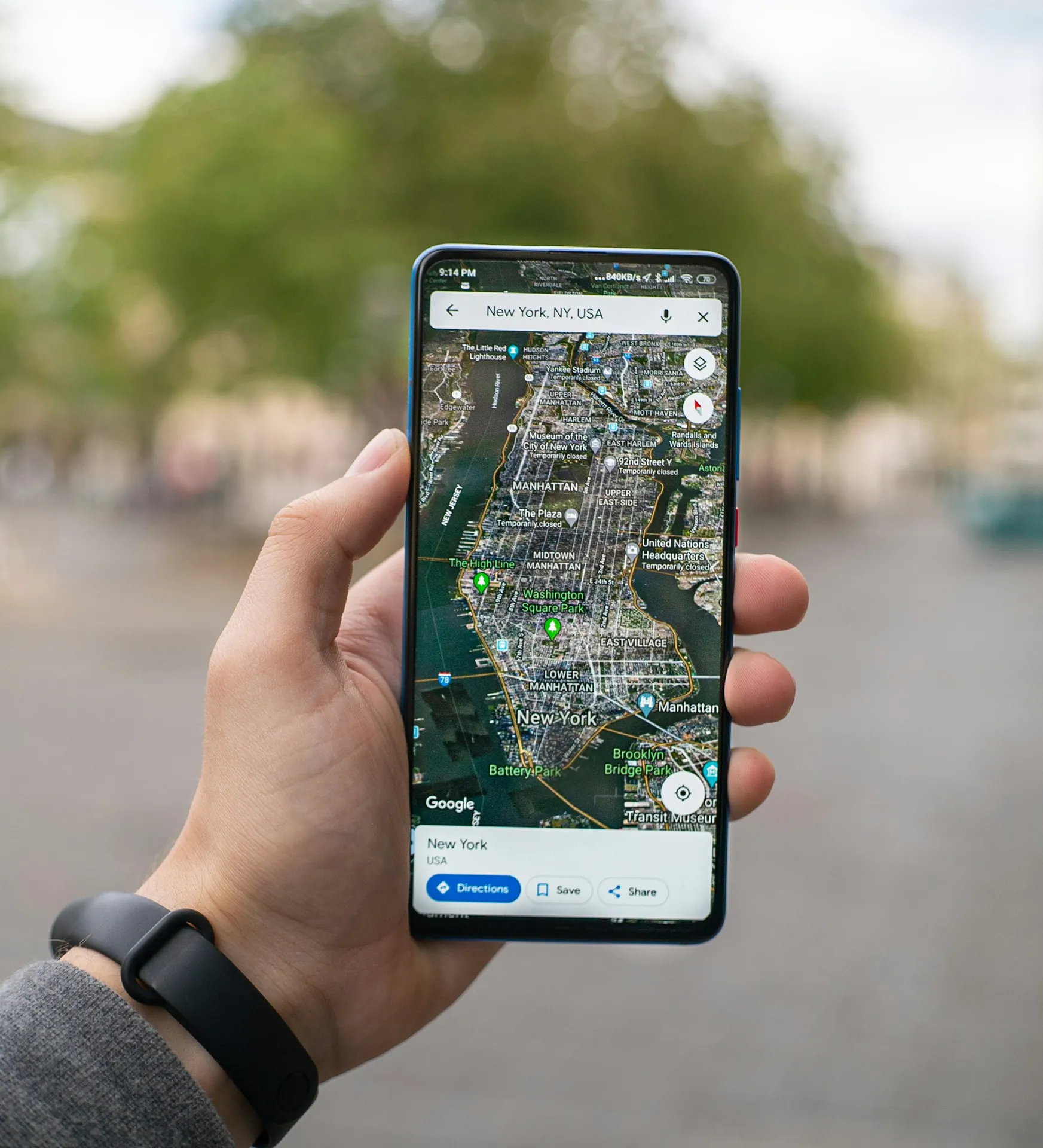
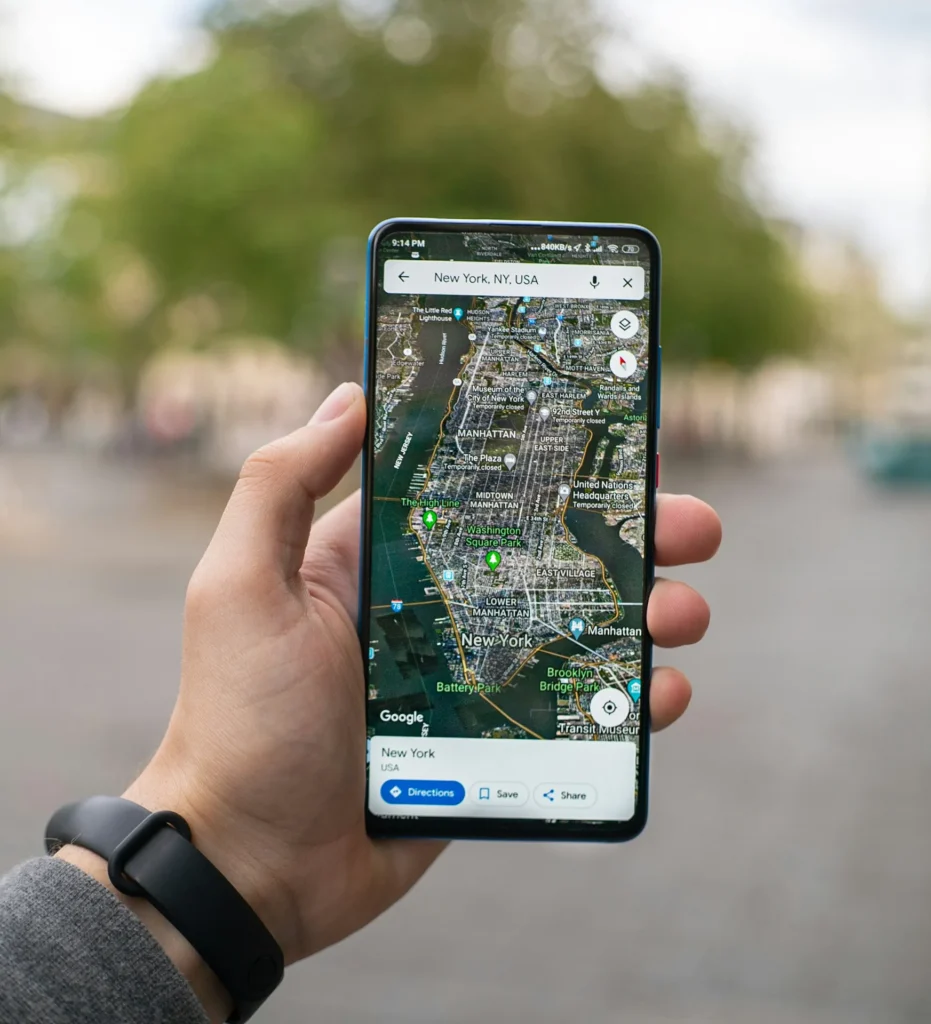
Set location targeting to a radius of a few miles around your salon, or to the zip codes your clients come from. In the location options, choose Presence: people in or regularly in your targeted locations. Google's guide to geographic targeting explains the difference between this setting and "presence or interest", which can show your ad to people elsewhere who are only interested in your area.
Step 3: Pick keywords people use when ready to book
Focus on searches with clear booking intent:
- Near me and city searches: "nail salon near me", "nail salon [your city]".
- Service searches: "gel manicure [city]", "acrylic nails near me", "pedicure near me", "dip powder nails [neighborhood]".
- Timing searches: "nail salon open now", "nail salon open Sunday".
Use phrase match or exact match for most keywords at first, so you can see and control which searches trigger your ads. Broad match can work later, once tracking and negative keywords are in place.
Step 4: Add negative keywords from day one
Negative keywords stop your ad from showing on searches that will never book. Common negatives for nail salons:
- Jobs: jobs, hiring, career, salary, booth rent.
- Training: school, course, license, class, certification.
- Do-it-yourself: DIY, at home, kit, how to, tutorial.
- Buying: supply, wholesale, Amazon, polish brand names you do not want.
- Business: salon for sale, equipment, furniture.
Check the search terms report every week and add new negatives. This single habit saves more money than any other setting.
Step 5: Write responsive search ads that fit your salon
Responsive search ads let you write several headlines and descriptions, and Google tests combinations. According to Google's guide to responsive search ads, an ad can have up to 15 headlines of 30 characters and up to 4 descriptions of 90 characters. Write headlines that cover:
- Service and place: "Gel Manicure in Plano TX".
- What makes you different: "Hand-Painted Nail Art".
- Proof: "Hundreds of 5-Star Reviews" only if true.
- Convenience: "Book Online in 1 Minute", "Open Sundays".
- Offer: "New Clients: Free Accent Nail".
Descriptions add details: services, parking, booking and the offer's end date. Keep every claim accurate.
Step 6: Add call, location and sitelink assets
Assets make your ad bigger and more useful:
- Call asset: a phone number that mobile users can tap.
- Location asset: links your Google Business Profile so the ad shows your address and distance.
- Sitelinks: extra links such as Prices, Book Online, Gift Cards and Directions.
- Callouts: short phrases like "Free Parking", "Walk-ins Welcome", "Sterilized Tools".
Add as many relevant assets as you can; they cost nothing extra and often improve results.
Step 7: Send clicks to a page that books
Where the ad leads matters as much as the ad. Send service searches to the matching service section with prices and photos, and near-me searches to a page that shows your best work and a booking button. The page should load fast on a phone. Our guide to a nail salon booking website explains what makes booking easy.
Step 8: Set up conversion tracking before spending much
Without tracking, you only know clicks. Set up conversions for:
- Bookings on your website, through Google Ads tags or Google Analytics.
- Calls from the ad, using call reporting with a minimum call length.
- Direction requests and calls from your linked location, where available.
Once conversions are tracked, Google can optimize for bookings instead of clicks, and you can see your real cost per booking.
Step 9: Start with a budget you can measure
Set a small daily budget and run the campaign for at least two to four weeks before judging it. Costs per click vary a lot by city and competition, so your own data matters more than any average. A simple bidding approach is to start with "Maximize clicks" with a sensible limit, then switch to "Maximize conversions" once tracking records enough bookings.
Step 10: Schedule ads around your hours
If clients mostly call, run ads during business hours when someone can answer. If you have online booking, ads can run in the evening too, because people book after work. Check the time-of-day report after a few weeks and lower spending at hours that never convert.
Step 11: Watch the search terms report every week
The search terms report shows the real searches that triggered your ads. Every week:
- Add irrelevant searches as negative keywords.
- Add good searches as new keywords.
- Notice new services people are looking for.
Ten minutes a week keeps a small campaign healthy.
Step 12: Measure cost per booking, not cost per click
| Measure | What it tells you |
|---|---|
| Impressions in your area | Whether your ads show for local searches |
| Click-through rate | Whether your ads are relevant and appealing |
| Cost per click | The price of each visit |
| Conversions | Bookings and calls tracked |
| Cost per booking | What each new appointment costs you |
| Repeat visits from ad clients | Whether ad clients become regulars |
A higher cost per click can be fine if those clicks book. Compare cost per booking with what a client is worth over a year.
Step 13: Keep ads, profile and website consistent
When a client clicks your ad, then checks your Google profile, then lands on your website, everything should match: the same name, prices, photos and offer. Inconsistent details lose clients at the last step.
Step 14: Improve one thing at a time
Change one element, a headline, a landing page or a budget, then wait long enough to see the effect. Changing everything at once makes it impossible to learn.
A sample campaign structure
Group keywords by what people want, so each ad and landing page matches the search. An example structure for one salon:
| Ad group | Example keywords | Lands on |
|---|---|---|
| Near me | nail salon near me, nail salon [city] | Home page with booking button |
| Gel and manicure | gel manicure [city], gel nails near me | Manicure section with prices |
| Pedicure | pedicure near me, spa pedicure [city] | Pedicure section with photos |
| Extensions | acrylic nails near me, gel x [city] | Extensions section |
| Open now | nail salon open now, nail salon open sunday | Booking page |
Five focused ad groups are easier to manage than one big list, and they let you see which services bring the best bookings.
Ad copy examples
Gel manicure ad group – Headlines: "Gel Manicure in Plano TX" · "Lasts 2–3 Weeks, Chip-Free" · "Book Online in a Minute" · "Free Parking, Open Sundays" – Description: "Long-lasting gel in 100+ colors by experienced technicians. Sterilized tools, calm salon. Book your time online today."
Pedicure ad group – Headlines: "Spa Pedicure Near You" · "Sugar Scrub + Hot Towels" · "Weekday Openings This Week" – Description: "Relax in our pedicure chairs with a sugar scrub, hot towels and a fresh color. Walk-ins welcome; online booking 24/7."
Replace the details with your own, and only claim what is true, such as opening days and the number of colors you carry.
Should you bid on your own salon name?
When someone searches your salon's name, your Google Business Profile usually appears anyway. Bidding on your own name can still make sense if competitors advertise on it or if your profile does not appear clearly. Brand clicks are usually cheap, so a small brand campaign can protect searches that are already looking for you. Watch the numbers: if your profile already captures those searches, the money is better spent elsewhere.
A seasonal Google Ads calendar
Raise budgets a little before the busy seasons and lower them in quiet weeks:
- Early February: Valentine's sets and couples' pedicures.
- Late April to mid May: prom, graduation and Mother's Day.
- Late May to August: pedicure season and bridal parties.
- Late November and December: holiday parties and gift certificates.
Add seasonal headlines and sitelinks, such as "Gift Certificates" in December, and remove them when the season ends.

Your monthly Google Ads review
Once a month, spend half an hour on this list:
- Check cost per booking against last month.
- Review search terms and add negatives.
- Pause keywords that spent money without bookings.
- Test one new headline in your best ad group.
- Check the landing page on a phone: speed, prices, booking button.
- Compare results by time of day and device.
- Note what changed in the salon, such as new services or prices, and update the ads.
Negative keywords: a starter list
Copy this list and adjust it for your salon:
| Group | Negative keywords |
|---|---|
| Jobs | jobs, hiring, career, salary, apply, booth rent |
| Training | school, class, course, license, certification, academy |
| DIY | diy, at home, kit, tutorial, how to, youtube |
| Products | supply, wholesale, buy polish, press on |
| Business | for sale, equipment, furniture, franchise |
Add your own as the search terms report shows new irrelevant searches.
Google Ads for a brand-new salon
A new salon has no reviews and rarely appears in the map results during its first weeks. That is when Google Ads help most: they put the salon in front of nearby searchers while the profile builds reviews and history. Keep the first campaign small and focused on the services you most want to fill, add a clear new-client offer, and ask every first client for an honest review. As reviews and map visibility grow, you can lower the ad budget and let the free results carry more of the load.
Common Google Ads mistakes nail salons make
- Broad match without negatives, which pays for searches like "nail tech jobs".
- A radius too large, reaching people who will never drive to you.
- No conversion tracking, so you only know clicks.
- Sending traffic to the home page instead of a page with prices and booking.
- Ads running when nobody answers and there is no online booking.
- Judging after a week, before there is enough data.
Google Ads vs Google Maps vs social ads
- Google Maps (free): steady clients who search nearby; needs a strong profile and reviews.
- Google Ads: extra visibility at the top of search, paid per click, best for competitive areas or new salons.
- Facebook and Instagram ads: reach people who are not searching yet, good for offers and new services.
Our guide to Facebook ads for nail salons covers the social side. Most salons get the best return by strengthening Maps first, then adding ads with tracking.
How Dreamer helps
Dreamer's Social Marketing plans focus on the free map results first: profile, photos, posts and reviews, which also make any ad more effective. We build booking websites with clear prices and fast pages, so the clicks you pay for can turn into bookings. For more ways to grow, see our nail salon marketing ideas.
Frequently asked questions
Are Google Ads worth it for nail salons?
They can be, in competitive areas or for new salons, once your profile and landing page are strong and tracking is in place. Measure cost per booking to decide.
How much should a nail salon spend on Google Ads?
Start small, run for a few weeks and let your own data guide you. Costs vary widely by city and competition.
What keywords should a nail salon use?
Local, service and timing searches with clear booking intent, such as "nail salon near me", "gel manicure [city]" and "nail salon open now", with a strong negative keyword list.
Do Google Ads help my Google Maps ranking?
Ads do not directly change your organic map ranking. They add paid visibility on top. A strong profile and reviews improve both your ranking and your ad results.
Should my ads run when the salon is closed?
If you have online booking, evening ads can bring bookings. If clients must call, run ads only when someone can answer.
What is a good cost per booking?
It depends on your prices and how often clients return. Compare the cost per booking with a client's value over a year, not just the first visit.
Google Ads for nail salons work when they are local, specific and measured: a tight area, booking-intent keywords, a strong negative list, honest ads, useful assets, a landing page that books and conversion tracking from day one. Start small, check the search terms every week, and grow only what brings appointments.